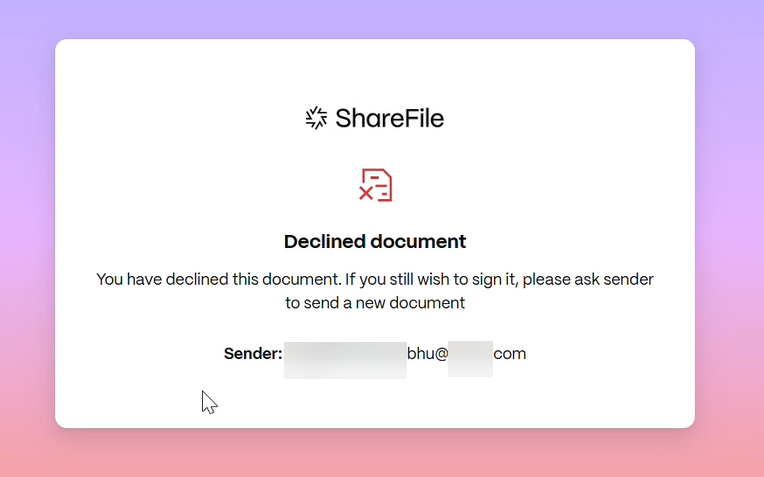
Decline to sign
ShareFile Signature provides signers the ability to decline to sign a document.
The following instructions explain the process of a signer declining to sign a document.
-
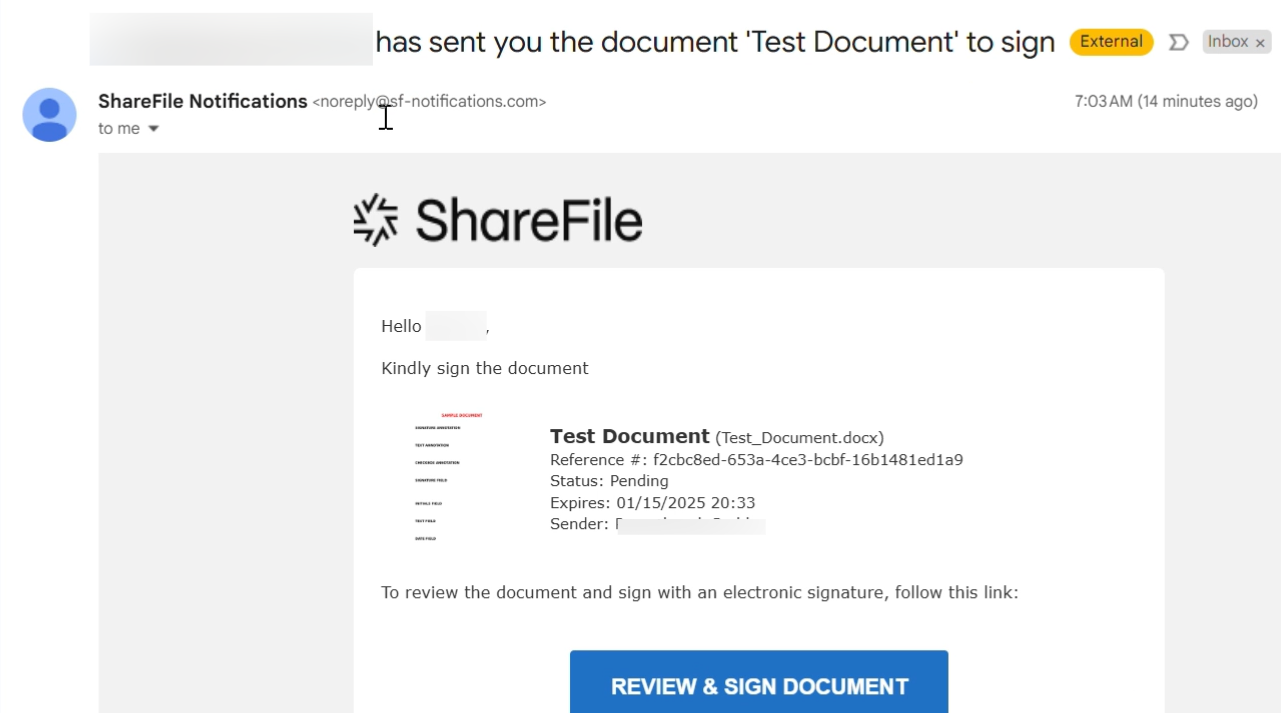
You, the signer, receive a signature request email and you are asked to Review & Sign Document.
-
Open the document using the link in the email.
-
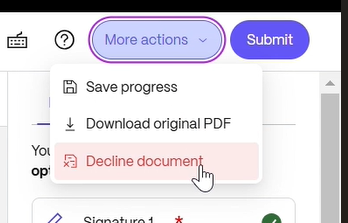
After reviewing the document, if you decide not to sign, select More Actions button on the top right of the screen. The Decline Document option displays.
-
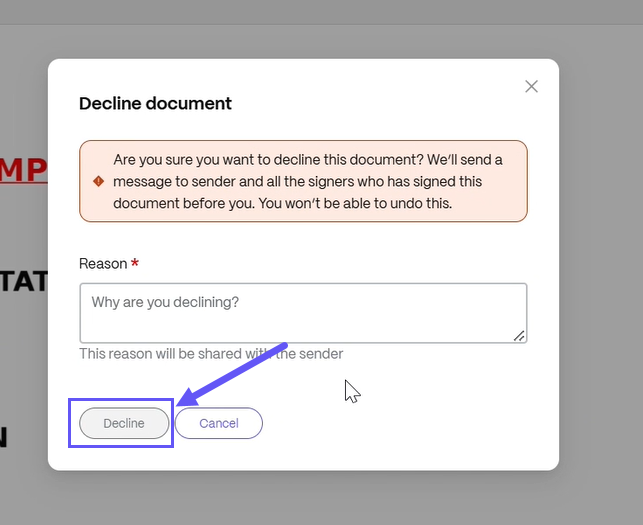
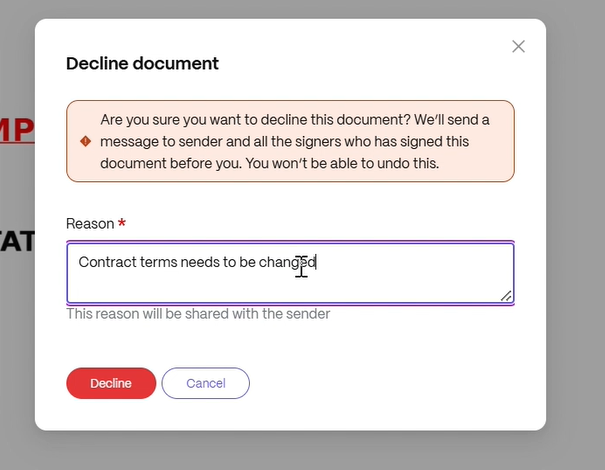
Select Decline Document. The Decline Document Confirmation displays requesting that you provide a reason for declining to sign.
-
You are prompted to provide a reason for declining to sign the document as shown below.
NOTE:
If the document is declined, there is no way to cancel and an automatic notification email will be sent to all relevant participants.