Edit a template
You can permanently update a template that you created or that you have permission to manage.
-
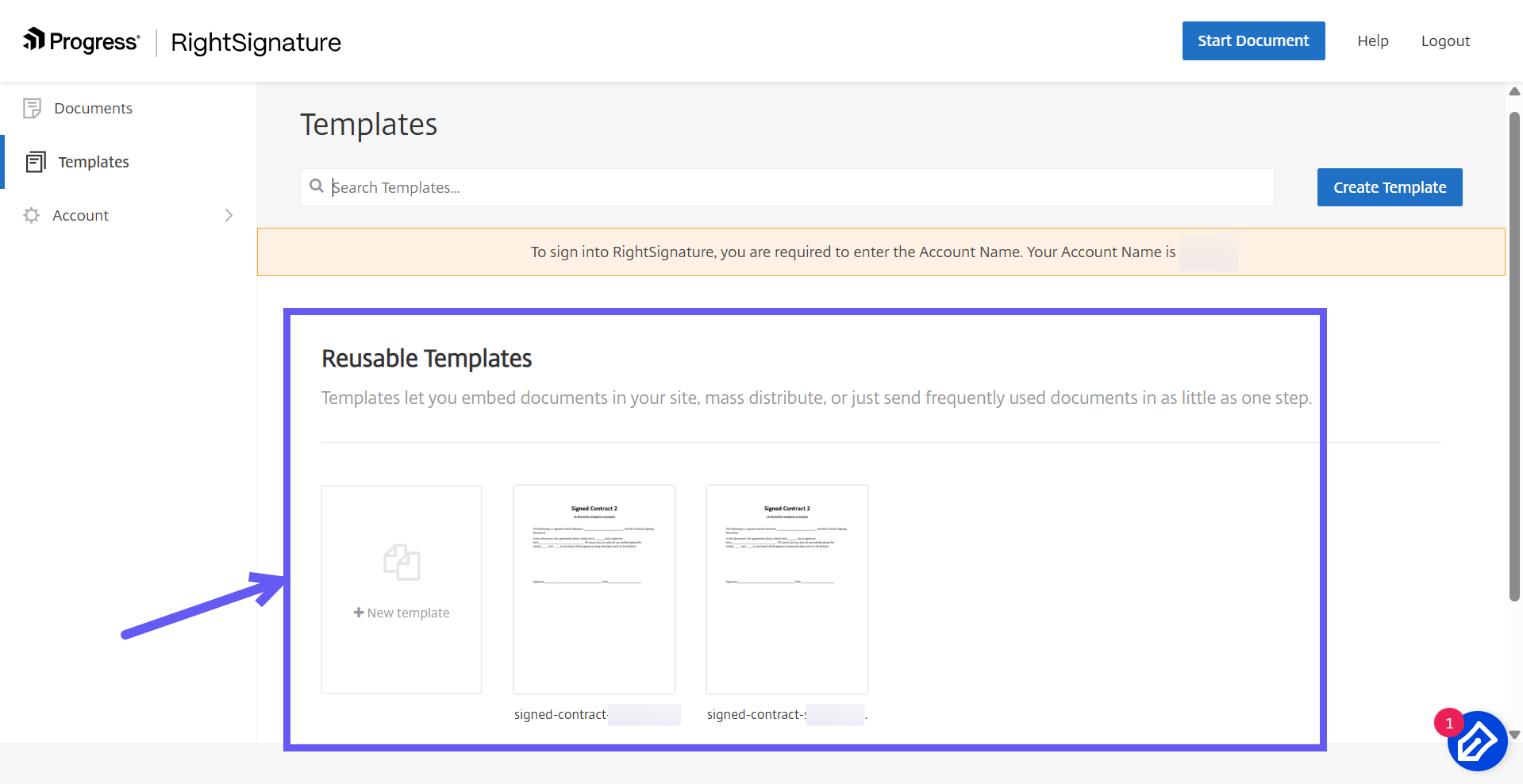
From the RightSignature dashboard, select Templates.
-
Under Reusable Templates, select the template that you want to edit.
-
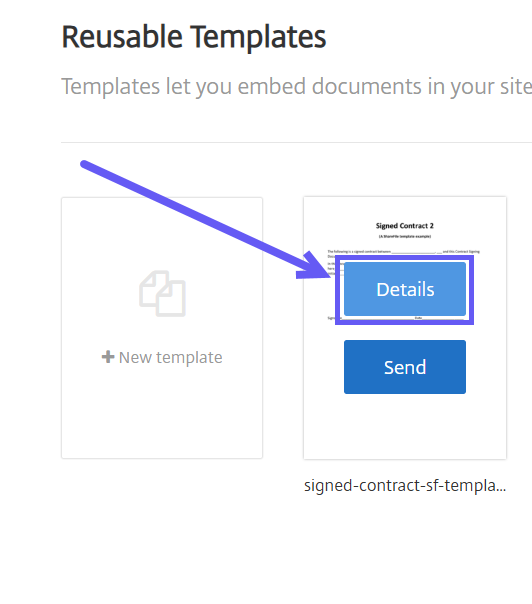
Select Details, then select Edit.
-
To replace the source file, select the red X next to the current file, then select the replacement file.
-
Select Prepare Document.
-
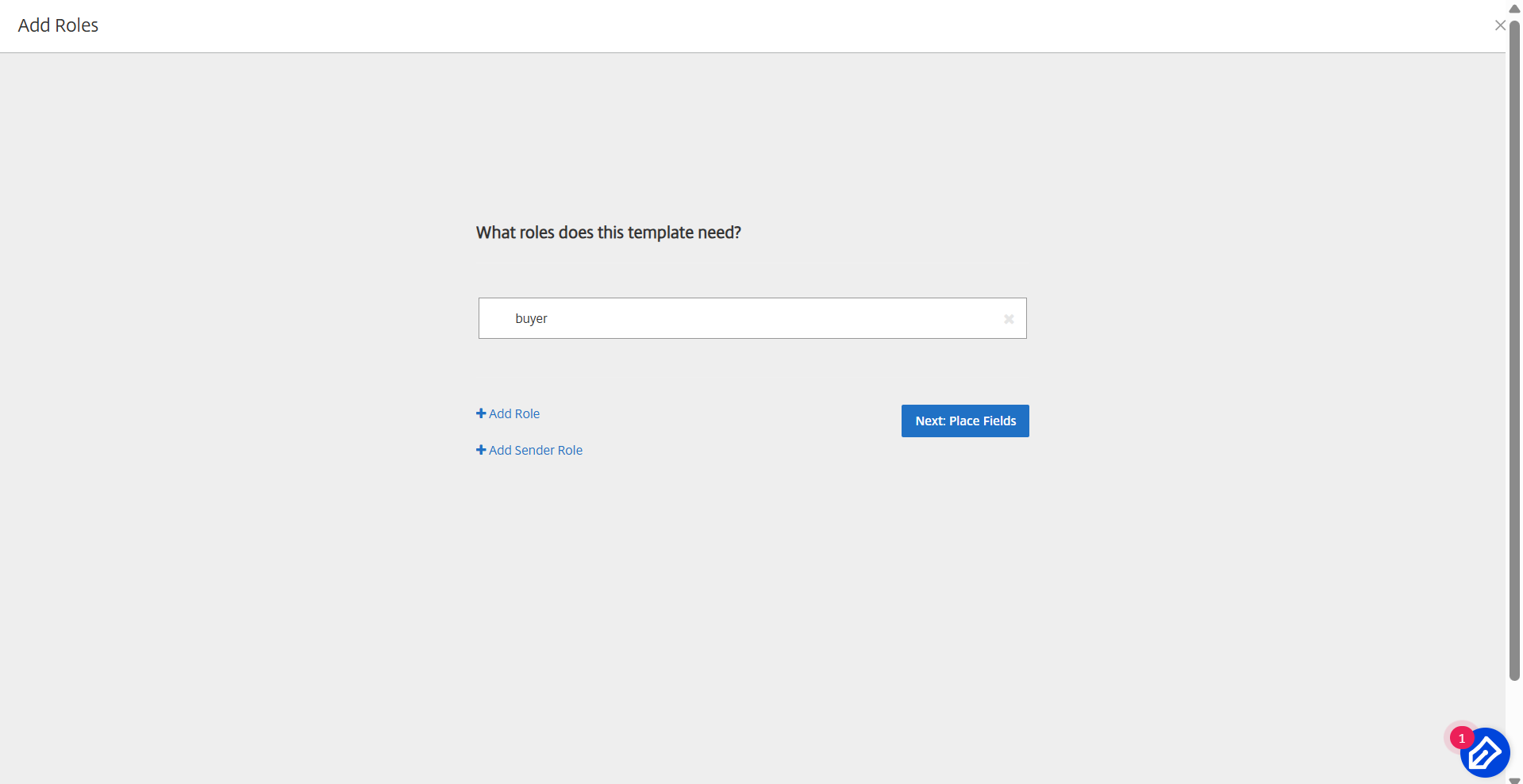
Edit the template roles. You can rename roles, change their order, or add and remove roles. When you finish, select Next: Place Fields.
-
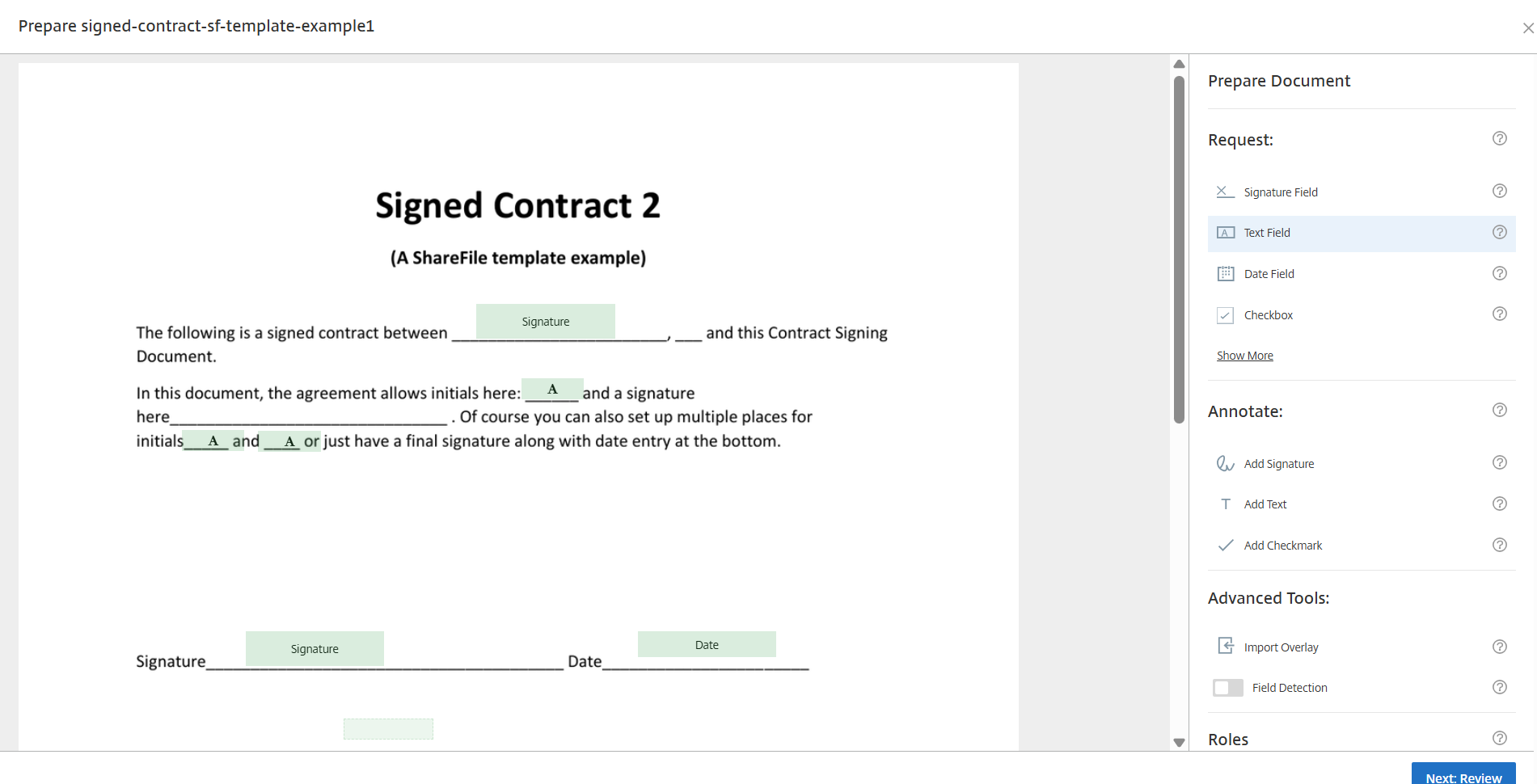
Add, change, or remove fields using the document overlay options. When you finish, select Next: Review.
-
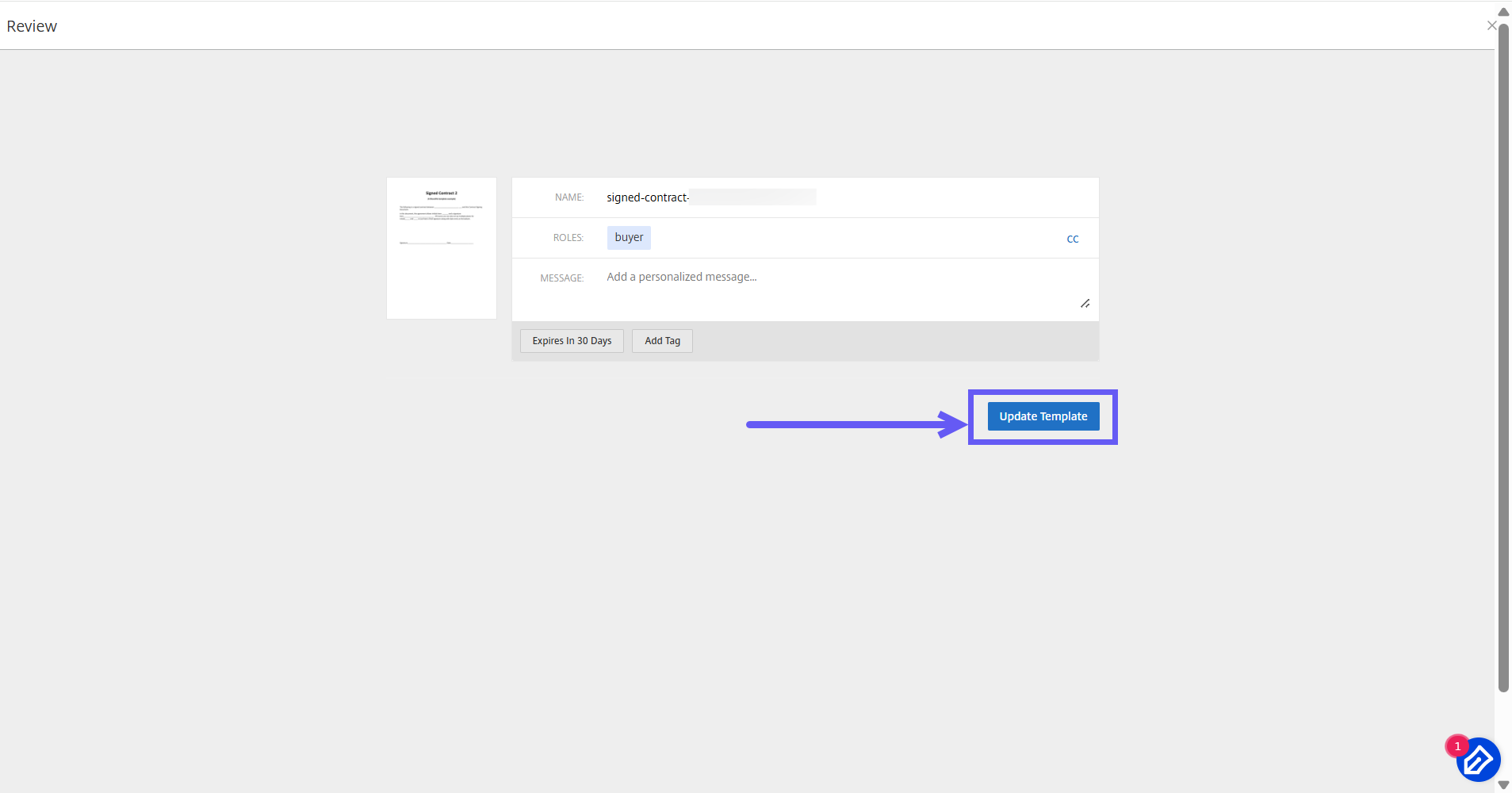
Update the template name, message, tags, expiration, and carbon copies.
-
Select Update Template to save your changes permanently.