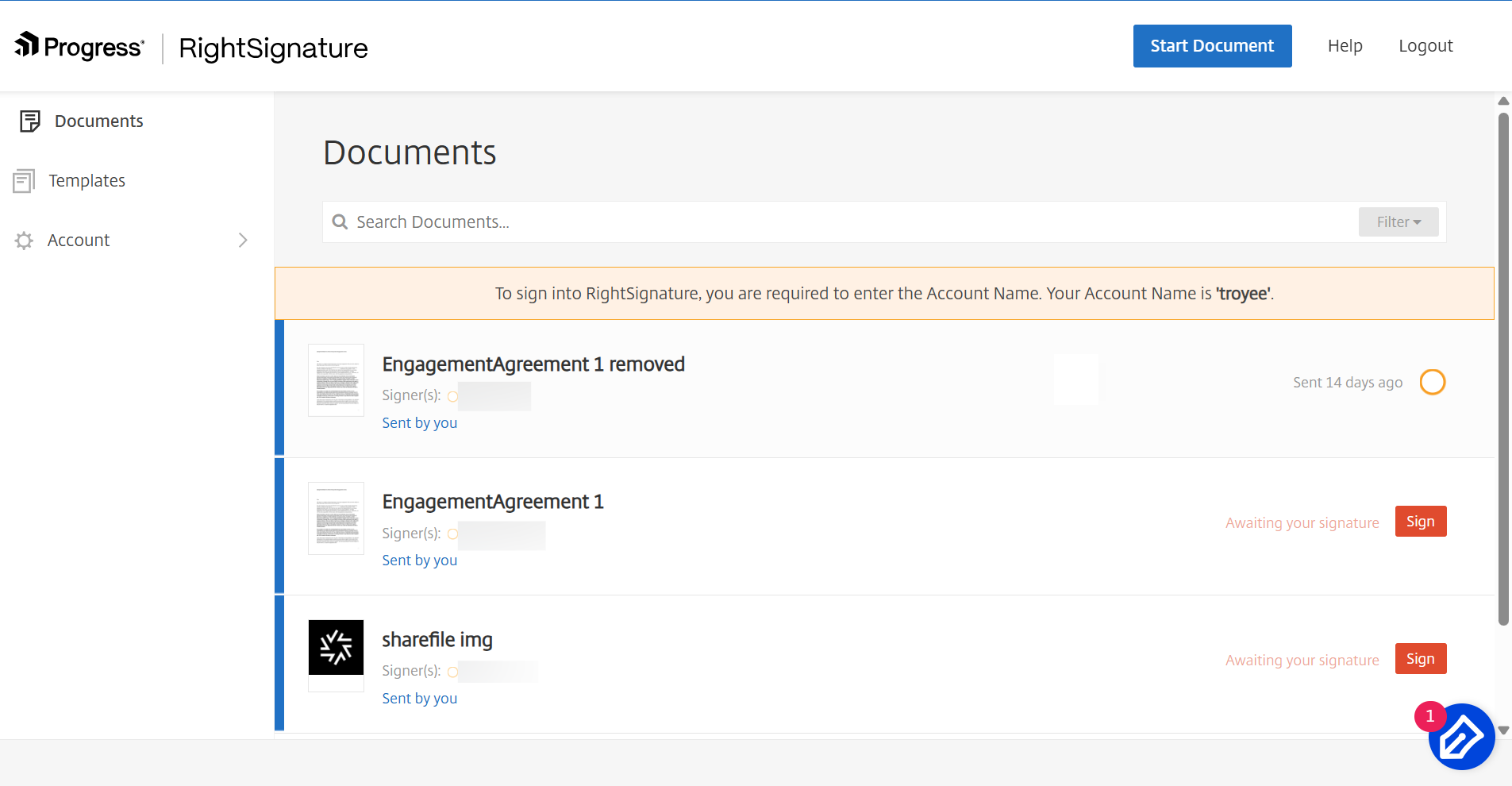
Sign into RightSignature
Updated on Oct 23, 2026
Use the following instructions to sign into your RightSignature account.
Note:
Your subdomain can be found by navigating to Account > Settings and note the Account Name under the Account Information.
-
From your browser, type https://secure.rightsignature.com/ to log directly into RightSignature. ShareFile recommends you bookmark this page for future sign-in.
-
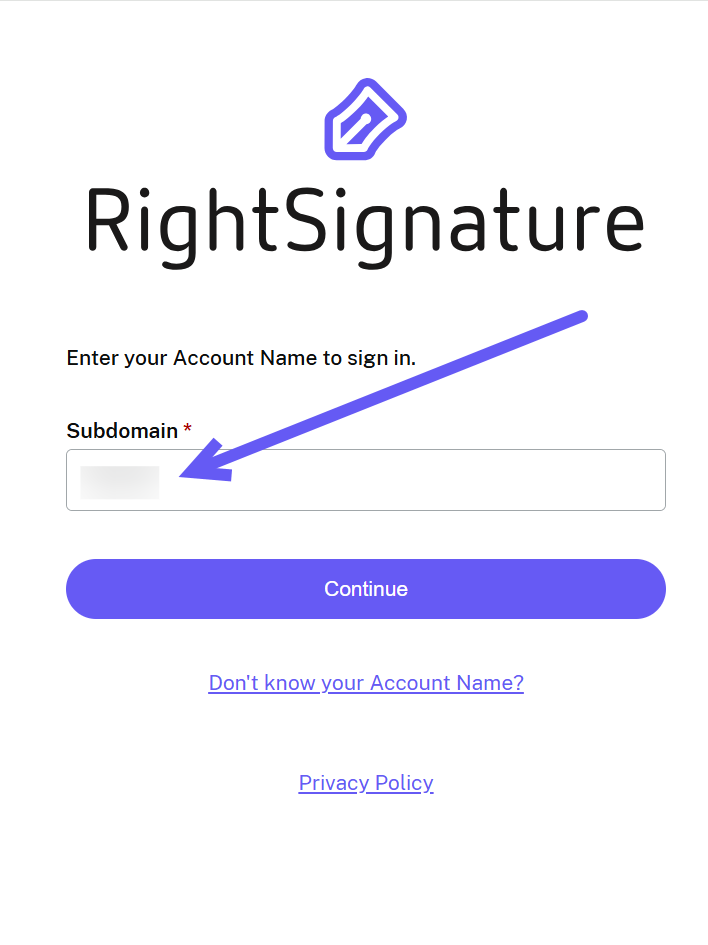
Type in your company subdomain.
-
Select Continue.
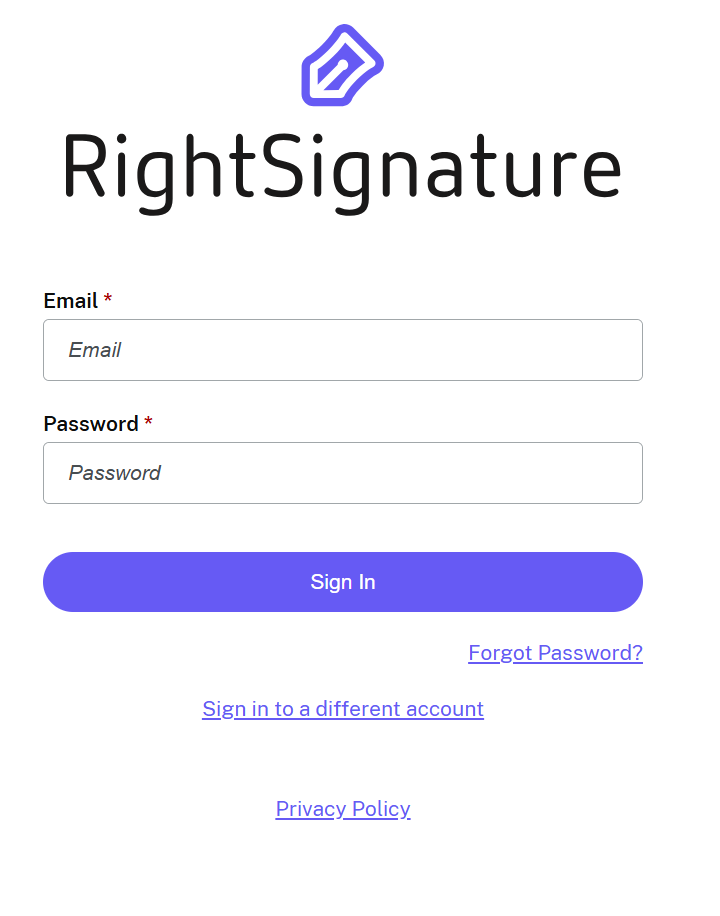
The sign-in screen displays.
-
Type in your credential information then select Sign In.
The RightSignature dashboard displays.