Templates
Utilizing templates allow employee users to skip the document creation process with reusable documents ready to send for signature. Users with electronic signature sending capabilities can create template documents when logged into the RightSignature App.
Manage template settings
For employee users, select User Access. Under E-signature settings, select Manage e-signature templates. Users with the base level permission can create, edit, and delete their own templates and send template documents created by others. With Manage e-signature templates permissions, users can edit, delete, and send template documents created by others.
Create a template
Users can choose a new document to upload or select an existing document from storage. The template editor allows the user to prepare a document by adding signer and sender roles, document overlays, and merge field options.
A templates creator or employee users with the permissions to manage e-signature templates can edit or delete templates on the RightSignature app.
Permanently edit a template
Follow these steps to permanently update an existing reusable template:
-
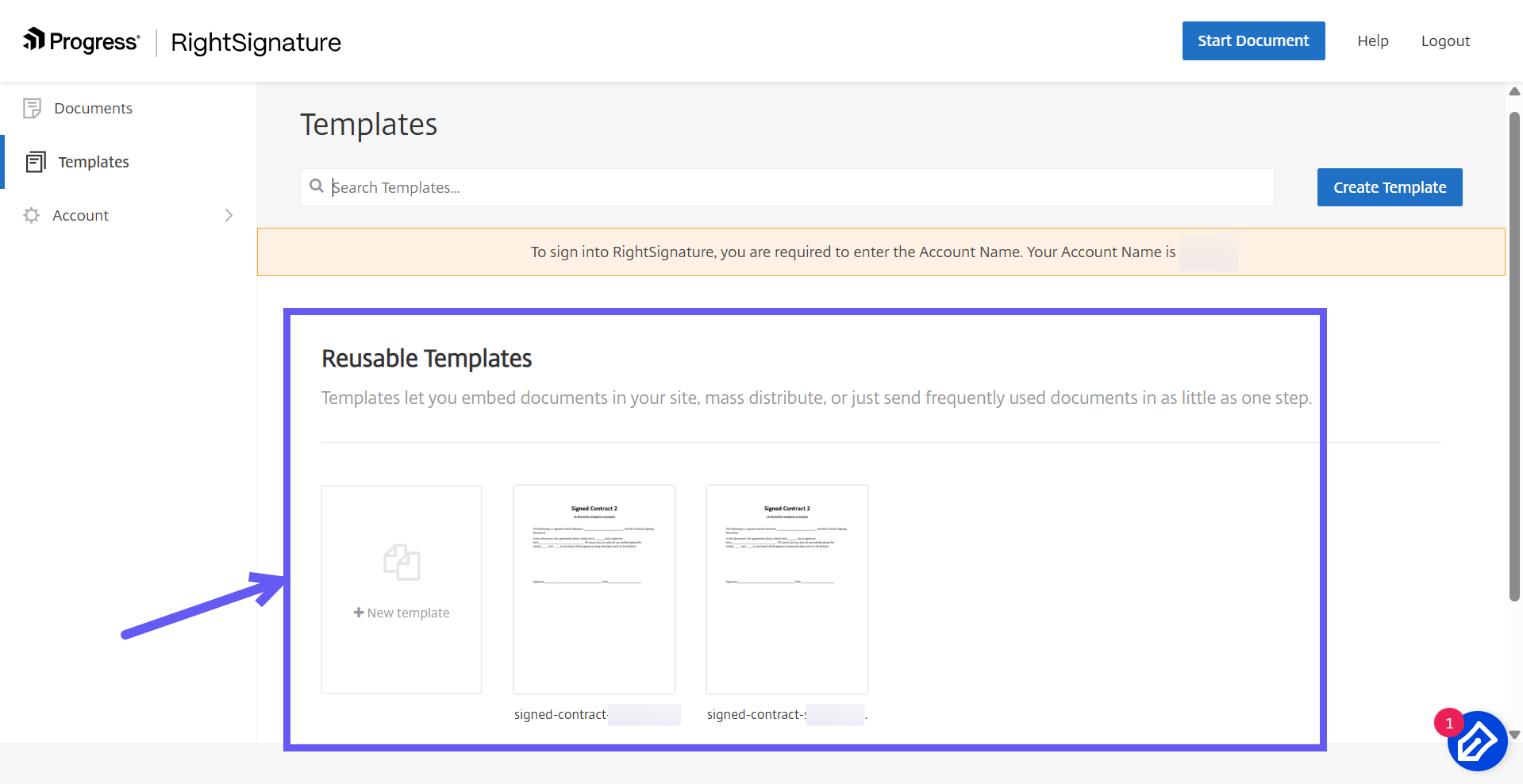
From the RightSignature dashboard, select Templates in the left menu bar. Under Reusable Templates, select the template that you want to edit.
-
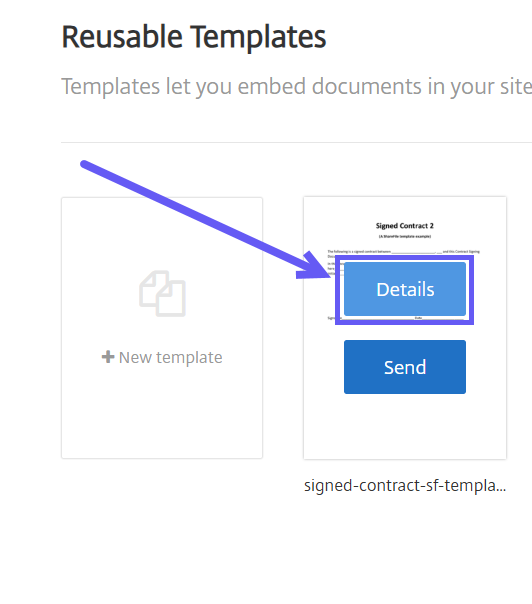
Select Details, and then select Edit on the Details screen.
-
To replace the source file used to create the template, select the red x, and then select the new source file.
-
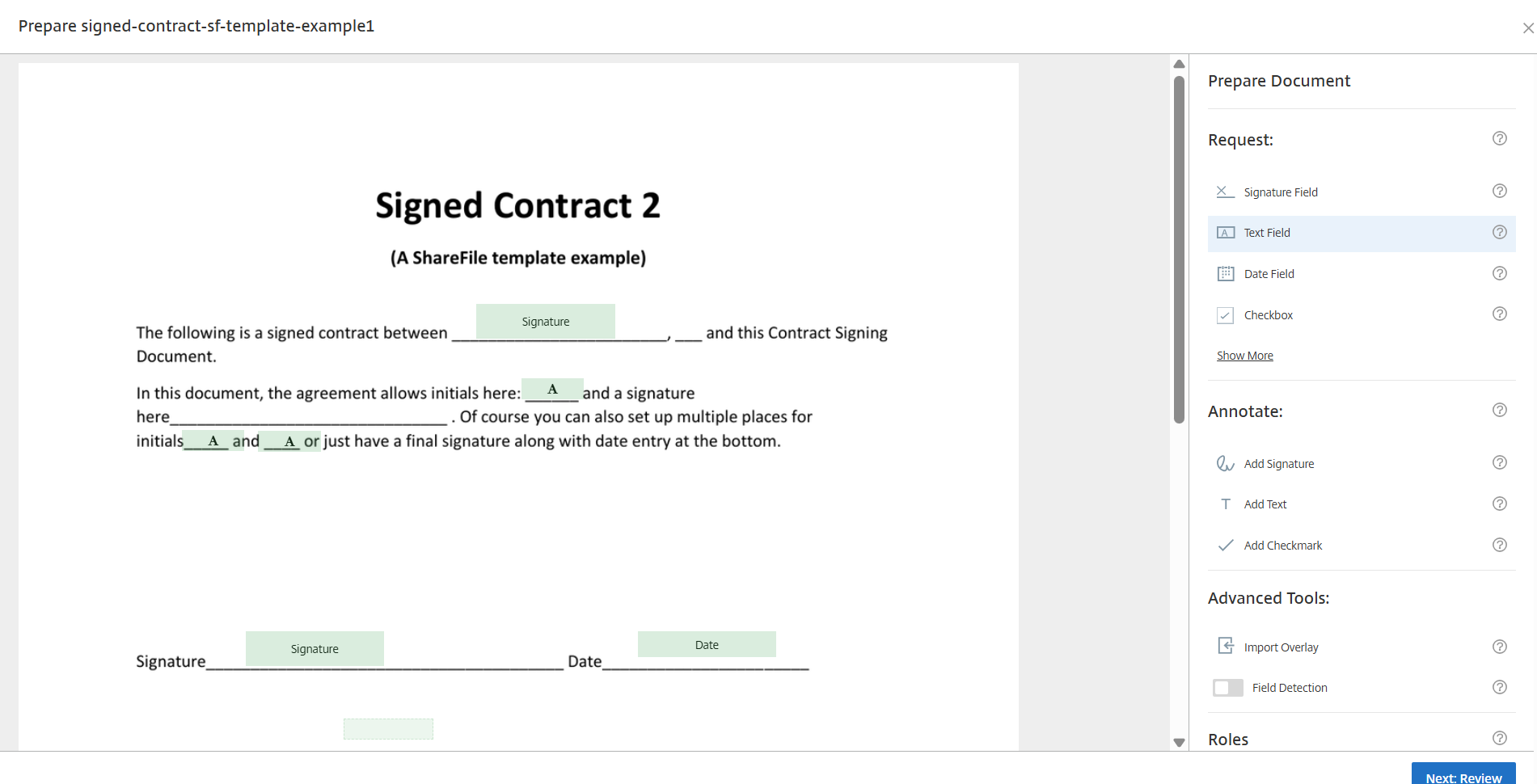
Select Prepare Document to edit the template's roles and fields.
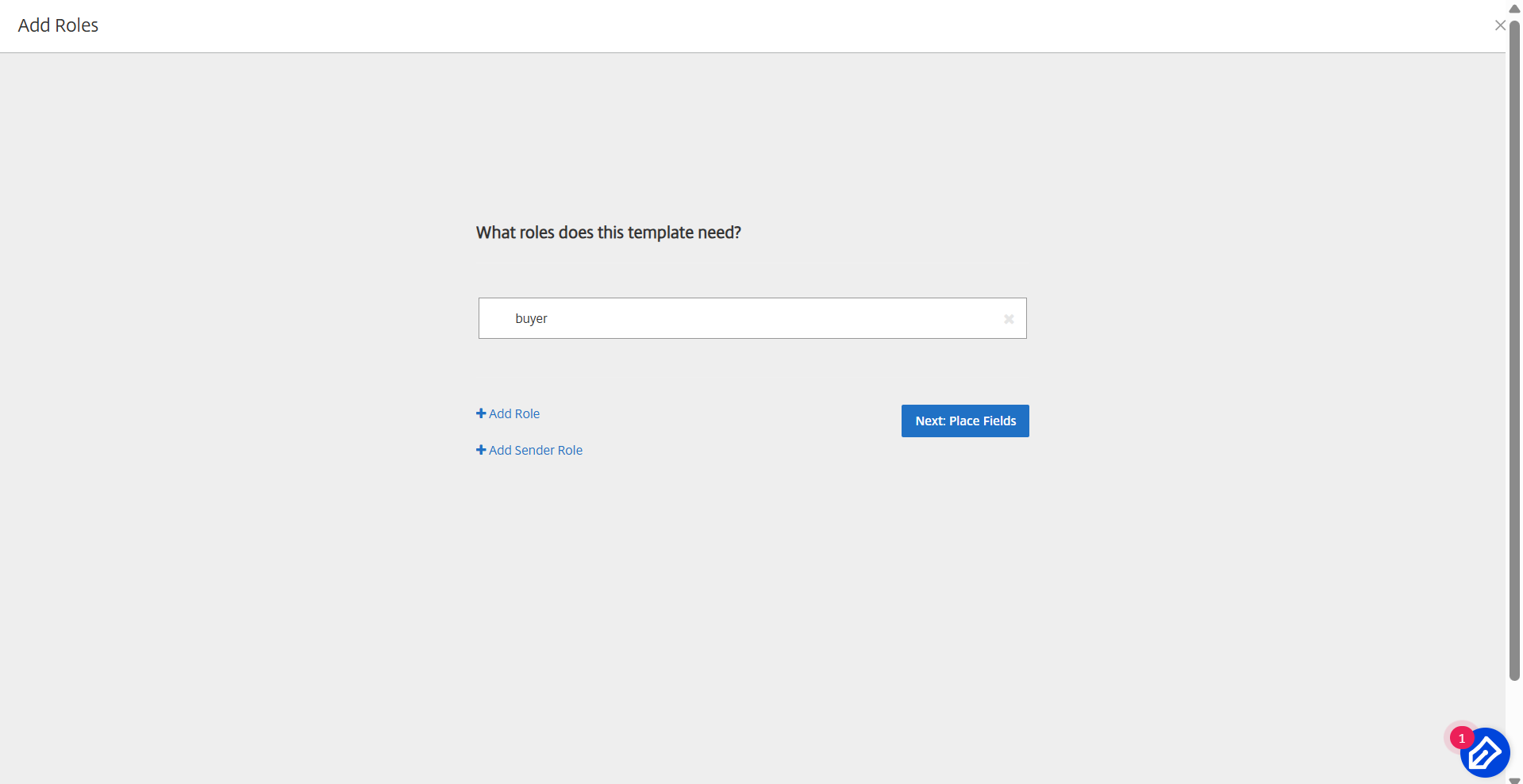
Edit the roles on the template by changing role names, editing the order, or adding or deleting roles. When you are finished, select Next: Place Fields.
-
Use the document overlay options to add, change, or remove fields. When you are finished, select Next: Review.
-
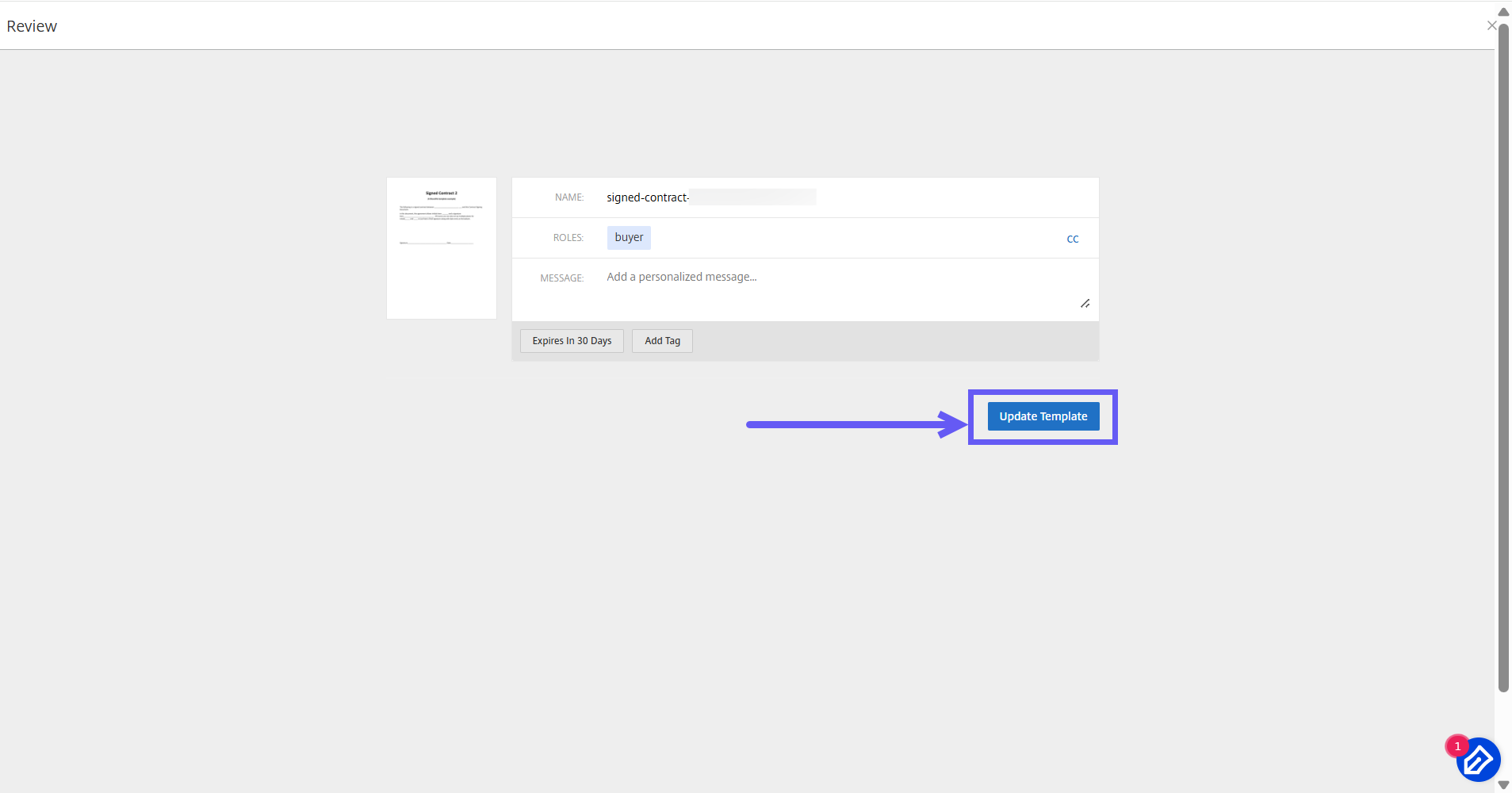
Edit the template's name, message, tags, expiration, and carbon copies.
-
Select Update Template to save your changes permanently.