View User Licenses
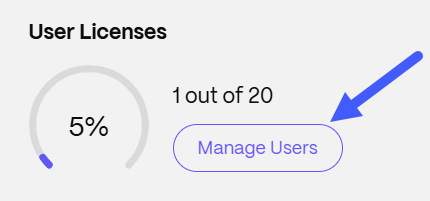
The User Licenses indicator displays how many licenses are currently in use and the total number of licenses assigned to your account.
To view user licenses:
-
Navigate to Account settings > Admin Overview.
-
The User Licenses indicator displays showing the amount of licenses being used.
-
Click the Manage Users icon to go to the Manage users home page.
NOTES:
A license message indicator is also available in the 'Browse Employees' section.