Install a connection
Use the following instructions to install a connection.
-
In your ShareFile web-app, navigate to Account settings > Connection Manager.
-
Select from the list of available Connections.
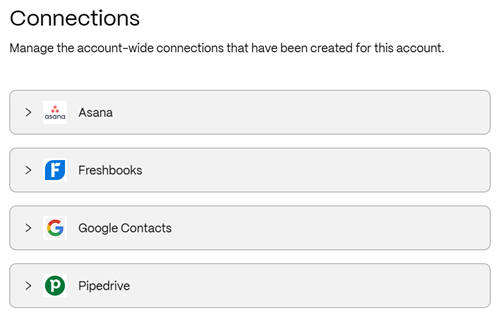
The item selected opens to allow you to create a connection.
-
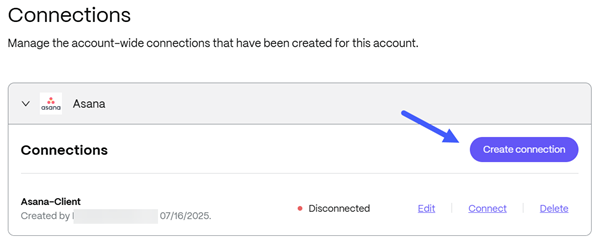
Select Create connection.
-
Type in a name for the connection and click Continue.
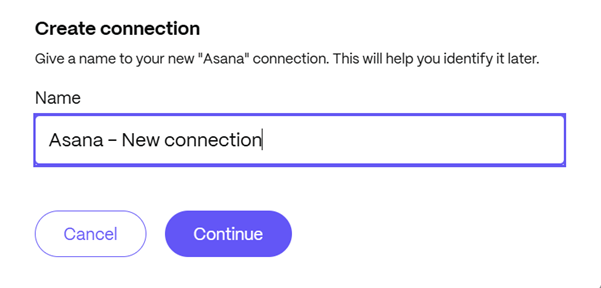
The third party application opens in a new tab.

-
Sign into the application.
-
Follow the prompts to connect the application to ShareFile.