Uninstall a connection
Use the following instructions to uninstall a connection.
-
In your ShareFile web-app, navigate to Account settings > Connection Manager.
-
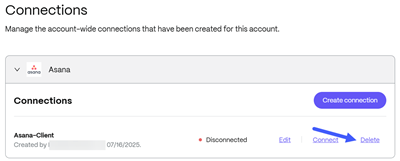
Select from the list of available Connections.
The item selected opens to allow you to manage the connection.
-
Select Delete.
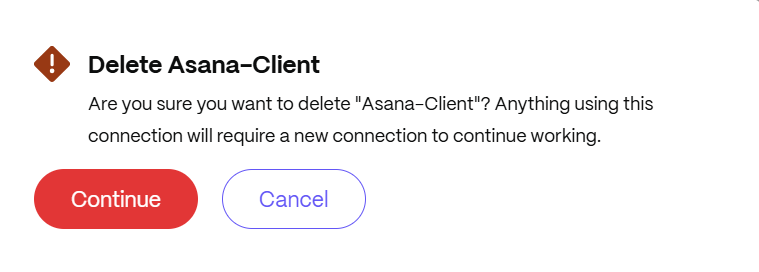
The confirmation message displays.
-
Select Continue.
The connected application is uninstalled and requires a new connection to be used again.