Account lock-out configuration
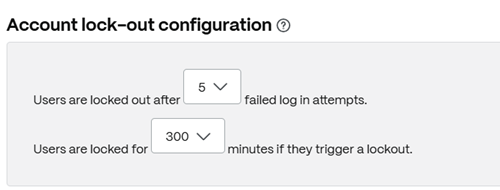
This allows you to select the number of times a user can enter an invalid password before being locked out of the account for a specific time period of your choosing.
To configure account lock-put settings:
-
From the ShareFile dashboard, navigate to Account settings > Security > Security policy > Account lock-out configuration.
-
Specify the number of failed log attempts before users are locked out (maximum is 5).
-
Specify for how much time (minutes) users will be locked if they trigger a lockout.
-
Click Save.