Security Alert Settings
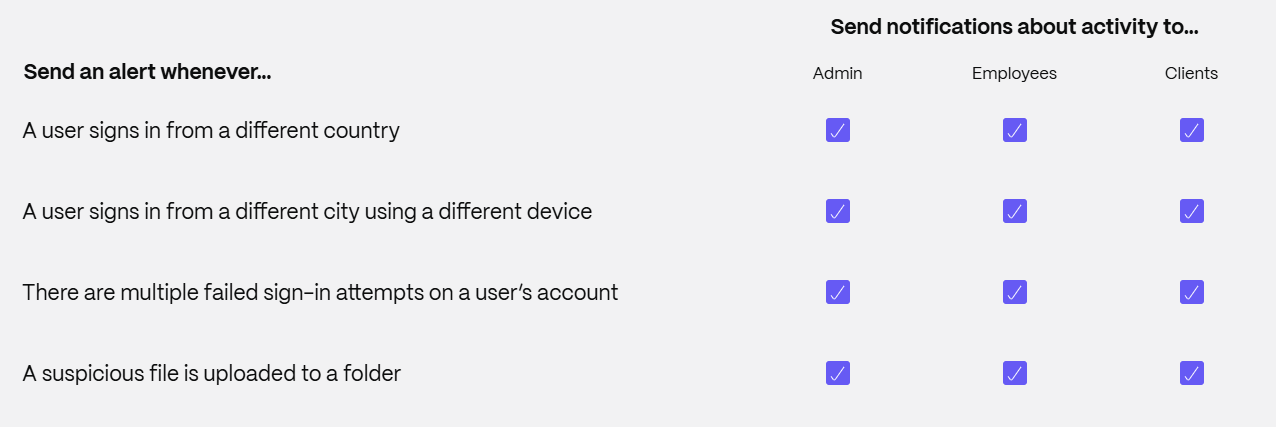
We send security alerts whenever we detect potentially malicious activity.
Note: Security alert settings are available with ShareFile Premium plans and higher. This feature is not available with ShareFile Advanced plans.
To configure security alerts:
-
From the ShareFile dashboard, navigate to Account settings > Security > Security alert settings.
NOTE:
The ‘Security Alert Settings’ option is visible only to the Master Admin.
-
Choose which activities you’d like us to notify your users about and who should receive the notification activity.
-
Click Save.
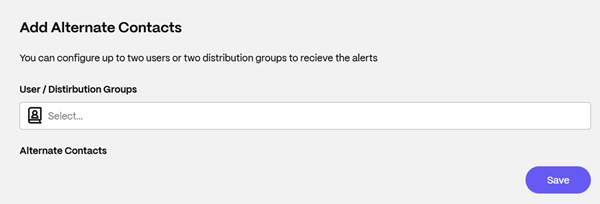
Add alternate contacts
You can configure up to two users or two distribution groups to recieve the alerts. Type to find users and click Save to add them as alternate contacts.