I received an email link from ShareFile
This article outlines the steps to follow when you receive an email from a service provider or a ShareFile account user.
-
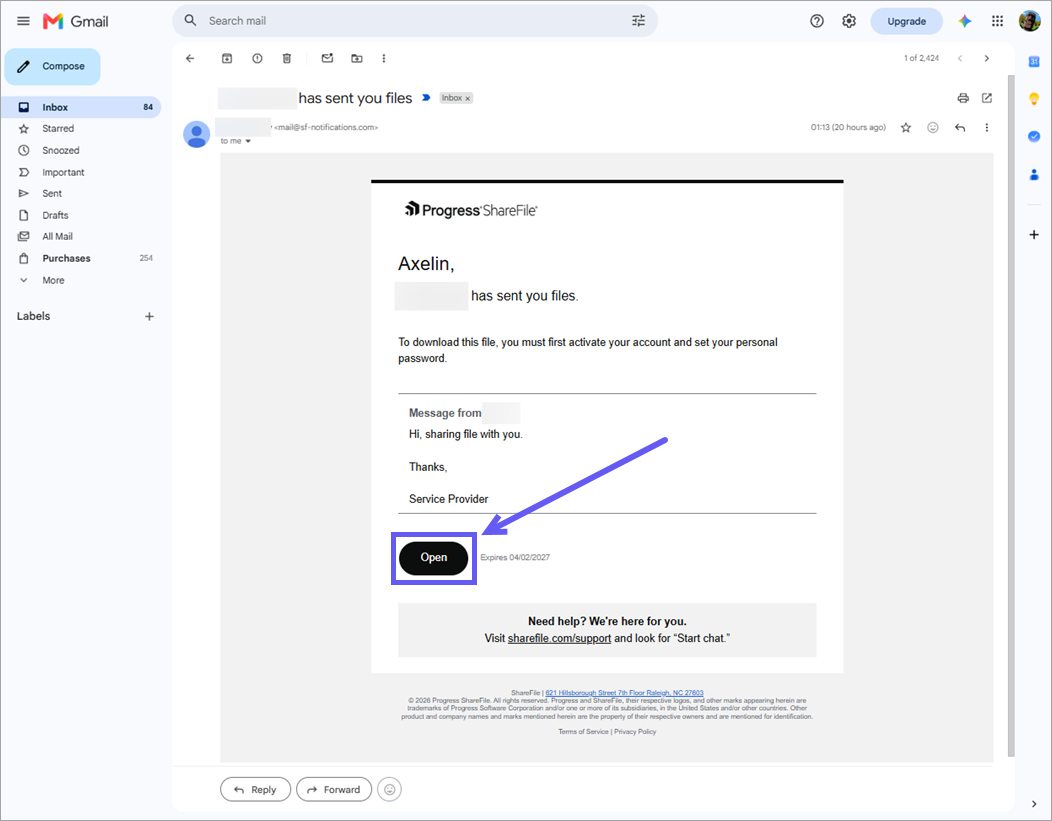
Locate the email from ShareFile.
-
Select Open, View, Download, or Edit, depending on the action available in the email.
Note:
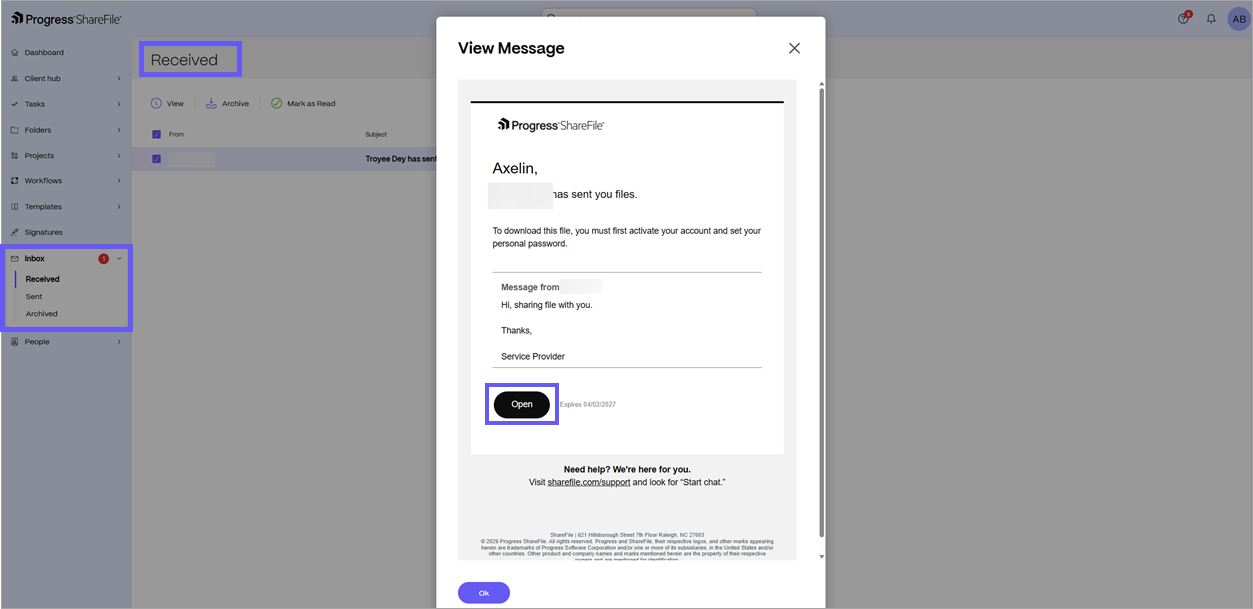
After you activate your account, you can also open the document from Inbox > Received in ShareFile when your service provider sends you a file notification.
-
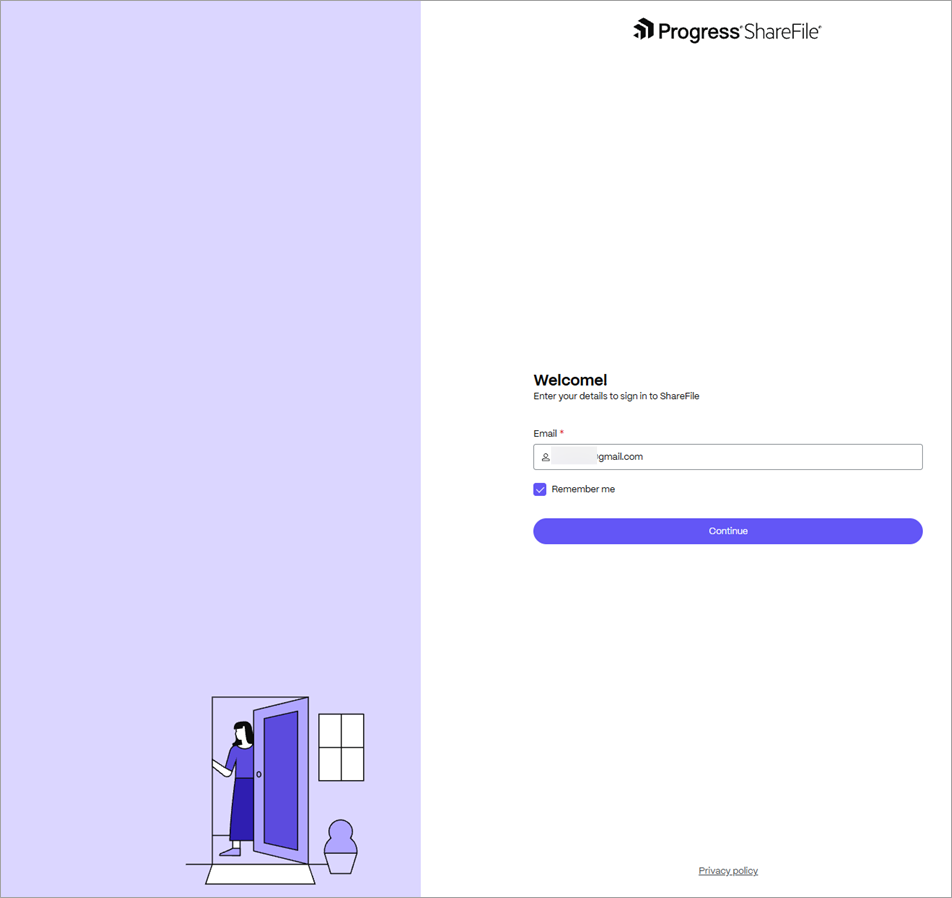
Sign into ShareFile using your credentials if requested.
-
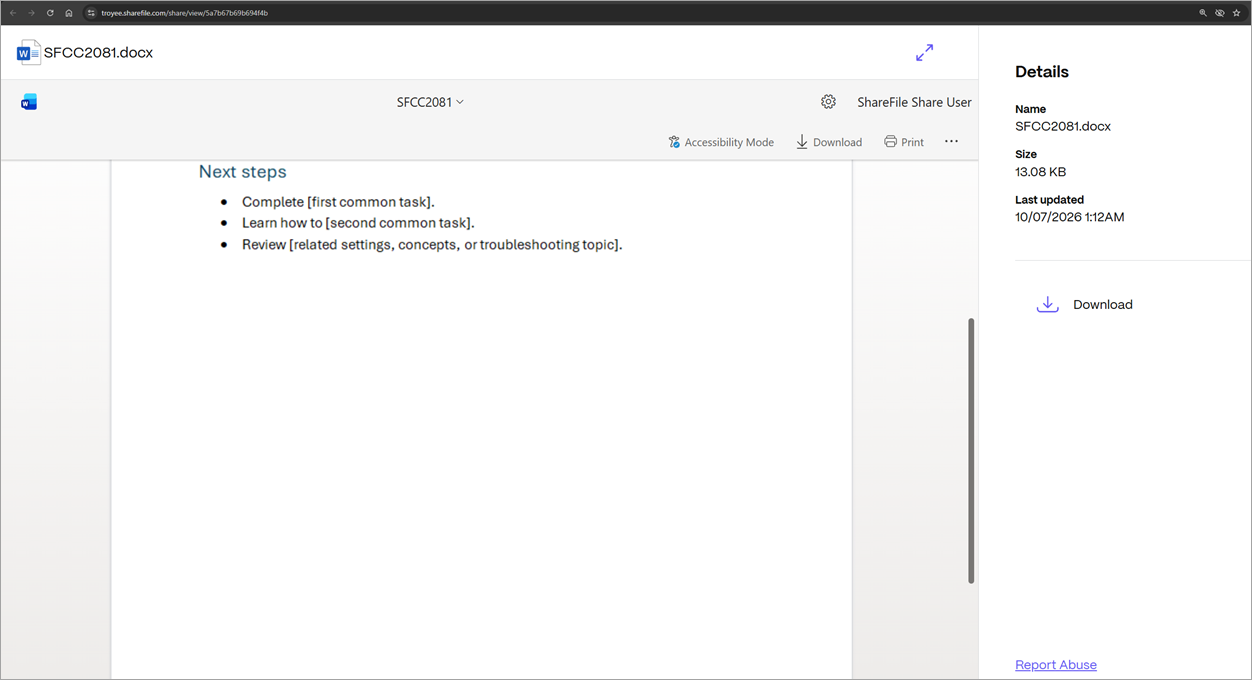
Review the file in the ShareFile viewer. You can download or print the file, or view its details.