Create a request list from the client hub
Updated on Nov 24, 2026
Article applies to:
- ShareFile Employee users
To create a request list for a client:
-
In ShareFile, open Client hub.
-
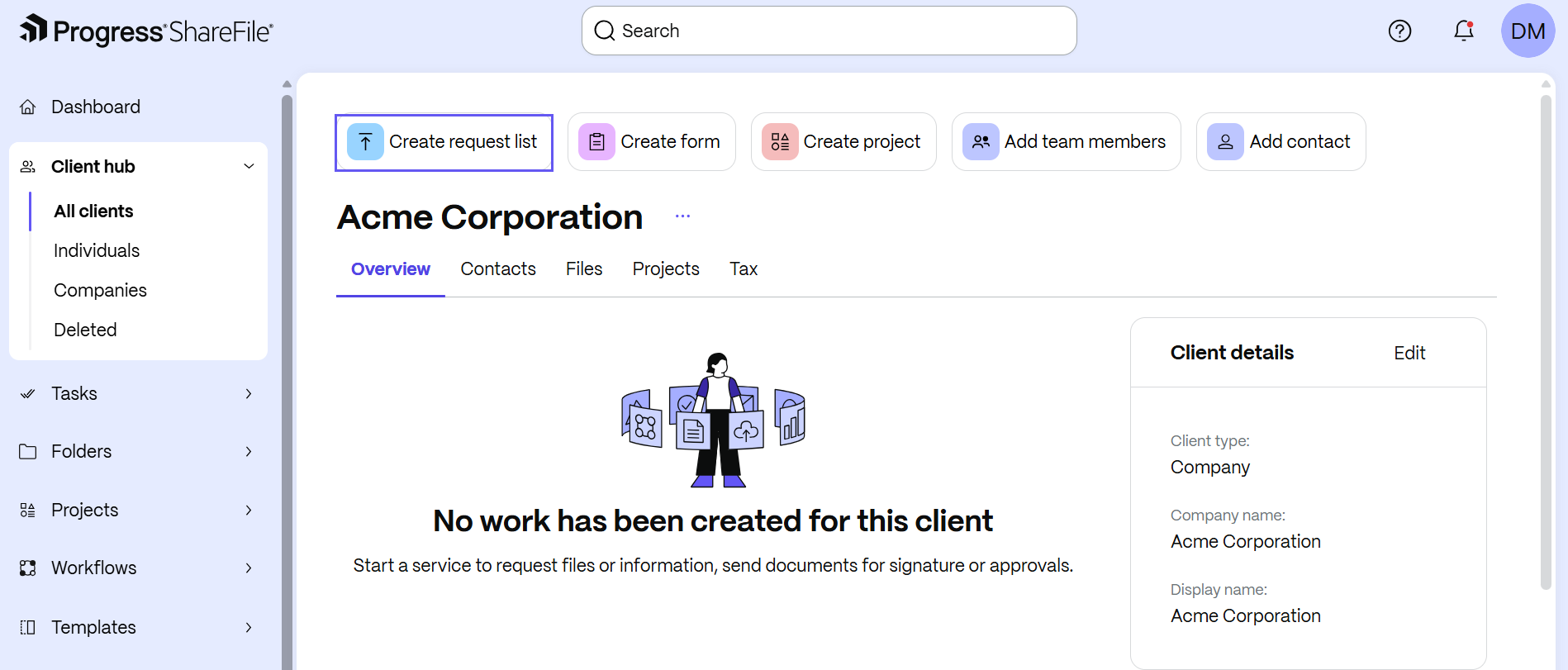
Open the client record where you want to create the request list.
-
From the quick actions at the top of the client record, select Create request list.
-
Choose how to create the request list:
After creation, you can find the request list items on the client overview.