Manage project tasks from the Client Portal
Article applies to:
- Client contact (external user)
Use the following instructions to manage tasks in the ShareFile client portal.
-
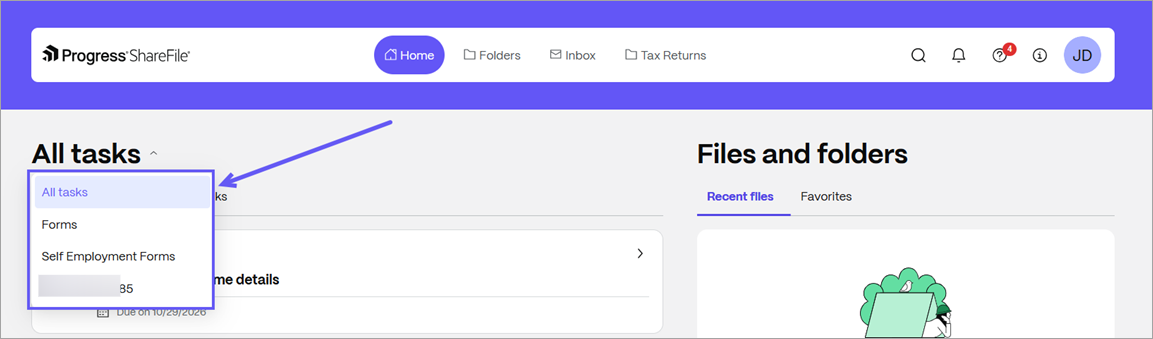
From your client portal, select the All tasks dropdown to choose a project for Open tasks.
-
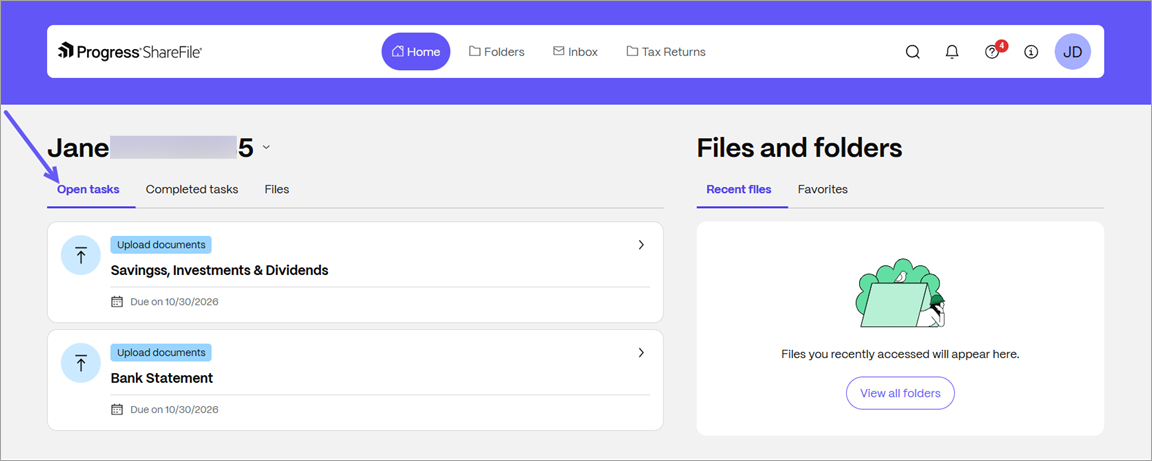
Select the Open tasks tab to review items you need to complete.
-
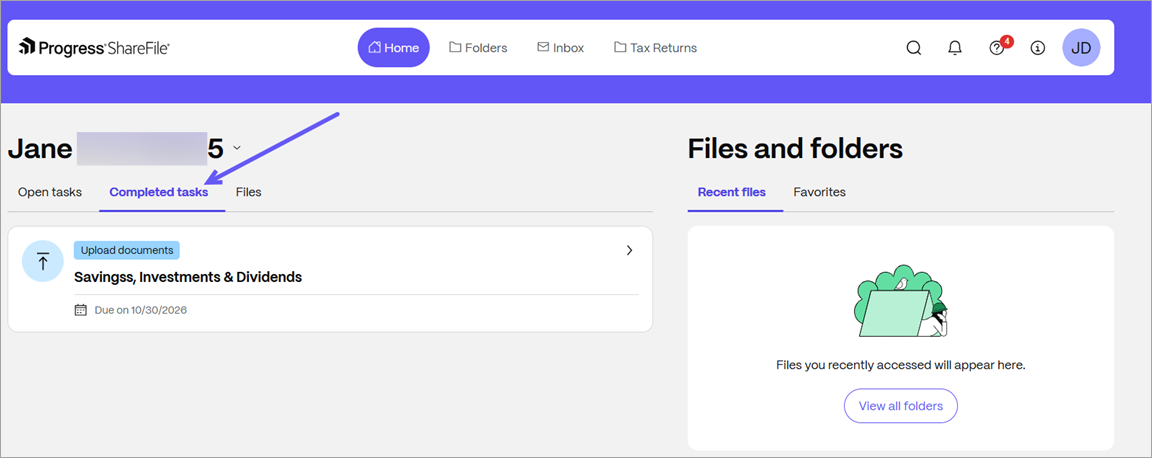
Select the Completed tasks tab to review tasks you have completed.
-
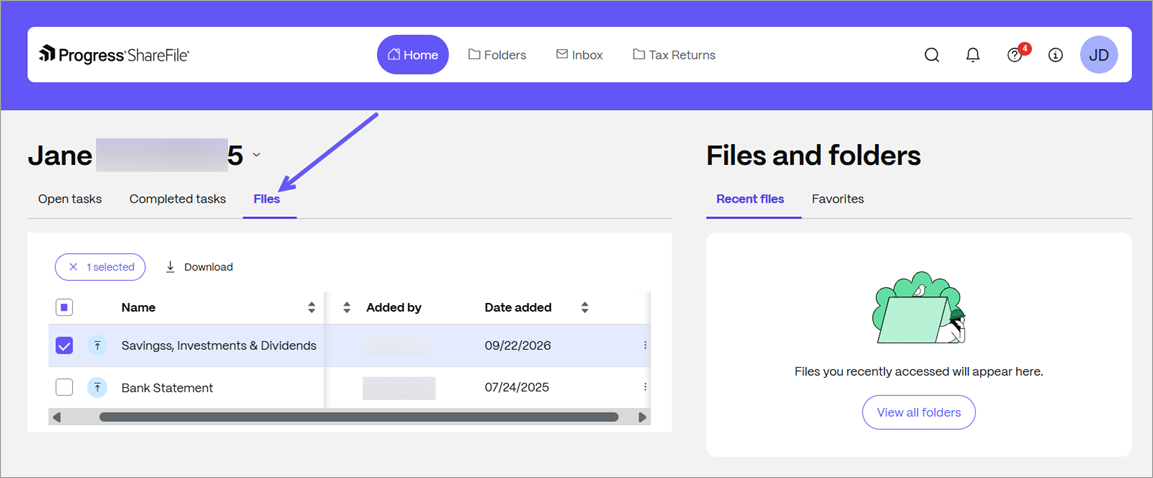
Select the Files tab to review the files you have submitted.