Send logs using Data Migration Tool
Updated on Aug 13, 2026
To help ShareFile Technical Support diagnose an issue with the Data Migration Tool, you might be asked to send a log file. Use the following steps to submit your logs directly from the tool.
-
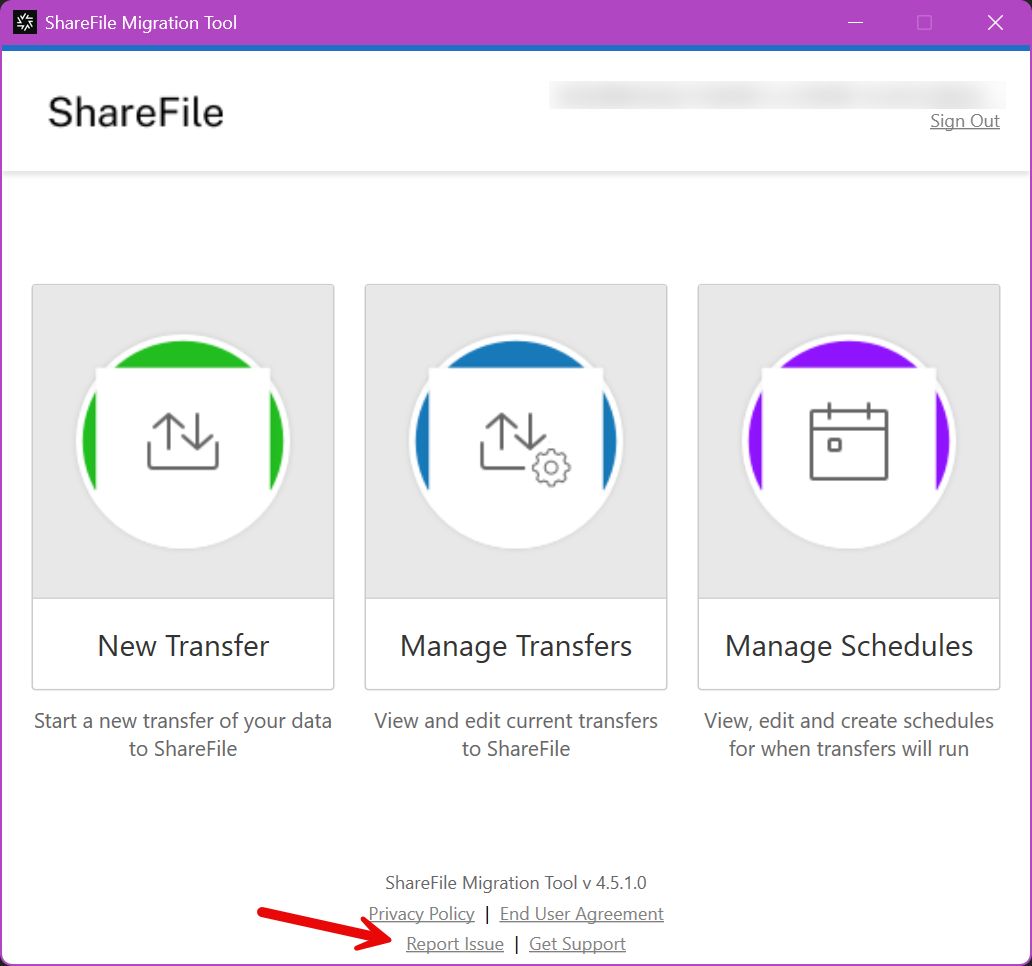
At the bottom of the main page, select Report Issue.
-
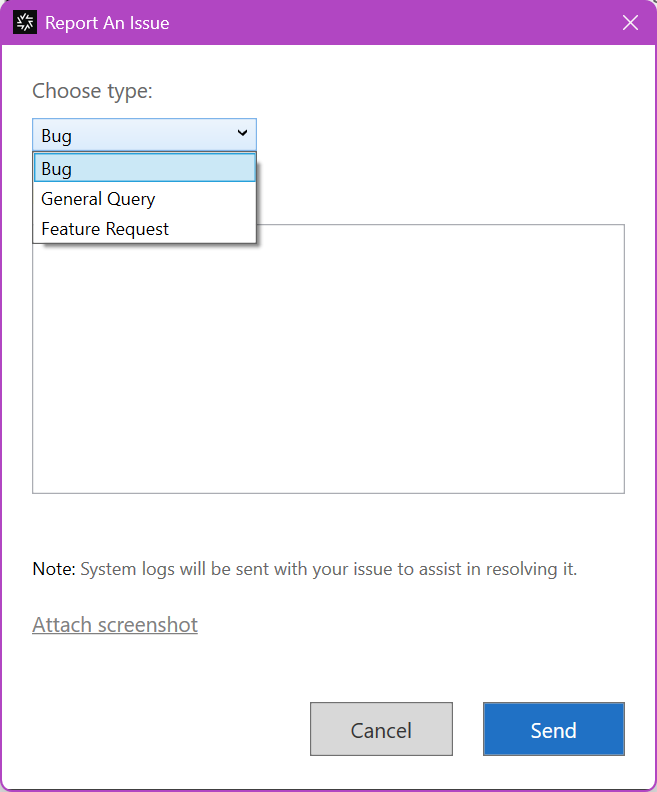
Select the type of issue to report.
-
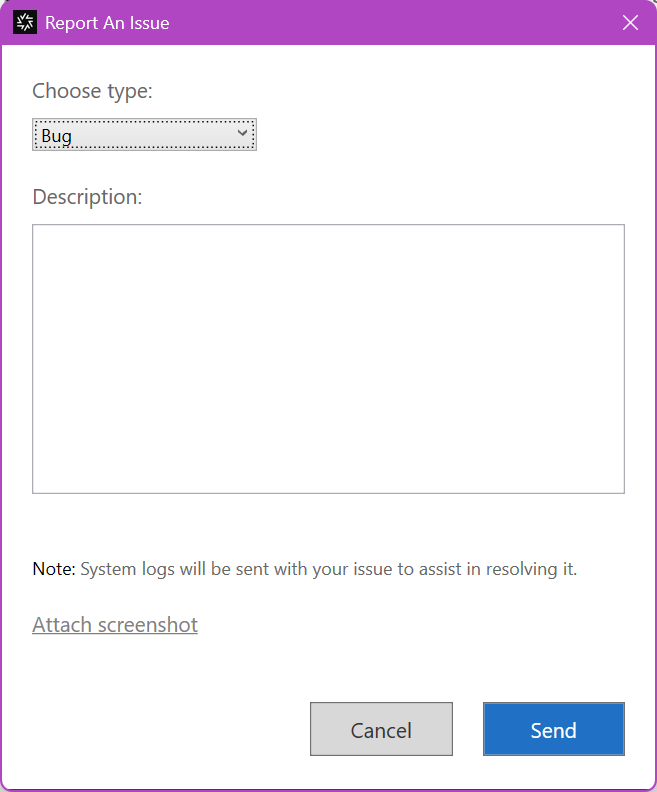
Enter a description of your issue.
-
Select Send.
-
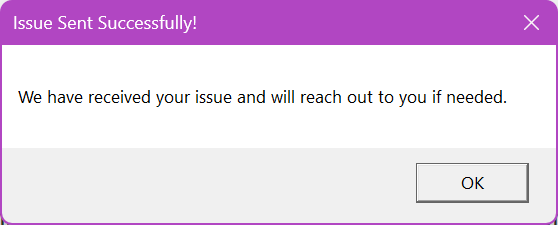
Select OK.
-
Provide your Technical Support representative with the approximate date and time of submission.
Note:
The log files are stored under
C:\Users\%username%\AppData\Roaming\ShareFile\Migration Tool\Logs.