Copy folders
To copy a ShareFile folder from your account:
-
Sign into your ShareFile account.
-
Navigate to the folder you want to copy.
-
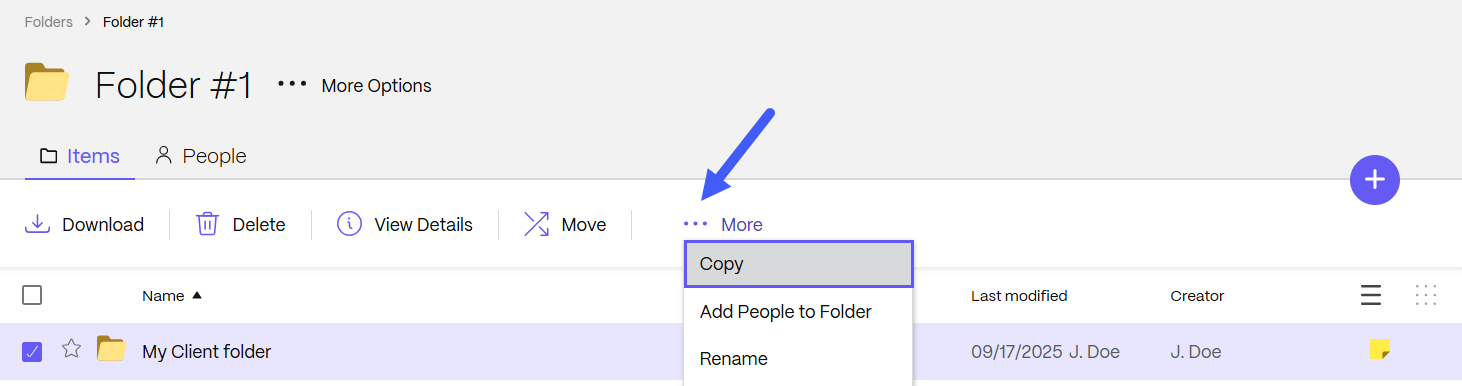
Select the checkbox next to the folder you want to rename.
-
Select the More dropdown menu.
-
Select Copy.
-
Choose where you want to copy the folder to.
-
Select Copy.
The folder is copied.