Delete a client
Note:
To delete Clients, the Employee user needs both the manage clients and manage employees permissions enabled.
To delete a client:
-
Sign into ShareFile.
-
Navigate to People > Browse client contacts.
-
Select the manage icon next to the listed client you want to delete.
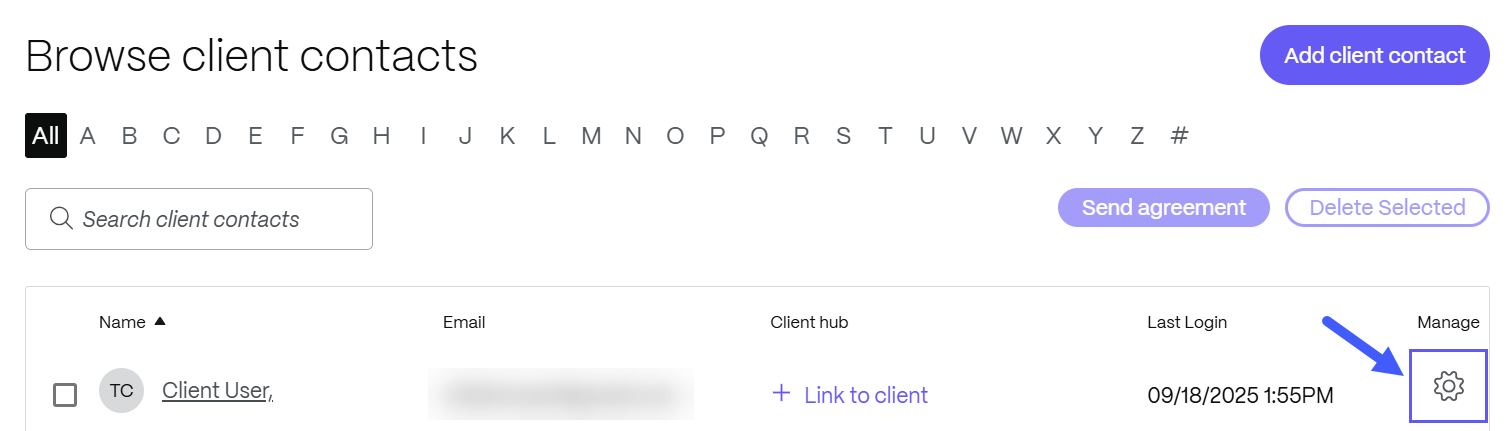
The client screen displays.
-
Under Actions select Delete from the System.
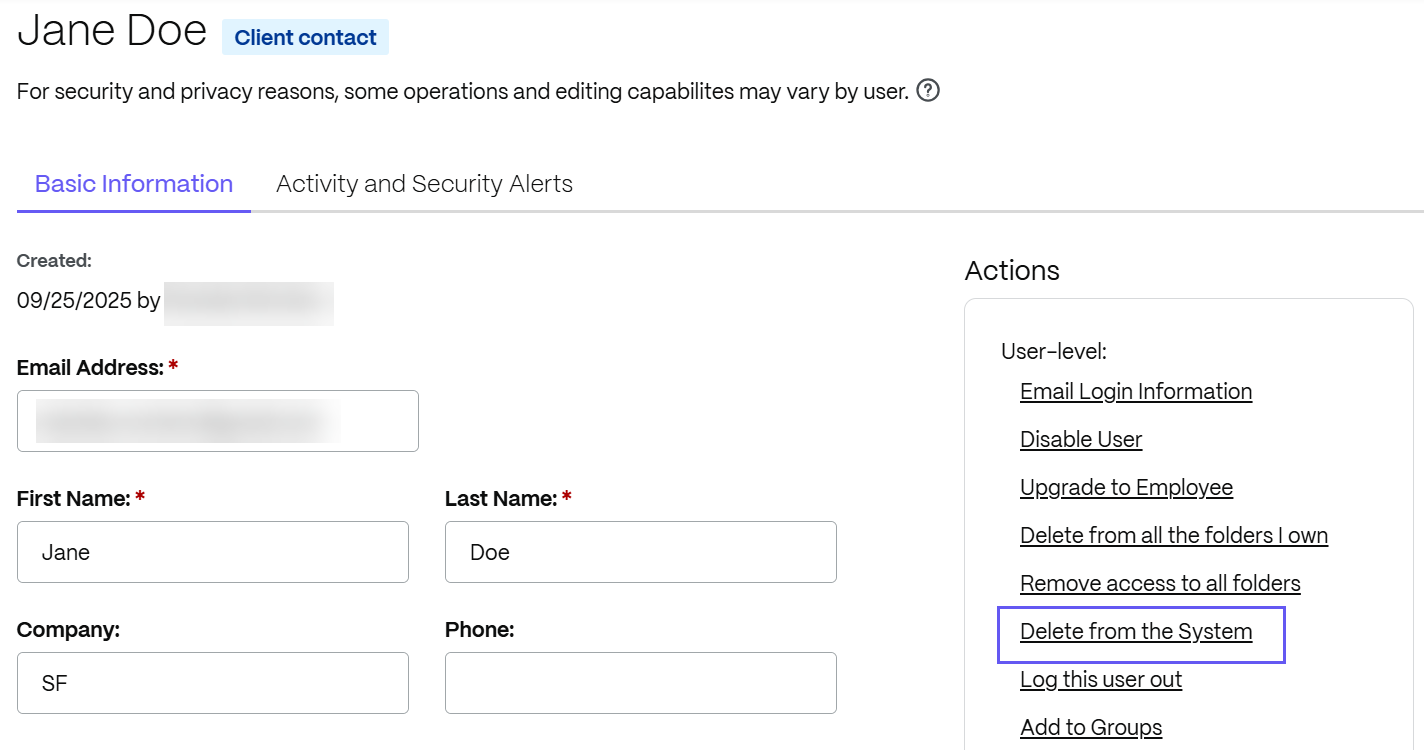
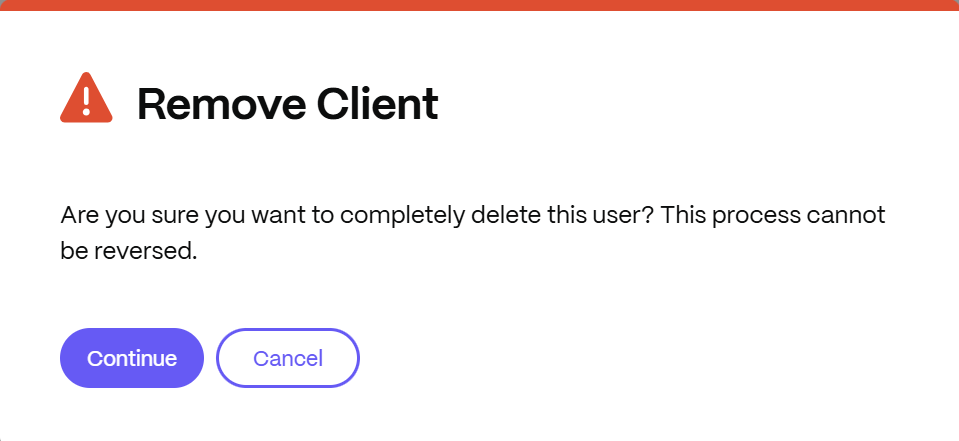
The Remove Client confirmation screen displays.
-
Select Continue. The confirmation banner displays briefly and the client is deleted from the system.