Edit client contacts
To edit a client contact:
-
Sign in to ShareFile.
-
Go to People.
-
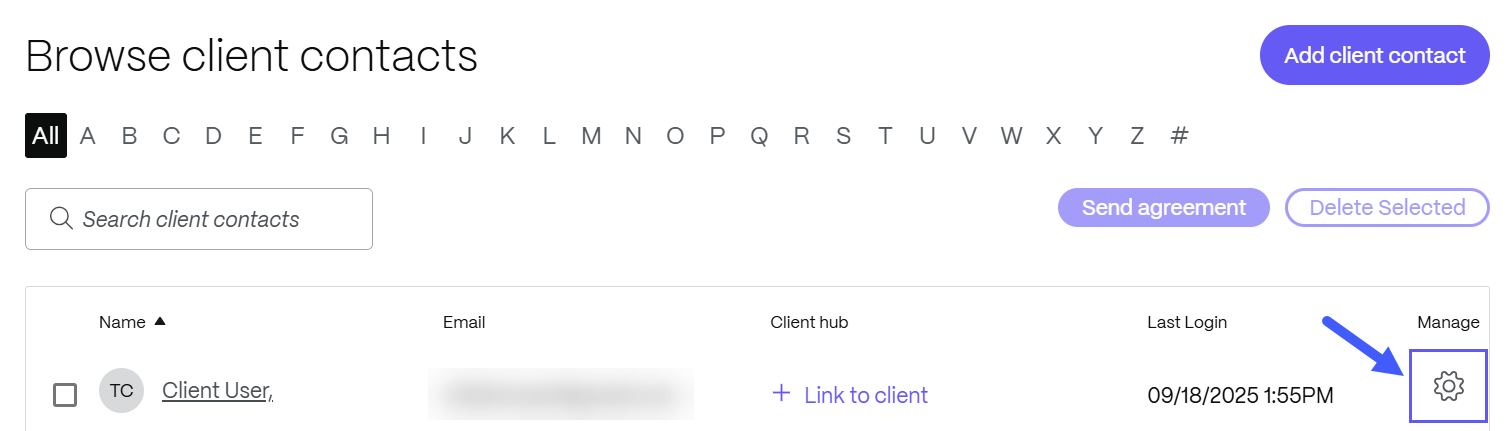
Select Browse client contacts.
-
Click the manage icon next to the listed client you want to update.
You can:
- Edit the client contact basic information such as their Email Address, First Name, Last Name, Company, Phone, Address, Country, City/Town,State/Province/Region and Postal/Zip Code.
- Change the notifications frequency and default email language.
- Reset their password.
- Take user-level and folder & activity actions.
- Manage client sessions
- View users activity and security alerts.
-
Once edits are done, select Save Changes.
Note:
For security and privacy reasons, some operations and editing capabilites may vary by user. Your editing capabilities may be restricted based on some or all of these criteria:
- Whether the users have logged into the system at least once.
- Whether you are an administrator on the account.
- Whether the user is an employee or client.