Edit personal information
To edit personal information:
- From your ShareFile dashboard, click the user icon located in the upper right corner of the screen.
- Select Personal settings from the dropdown options.
- Go to Profile > Personal Information.
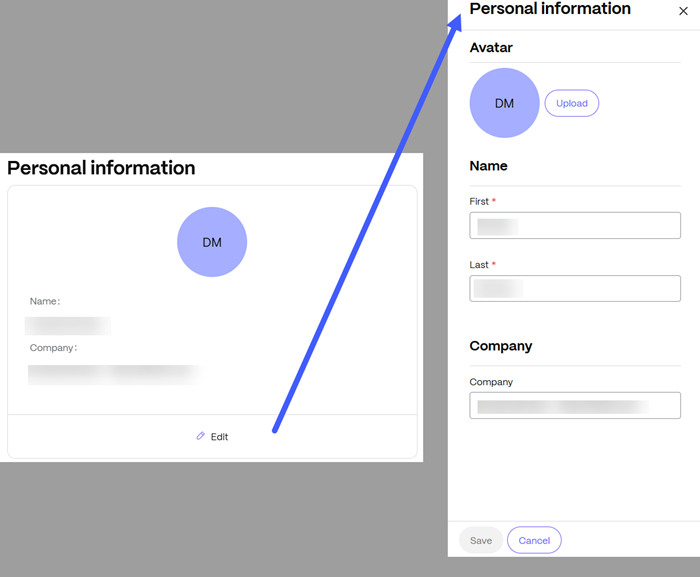
- Click Edit. You can:
-
Add or delete an Avatar for your account.
-
Change your First and Last Name.
-
Update your Company name.
-
- Select Save once your changes are complete.