Upload files using ShareFile for Android
Updated on Oct 28, 2026
The following steps explain how to upload files in ShareFile using your Android device.
-
Tap the + blue circle to open the menu. The menu displays.
-
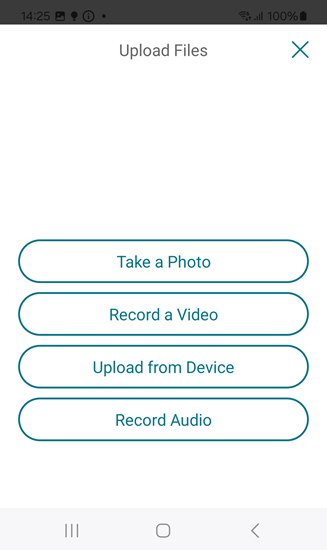
Tap Upload Files.
-
Choose from the available options to upload.
Note:
You might be asked to allow ShareFile to access your device functions.
-
Tap the items you want to upload noting that for multiple items, use the long tap.
-
Tap Open.
The file uploads to your device.