Fill out forms
Updated on Oct 30, 2026
To fill out forms using ShareFile for Clients iOS app:
-
Open the ShareFile for Clients App and authenticate.
-
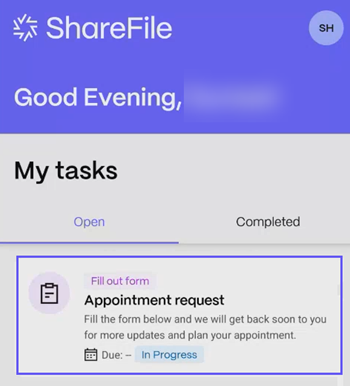
From yout Open tasks, select an Form that has been assigned to you. Click to open it.
-
Fill out the sections within the form. Sections marked with a red asterisk need to be filled mandatorily.
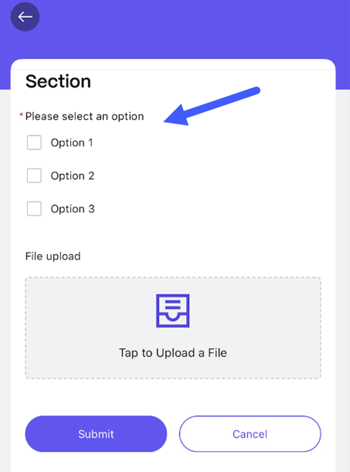
You can upload files by selecting Tap to Upload a file.
-
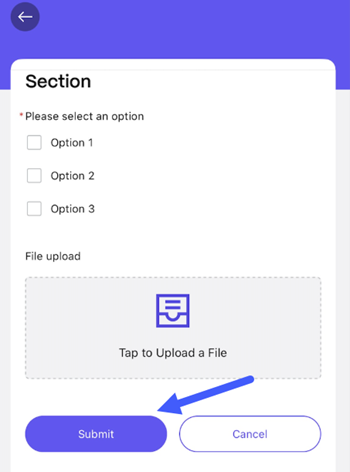
Click Submit once you are done filling out the form to submit it.