Accessing the dashboard in ShareFile for Mac
Updated on Aug 6, 2026
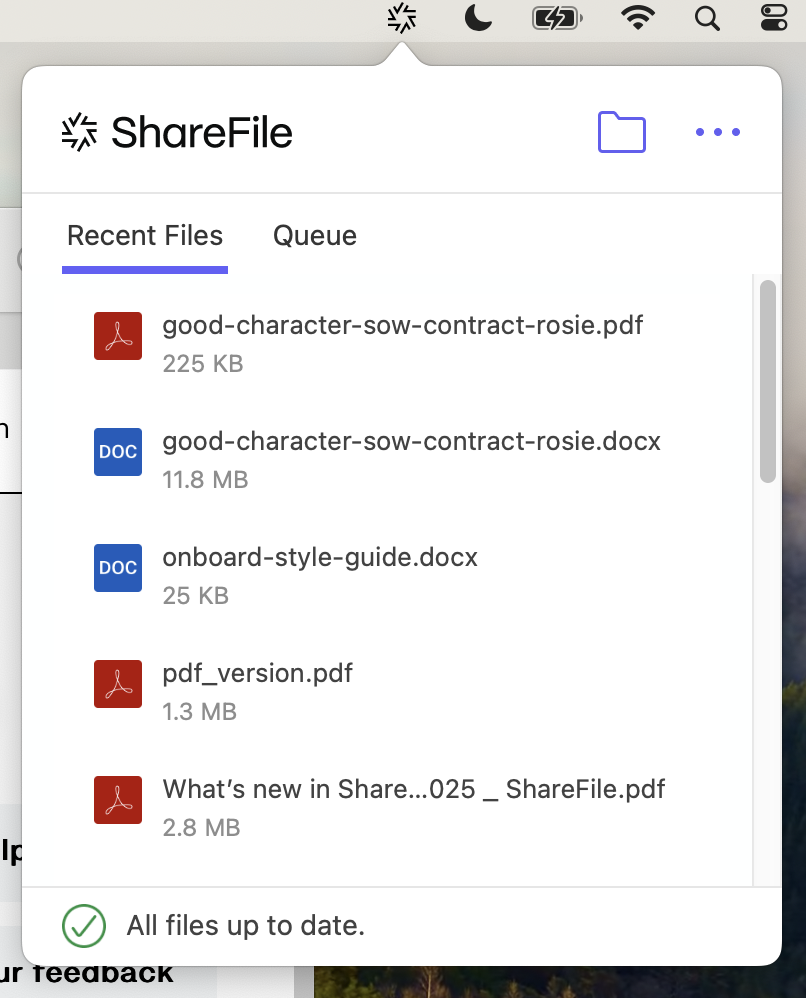
Access the dashboard by selecting the ShareFile icon in the Mac system tray. The dashboard shows the recent uploaded files.

Access ShareFile Settings and other options by clicking the (…) in the top right corner of the dashboard.
Dashboard notes:
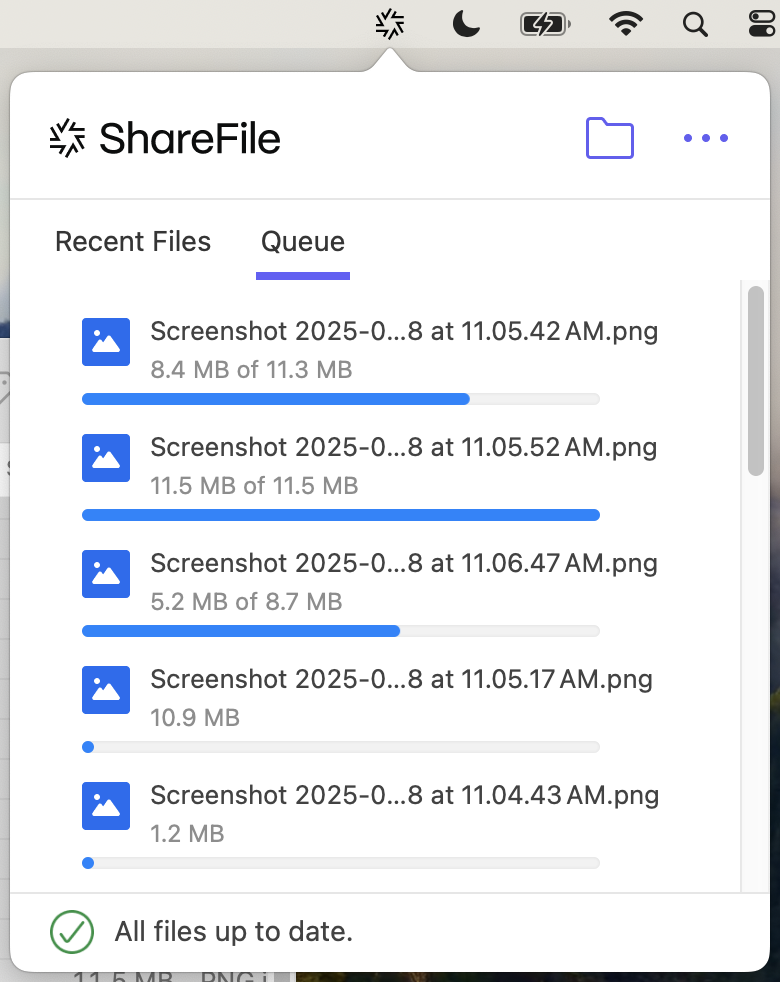
- The Queue tab displays up to 20 of the most recent uploaded files.
- To clear the queue, you must restart ShareFile for Mac. This is because queue information is stored in your desktop's memory.
- Newer entries replace older entries over time.