Upload files using ShareFile for Windows
Updated on Nov 3, 2026
The following steps explain how to upload files using ShareFile for Windows.
-
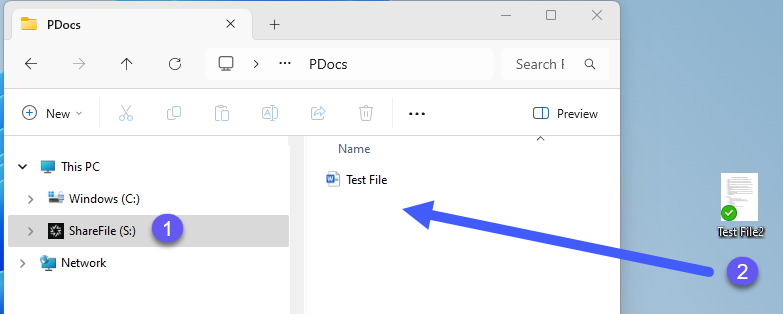
Open the ShareFile folder.
-
Select the file you want to upload.
-
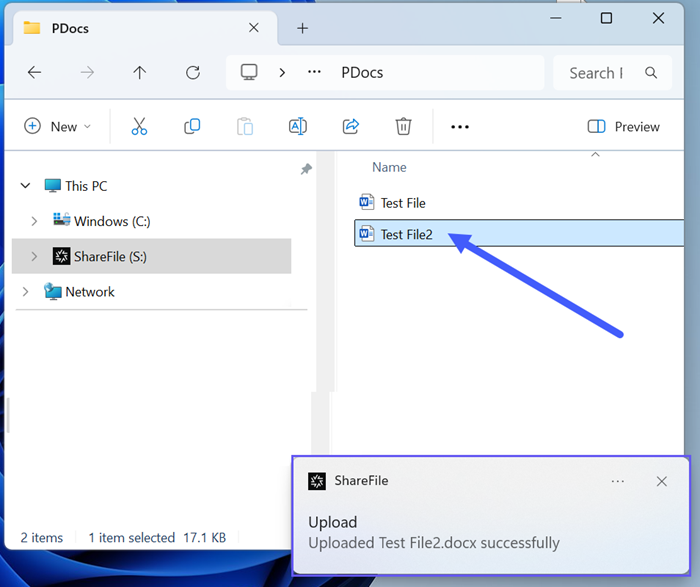
Drag the file to the ShareFile (S:) drive in Windows Explorer. The upload success message displays.
To learn about the applicable file size limits, see the Account storage limits section.