Edit project description
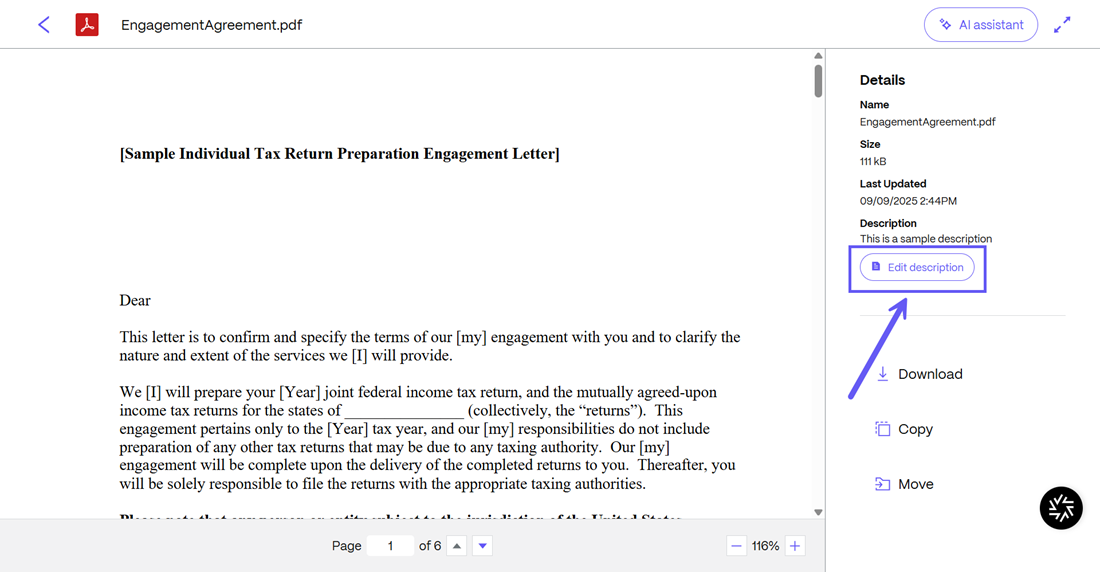
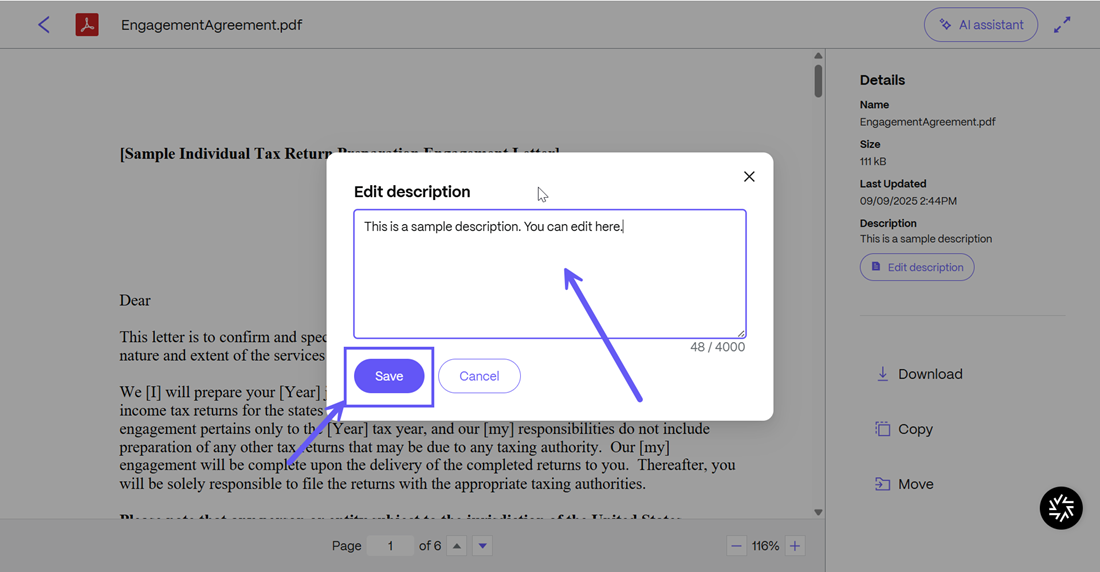
Once a description has been added, you can edit descriptions directly from the Files menu in your project. To do so, simply click on the description label next to any file/folder. From the Edit description menu that opens, edit the description and click Save.
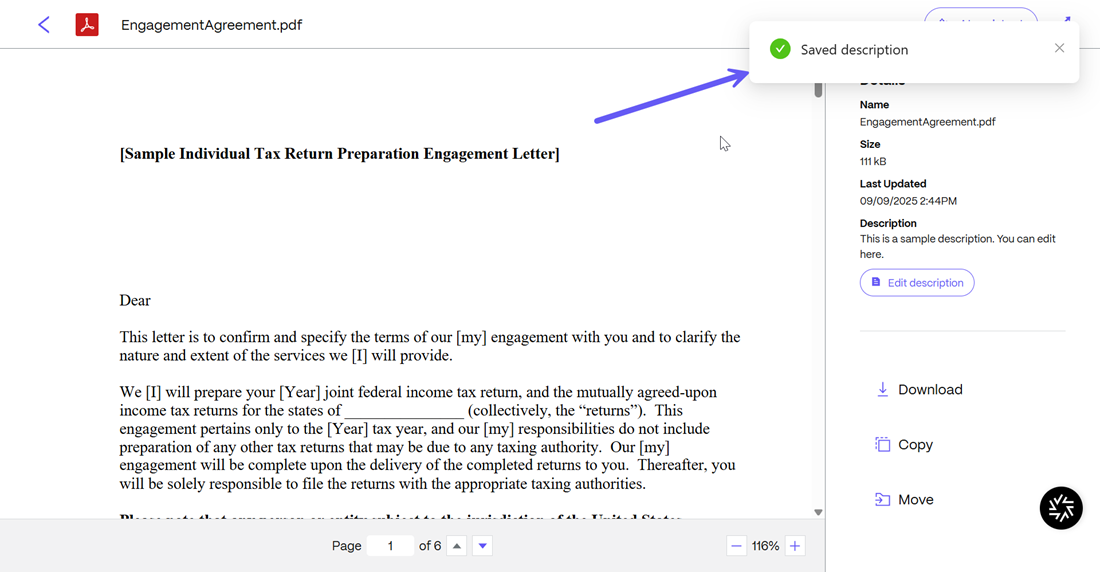
Upon success, the Saved description notification is displayed.
You can also edit the descriptions in a file or a folder. To do so, simply open the file/folder and click on the Edit description button to go back and edit the description created. Once done, click on Save and the description will be updated.
Upon success, the Saved description notification is displayed.
NOTE:
The description will always remain associated with the individual file irrespective of the version history of the document.