Upload files to a project
Files such as .docx, .pdf, .jpg, .xlsx, and more, can be shared across the project with the invited users.
To upload files to a project:
-
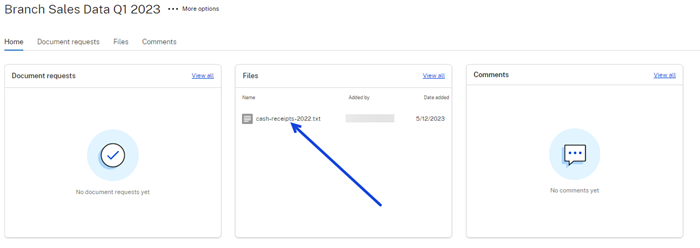
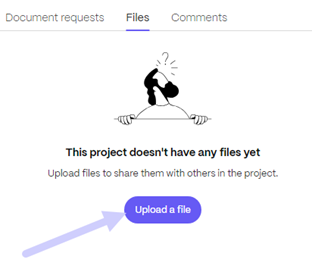
Select the Files tab in the Projects dashboard or select View all in the Files tile to access or add files.
-
Select Upload a file.
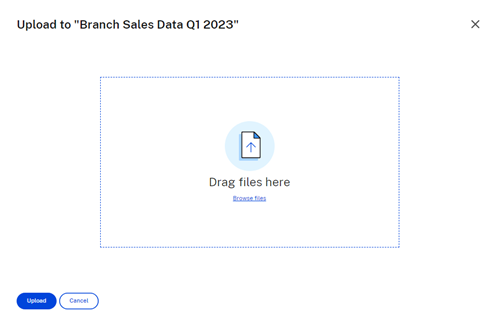
The file upload pop-up displays.
-
You can drag the file to the Drag files here section or select Browse files to navigate to the file to upload.
-
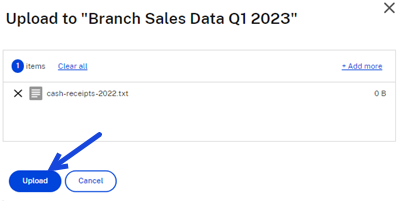
Select Upload. The upload window displays allowing you the option to add more items. Once you have selected the required files, select Upload to complete the process.
The file is available for assigned project users to review.