Rich text formatting for long text (multi-line) fields
To access and use Rich Text Formatting for Long text (multi-line) table fields:
-
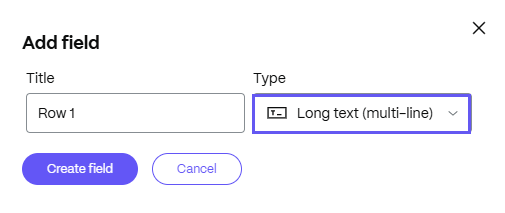
When adding a table field, select the Long text (multi-line) field type.
-
Select Create field.
-
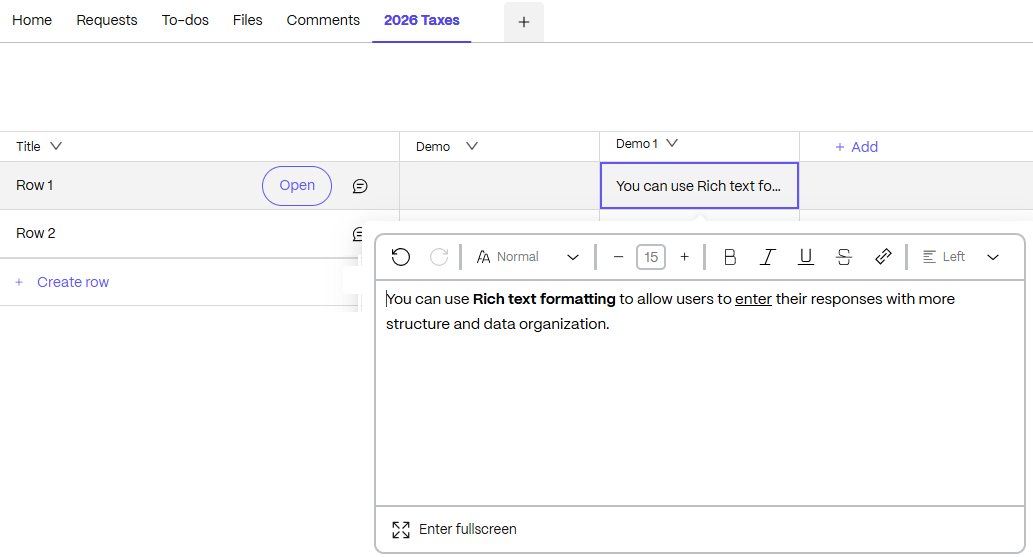
Once the field is created, select the field to open the editor for multi-line editing.
NOTE:
Select Enter fullscreen to make the editing space larger for easier formatting. When finished, select Exit fullscreen to return to the table.