Change Request List due date
Article applies to:
- ShareFile Employee users
The owner can edit a due date for each item of the Request List.
To change the due date for a requested item:
-
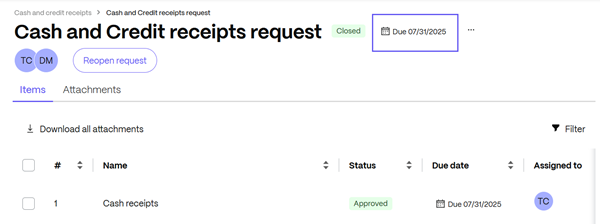
In the Request List dashboard, select the request you must change the due date on.
-
From the Request List, select the calendar.
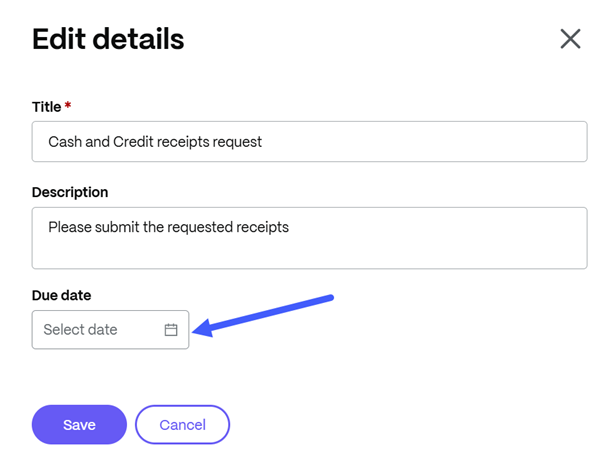
The Edit details window displays.
-
From the Edit details window, use the calendar to edit the due date.
-
Click Save.