Download files from a Request List
To download a file from a Request List:
-
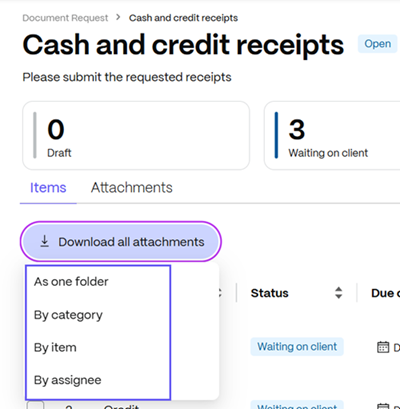
Click Download all attachments.
-
Choose download preferences.
Items are downloaded as .zip files.
Request List attachments download options include downloading as one file, by category, item, or assignee.
You can also create an Activity Report to include submission timestamps and file details.