VDR storage enforcement
A VDR account admin is notified when an account reaches 90-100% and continues until 100% of the account storage limit. Notifications are provided to the VDR account admin and user as follows:
Storage enforcement notifications for VDR account admin
-
Account at 90-100% of storage
-
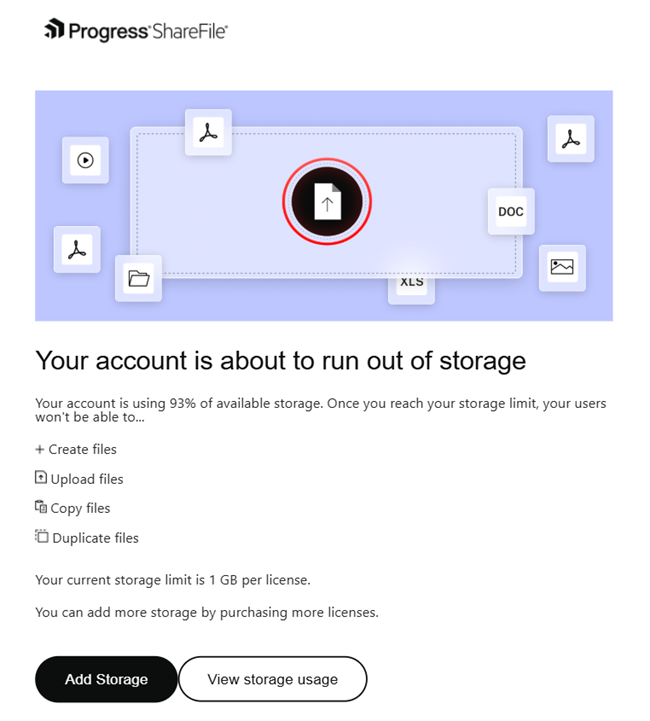
The account administrator receives notifications when an account has consumed 90-100% of its storage limit.
-
A dismissible banner on the ShareFile UI is displayed and an email notification is also sent to the admin.
-
You can click on View usage to view the existing storage data.
-
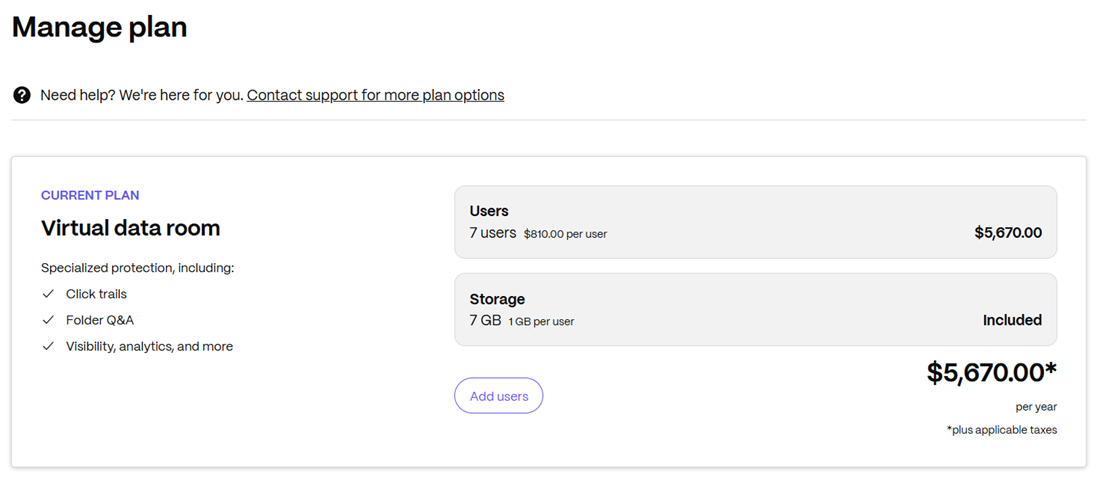
Clicking on Add storage on the account banner as shown above or on Manage plan in the email above redirects admins to buy additional licenses to upgrade the existing plan.
-
-
Account at 100% of storage
-
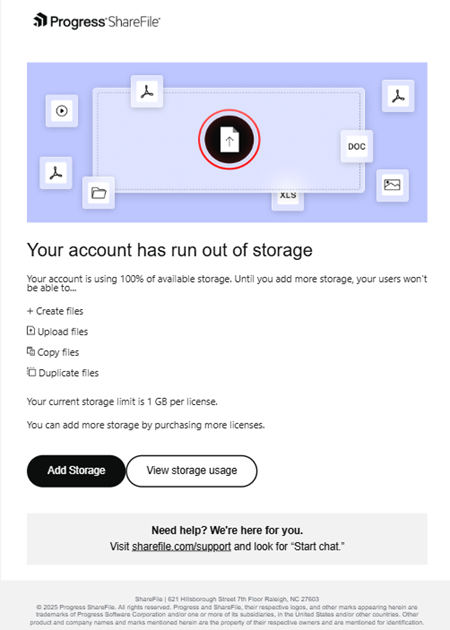
The account administrator receives notifications when an account has consumed 100% of its storage limit.
-
A persistent error banner on the ShareFile UI is displayed and an email notification is also sent to the admin (as shown above).
-
You can click on View usage to view the existing storage data.
-
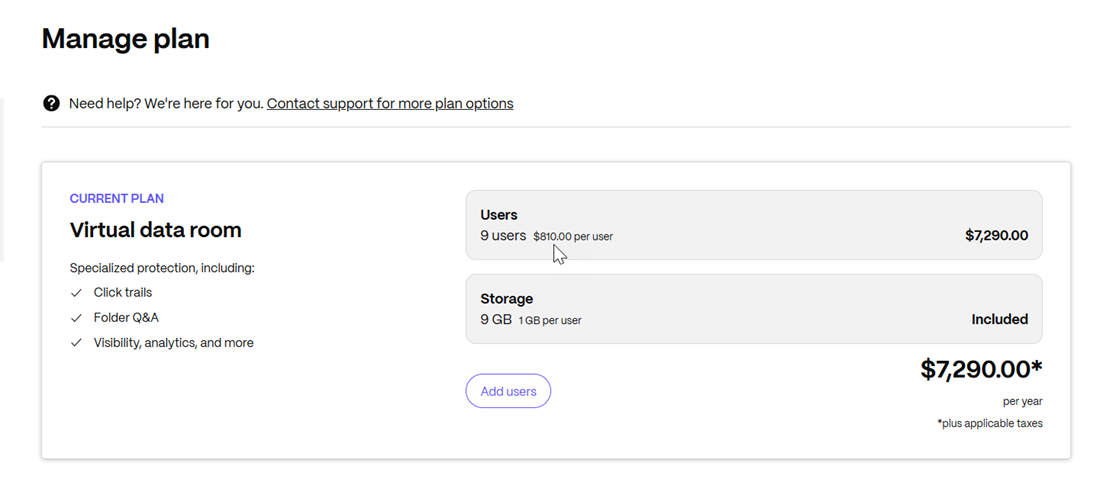
Clicking on Add storage on the account banner as shown above or on Manage plan in the email above redirects admins to buy additional licenses to upgrade the existing plan.
-
Note:
- For VDR accounts, you need to purchase additional licenses to add storage.
Storage enforcement notifications for VDR account user
- Account at 100% of storage
- The user receives notifications when an account has consumed 100% of its storage limit.
- A persistent error banner on the ShareFile UI is displayed and an email notification is also sent to the admin.
- You can click on Request more storage and the admin will receive the notification to upgrade the existing plan.