Attachment field in signature requests
Recipients of electronic signature requests might be asked to upload a document or file along with the signature request.
The following instructions provide the steps necessary for a signer to upload a file using the upload field.
-
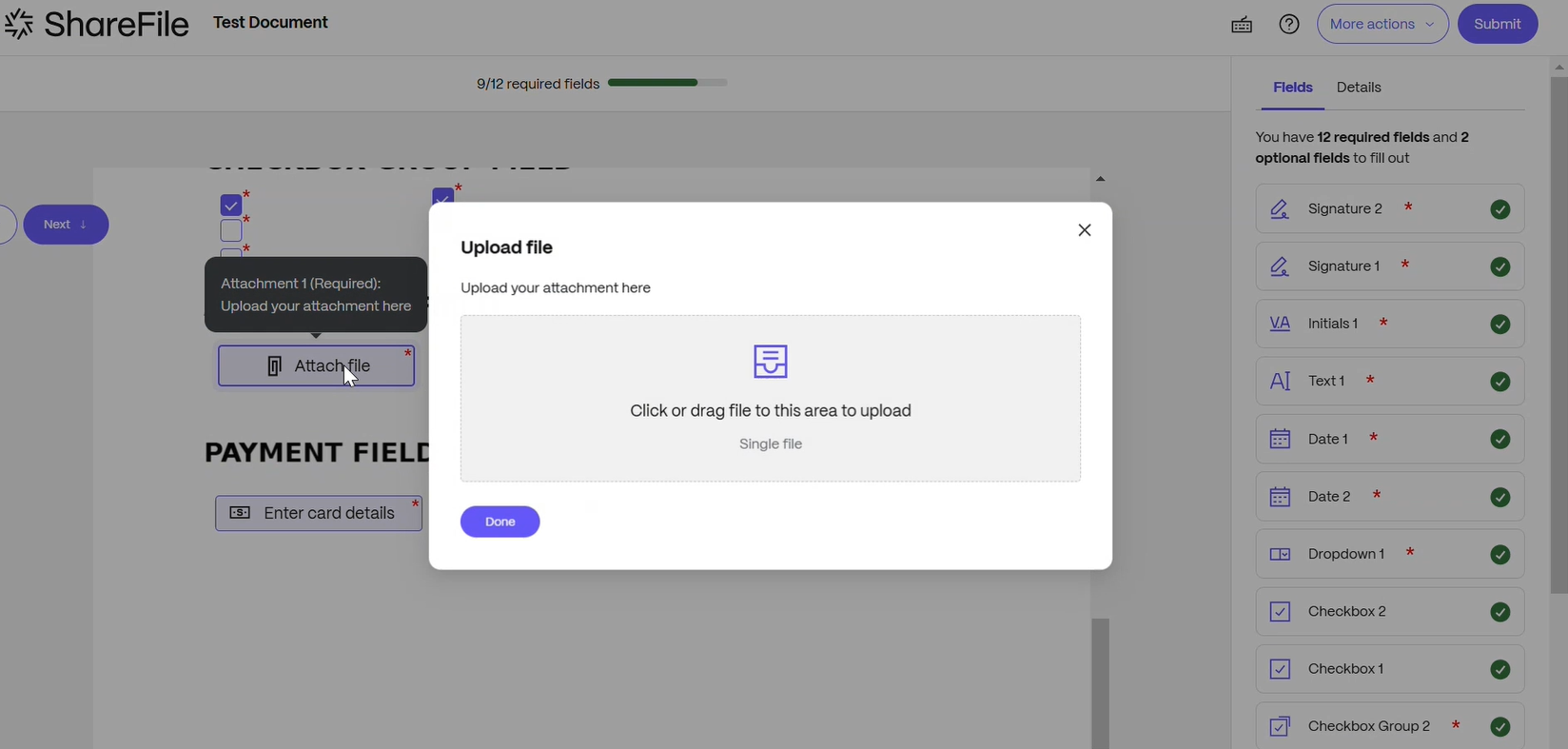
Select Attach file.
The Upload file popup displays.
-
Select a file to upload.
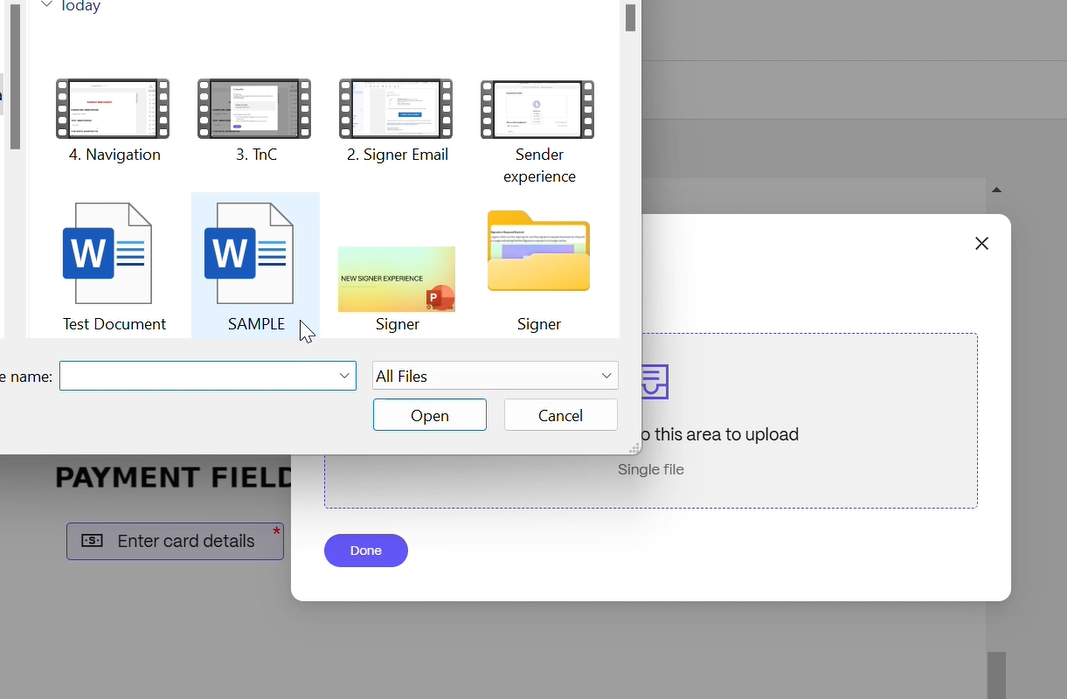
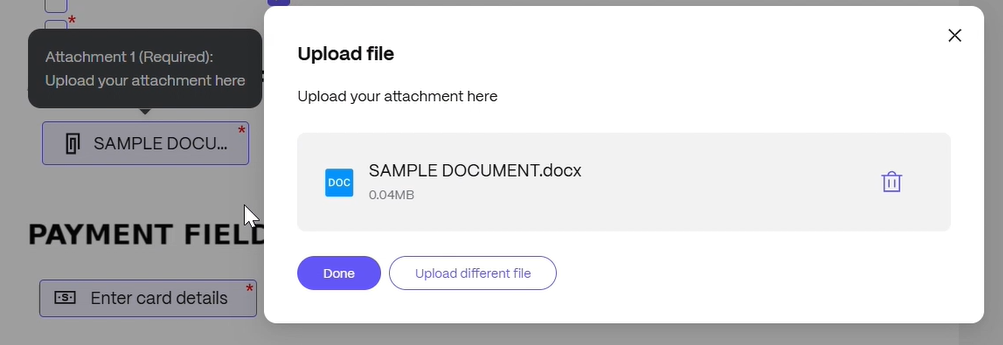
Once selected, the popup displays the name of the file.
-
Select Done to add the file to the signature request.