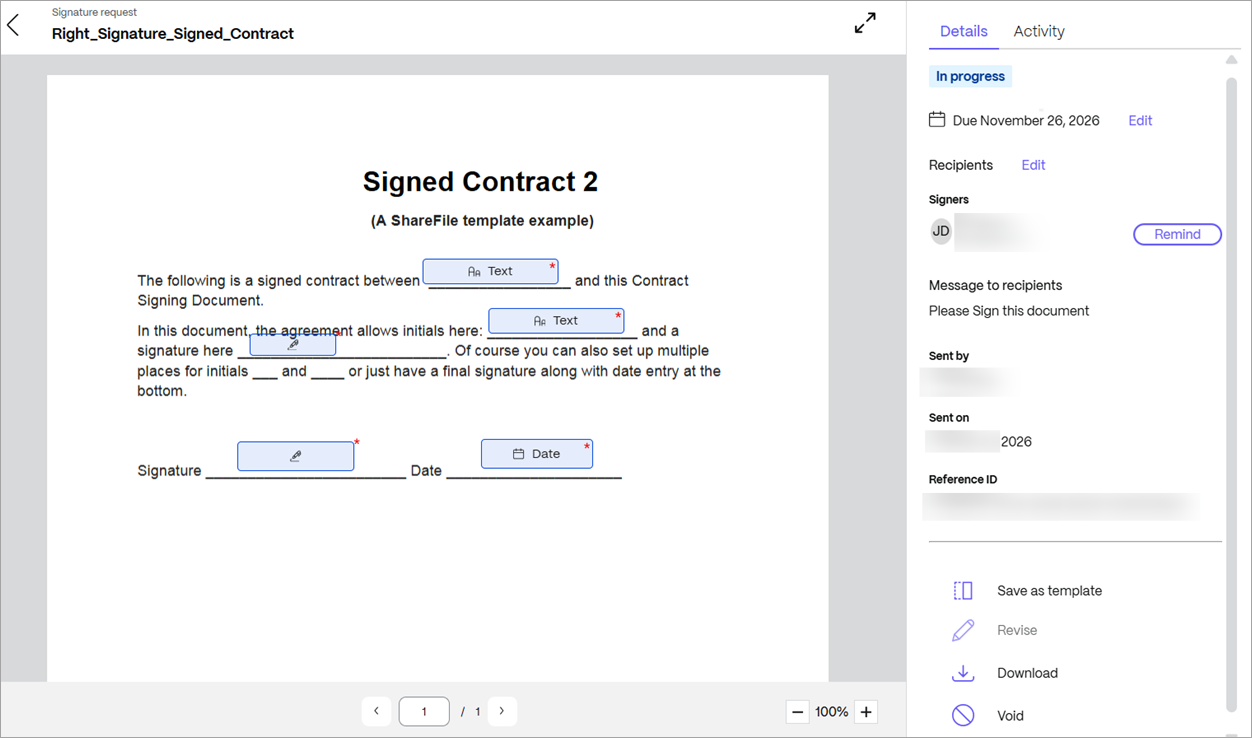
Bulk send document requests
Bulk Send supports Document Templates, including PDF and Editable Word Template files from ShareFile. Use this feature to send a single template to multiple signers as individual document requests.
If you don’t have a PDF or an Editable Word Template, select Create to create a new template. For more information, see Document templates.
-
Navigate to Templates. Select a PDF or
.docxtemplate with a single recipient role.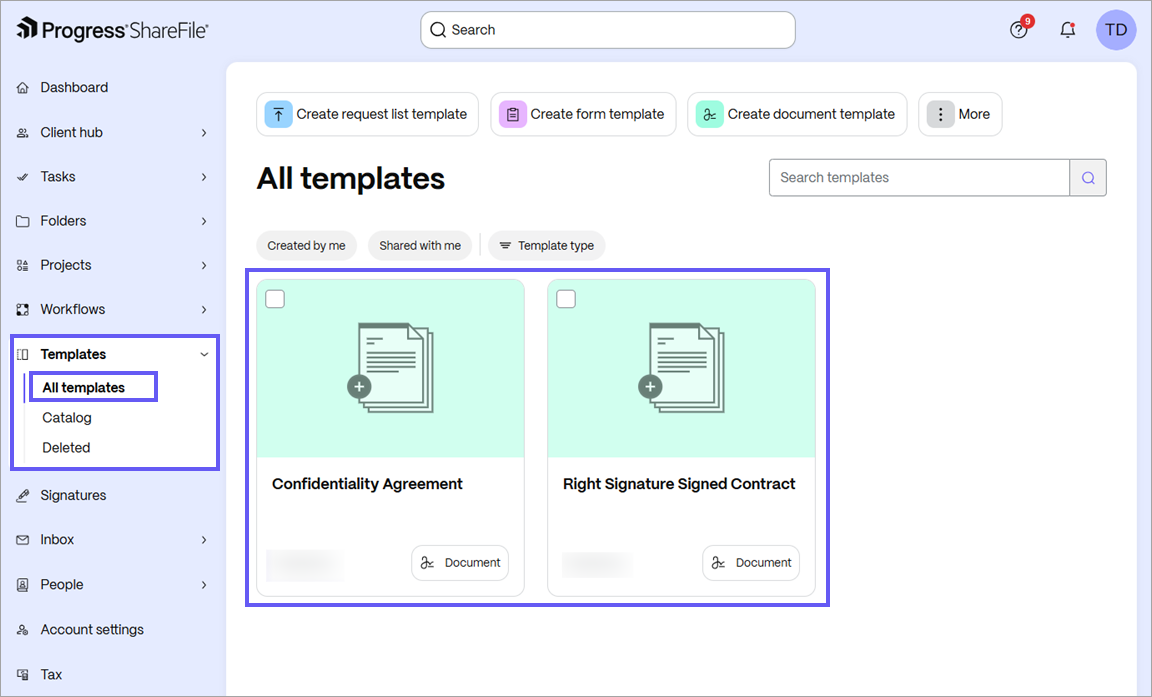
-
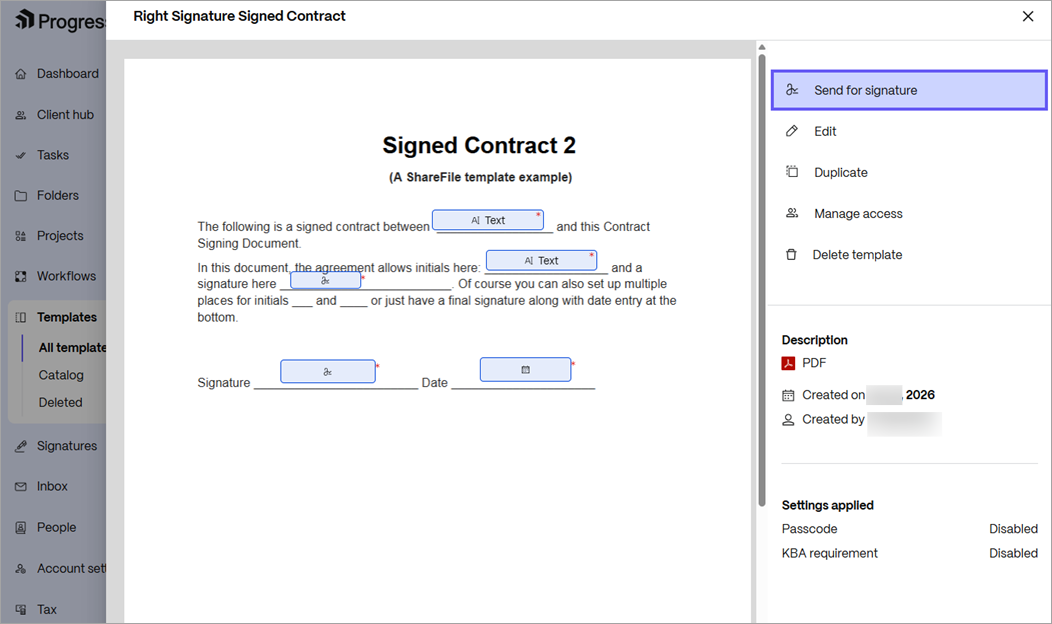
On the details page, select Send for signature.
-
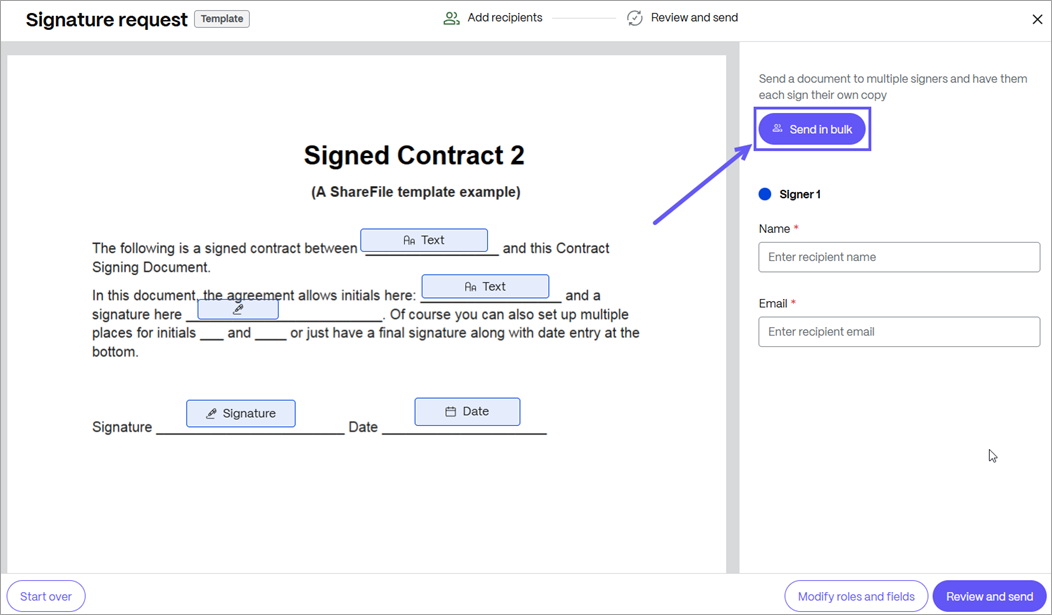
Select Send in bulk.
Note:
Only templates with a single signer role are supported. Templates with multiple signers automatically disable Bulk Send.
-
In the Import signers pop-up, upload a CSV file or download a CSV template.
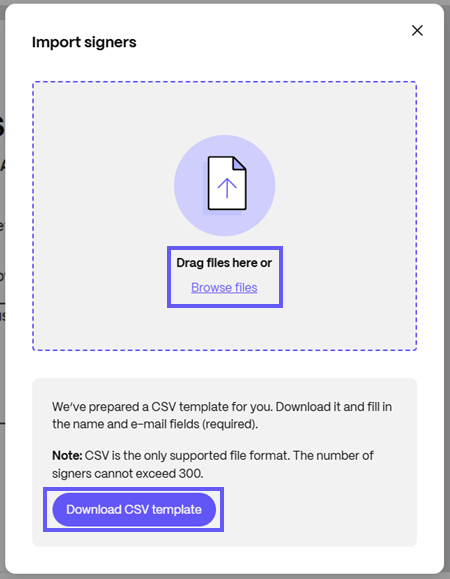
Note:
- Upload only one CSV file at a time.
- The number of signers cannot exceed 300.
-
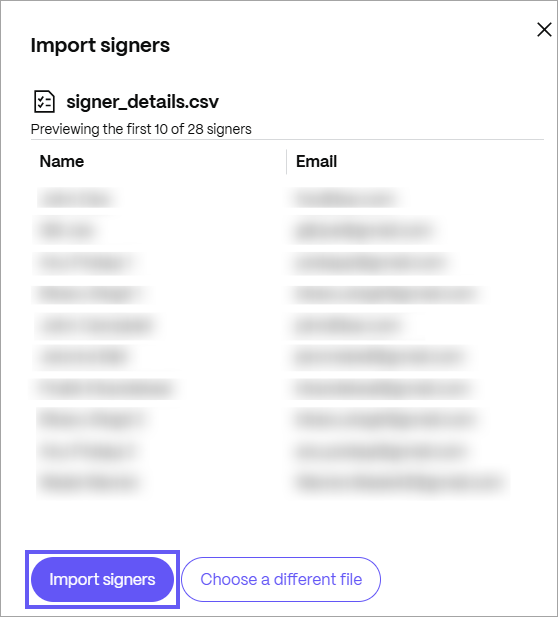
After uploading the CSV file, review the first 10 signers and select Import signers.
-
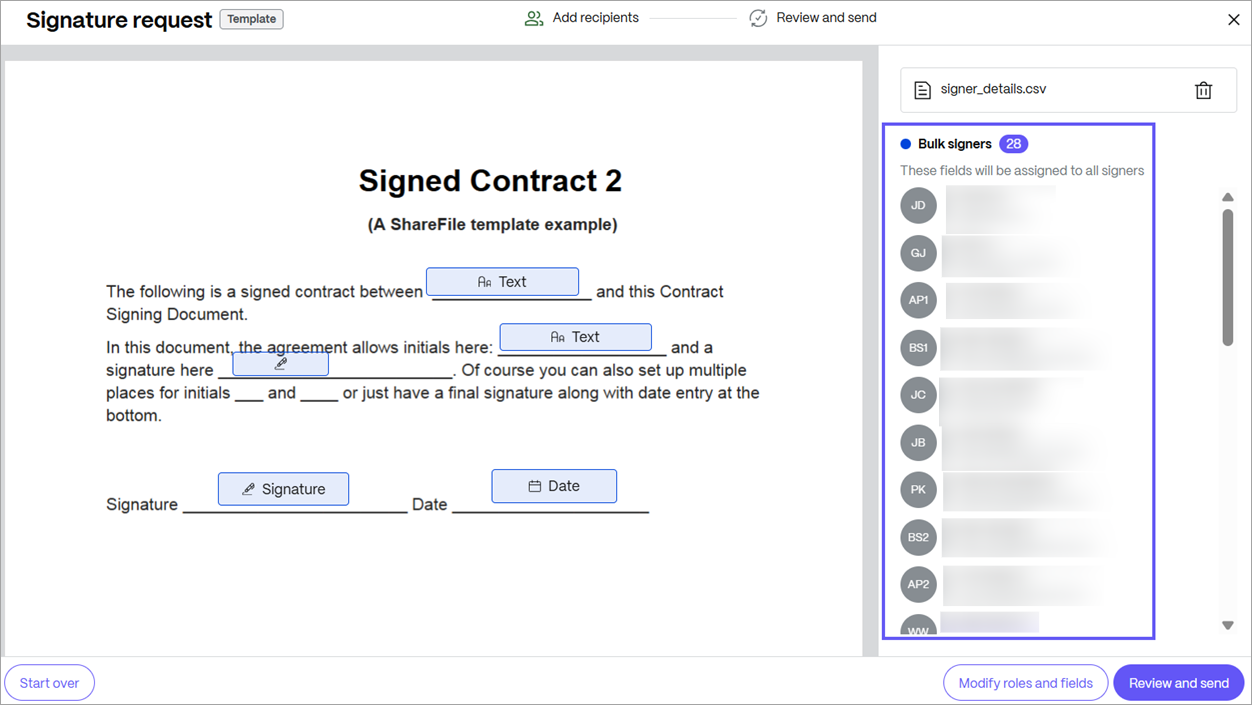
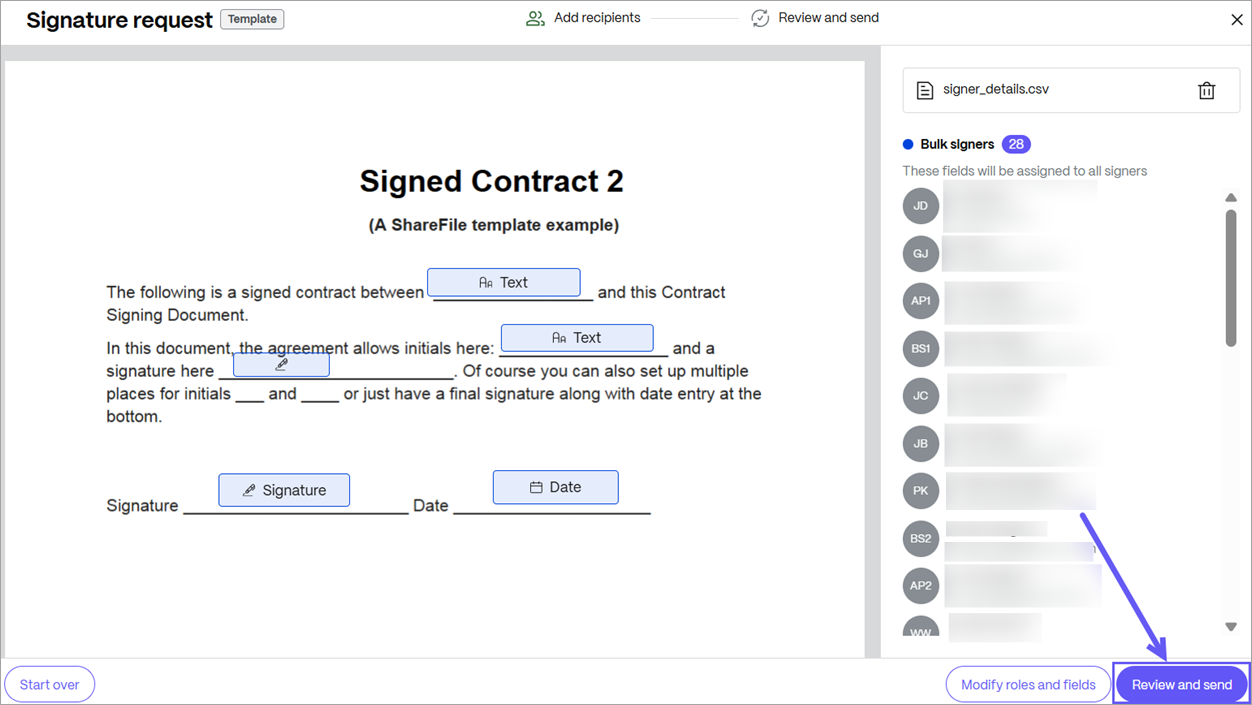
Review the list of signers in the Bulk signers drawer and select Review and send.
-
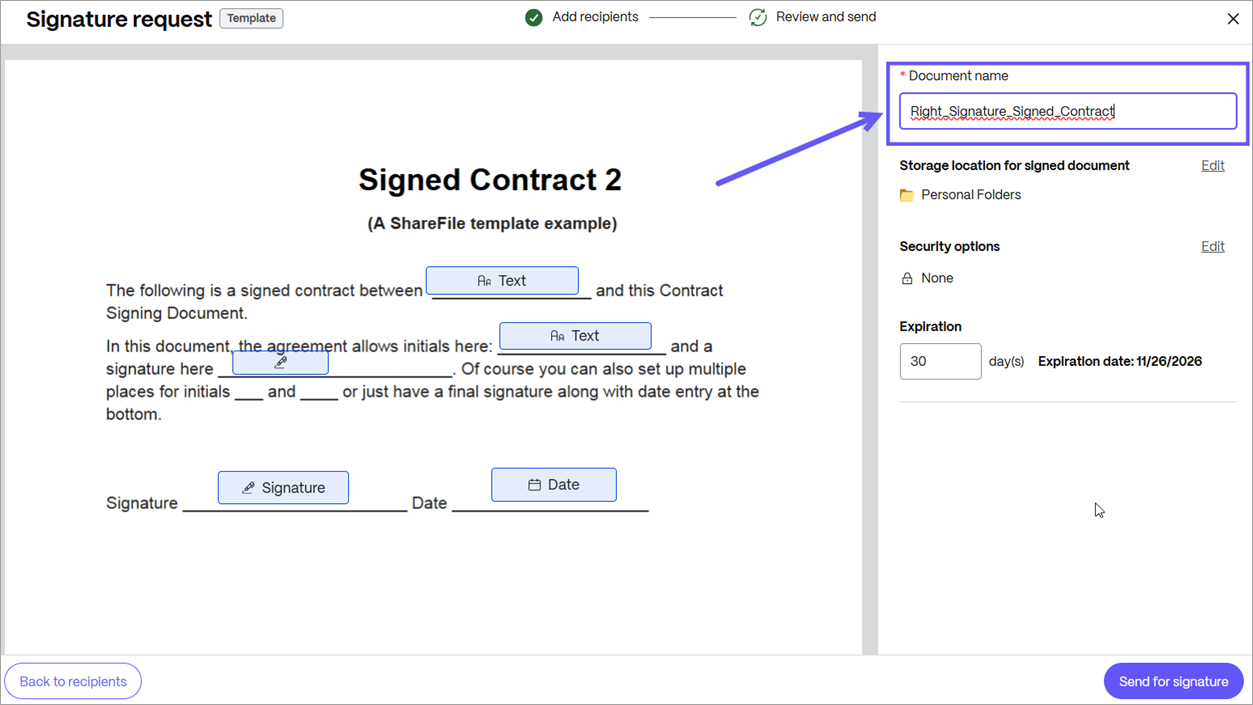
Edit the Document name, if needed, and select the location where the completed document will be stored.
-
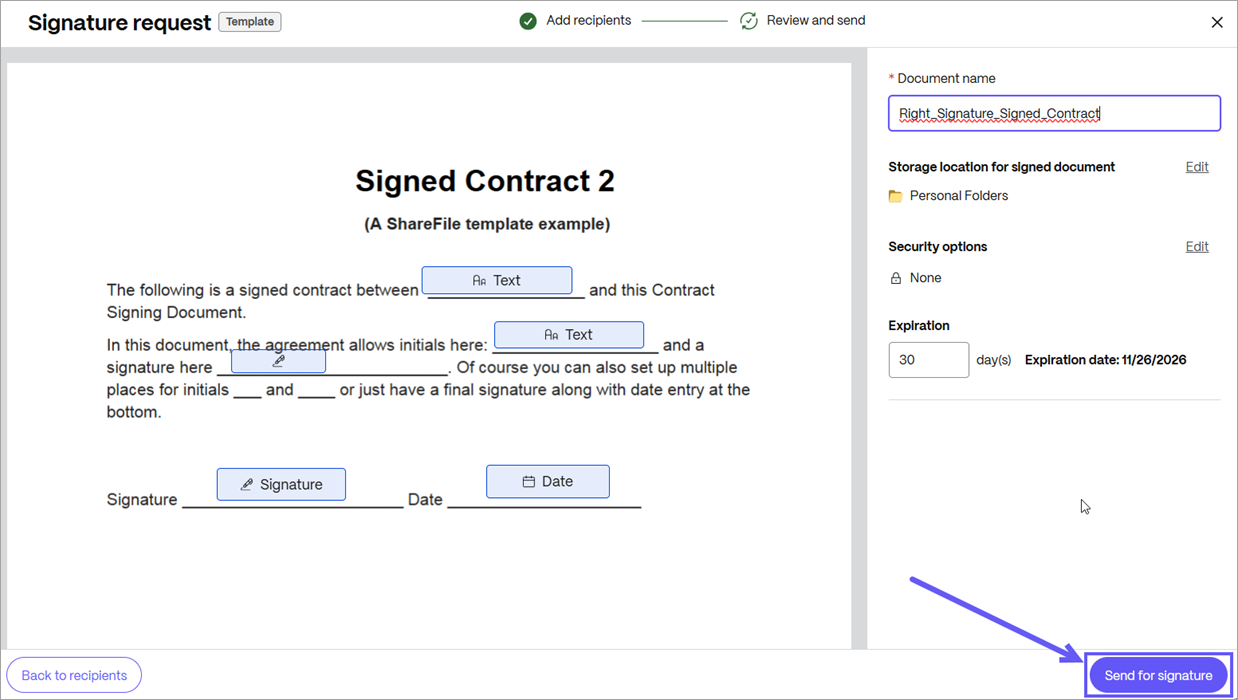
Select Send for signature.
-
The template is sent to all signers, creating an individual signature request for each signer.