Edit templates
To edit a template:
-
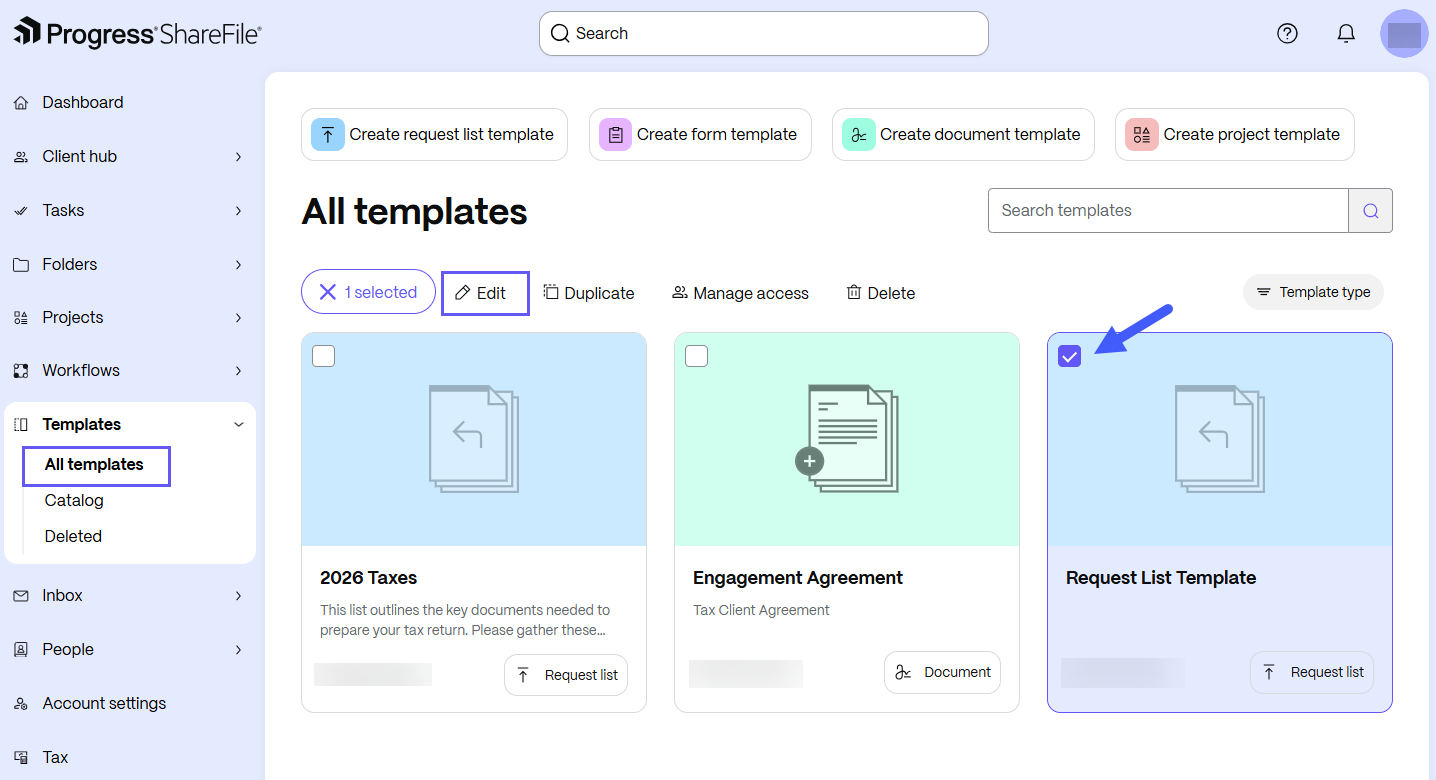
From the ShareFile navigation pane, select Templates.
-
Select All templates to browse templates that you created or that others shared with you.
-
Select the desired template. The template options display.
-
Select Edit.
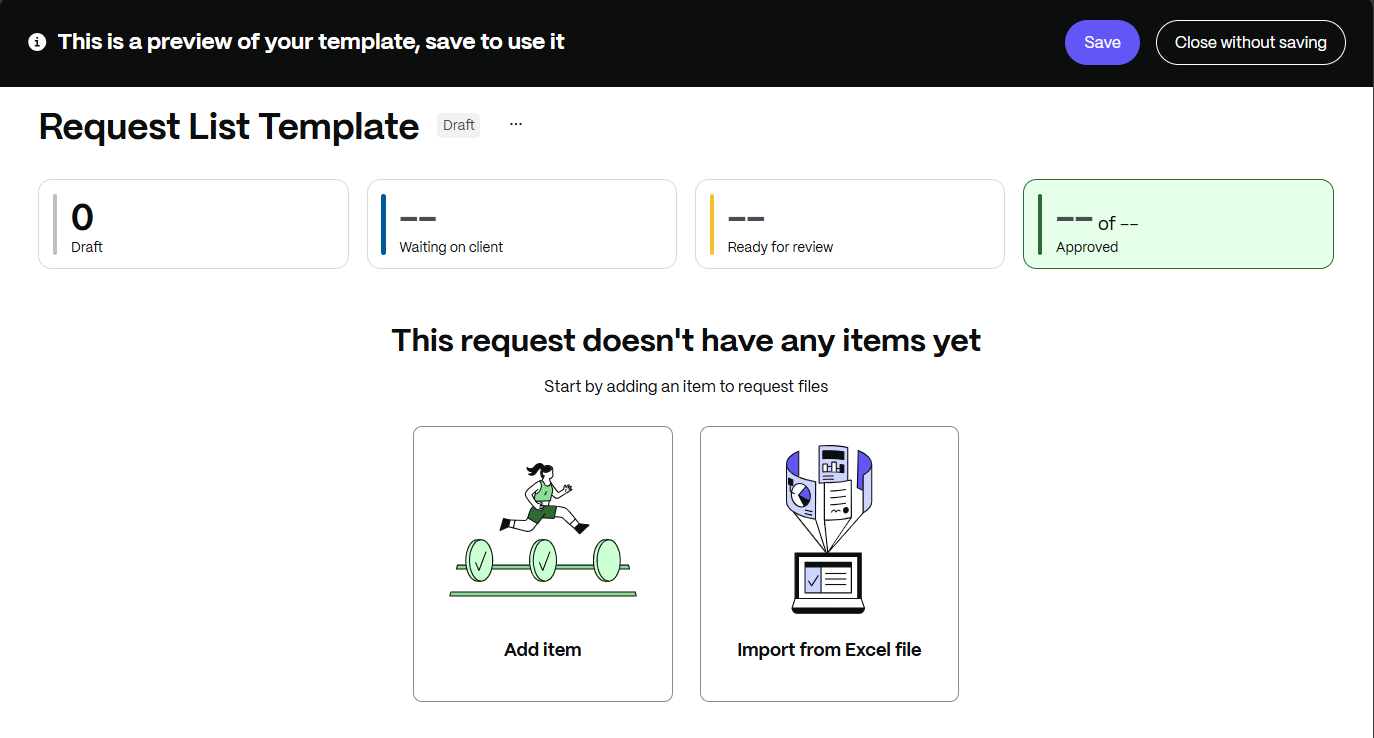
The template editor opens.
-
Make the needed changes, then select Save.
-
After you save your changes, select Close to exit the template editor. A warning message appears if you close the editor with unsaved changes.