Restore templates
To restore a deleted template:
-
From the ShareFile navigation pane, select Templates.
-
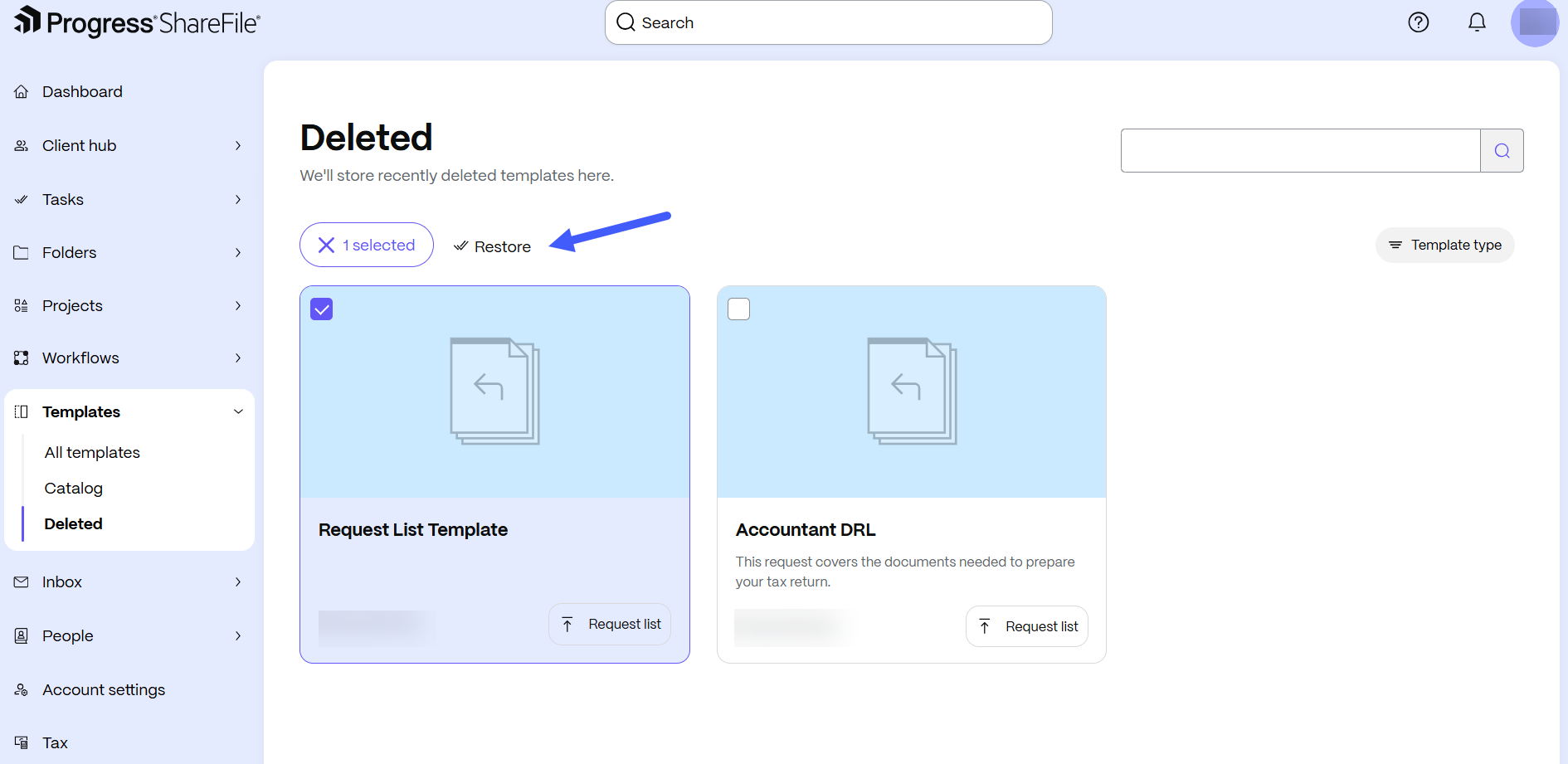
Select Deleted to browse recently deleted templates.
-
Select the template that you want to restore. The restore options appear.
-
Select Restore. The Restore template dialog box opens.
-
Select Restore to confirm. The template appears in All templates.