Access ShareFile in Outlook
Important:
The ShareFile for Outlook plugin is not compatible with the new Outlook for Windows. A new compatible version is coming soon.
The following steps explain how to access ShareFile in Outlook.
-
Open Outlook. The ShareFile logo appears on the ribbon bar.
-
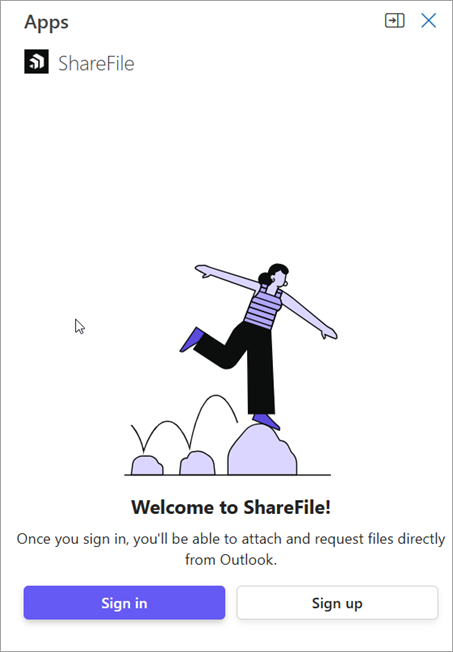
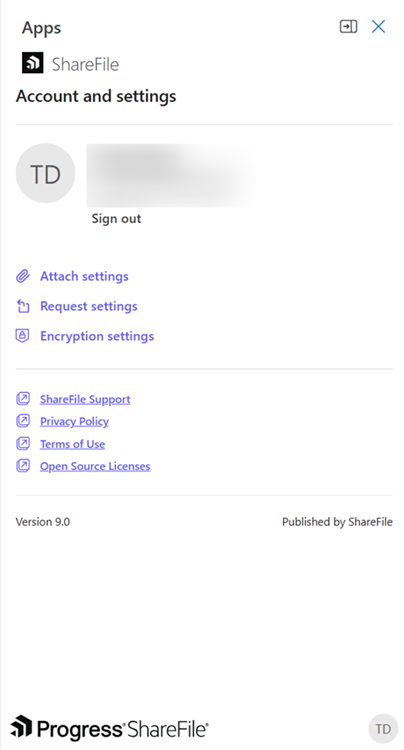
Select the ShareFile logo to log in (if necessary).
-
Log in using your ShareFile account credentials.
Access ShareFile in Outlook while composing an email
To apply ShareFile actions to an outgoing message, access the ribbon controls within the email composition window.
-
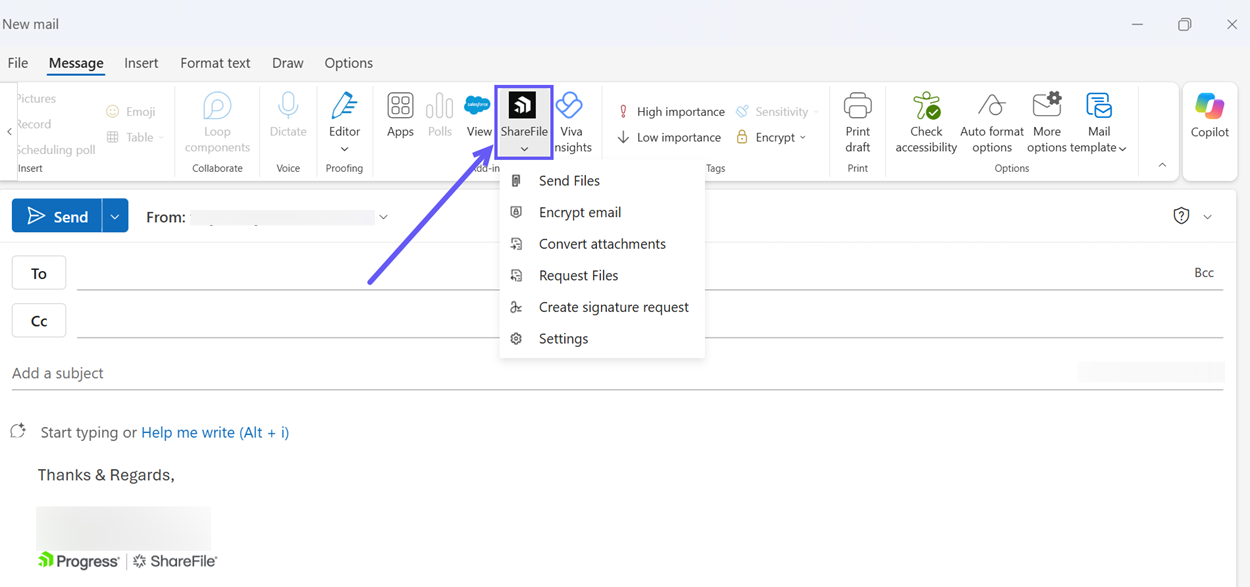
On the Outlook Home tab, select New Email.
-
In the message window, locate the ShareFile section on the Message ribbon tab.
Enable SSO for Outlook add-in
To use SSO with an Outlook add-in, you must enable Modern Authentication Auth in Exchanges on-premises for the Microsoft 365 tenancy.