Access ShareFile in Outlook
Important:
The ShareFile for Outlook plugin is not compatible with the new Outlook for Windows. A new compatible version is coming soon.
The following steps explain how to access ShareFile in Outlook.
-
Open Outlook. The ShareFile logo appears on the ribbon bar.
-
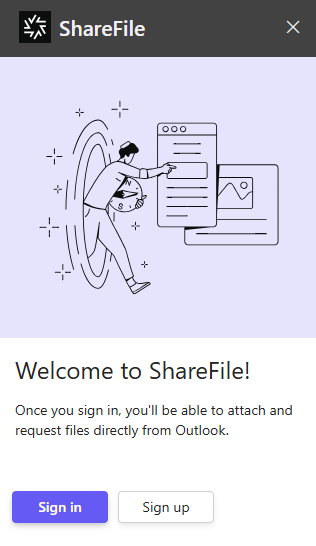
Select the ShareFile logo to log in (if necessary).
-
Log in using your ShareFile account credentials.
Enable SSO for Outlook add-in
To use SSO with an Outlook add-in, you must enable Modern Authentication Auth in Exchanges on-premises for the Microsoft 365 tenancy.