Delete files using ShareFile for iOS
Updated on Oct 23, 2026
The following steps explain how to delete files in ShareFile using your iOS device.
-
Navigate on your device to the folder holding the file or files you want to delete.
-
Tap the ellipses.
-
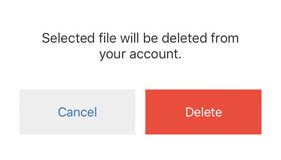
Tap Delete from the menu. A confirmation screen displays.
-
Tap the red Delete on the confirmation screen to delete the file.
A "File deleted" message appears at the bottom of the screen.