ShareFile Catalog
The ShareFile Catalog is used to find Solutions, Integrations, and Templates for your business.
To access the catalog:
-
From the ShareFile Dashboard, click the user icon located in the upper right corner of the screen.
-
Select Catalog from the dropdown options.
Notes:
If you can’t access the ShareFile Catalog, contact your ShareFile administrator.
The Solutions Catalog is not available on Premium Trial accounts.
Solutions
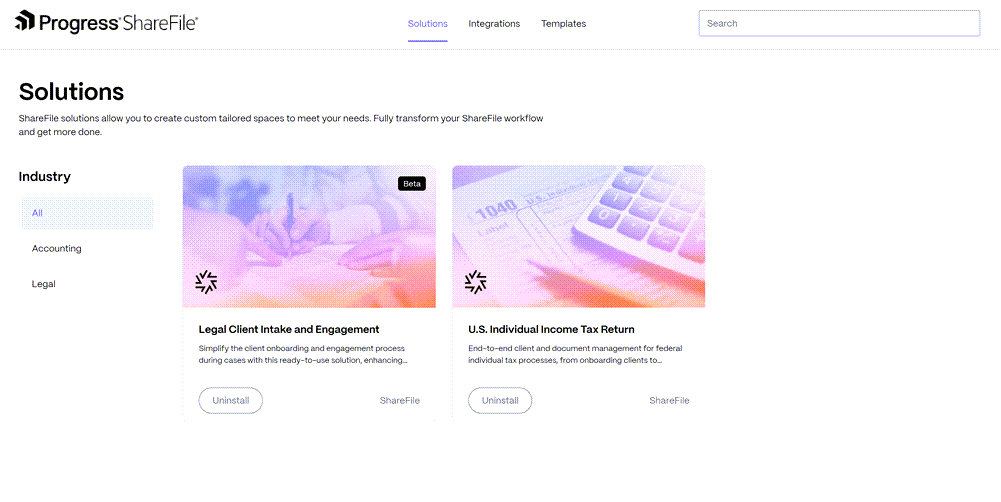
ShareFile solutions allow you to create custom tailored spaces to meet your needs. For more information, see ShareFile Solutions.
Integrations
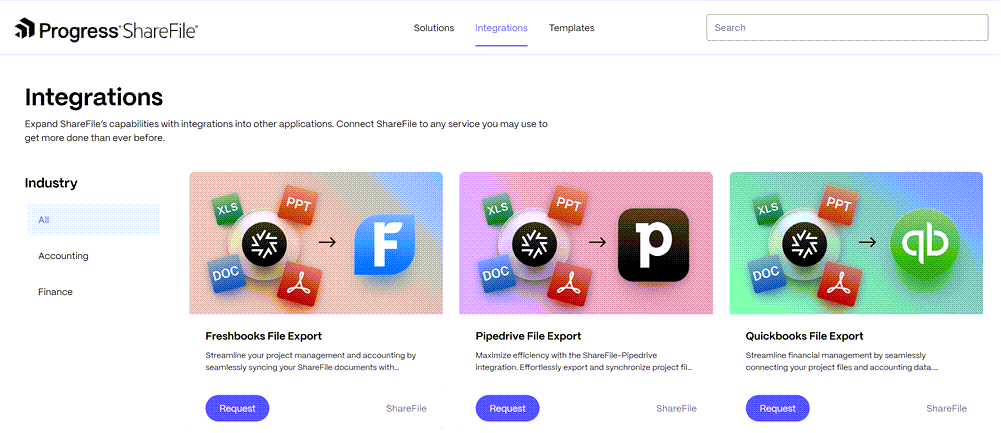
Select Install on any of these integrations to install. Once installed, you will be able to export files from ShareFile to your integrated application using the Export action after selecting a file. For more information, see Integrations.
Templates
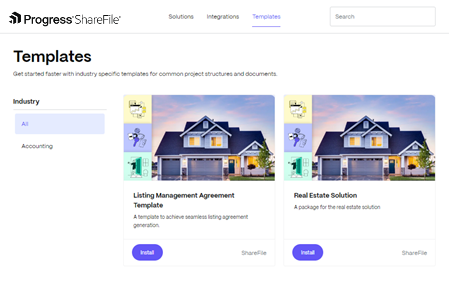
The ShareFile catalog offers pre-configured templates tailored for specific industries, making it easier for our sales team to address customer needs efficiently. See Templates for more information.
Advisory:
Starting September 9, 2025, the EU control plane will no longer support the following integrations:
- Salesforce File Export
- QuickBooks File Export
- FreshBooks File Export
- Pipedrive File Export
- QuickBooks Document Generator
- Salesforce Document Generator