View contacts custom fields as an employee user
Article applies to:
- ShareFile Employee users
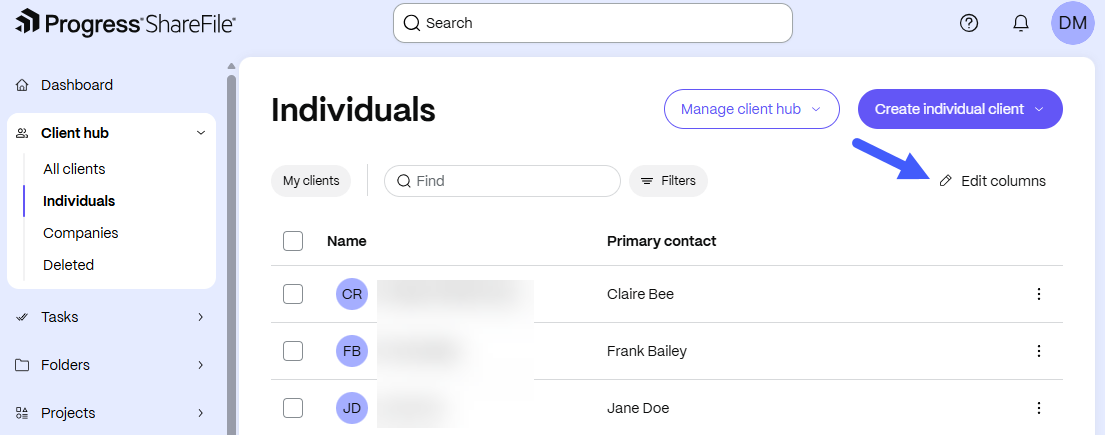
Assigned team members can select Edit columns to customize their contact view by selecting which custom fields to display.
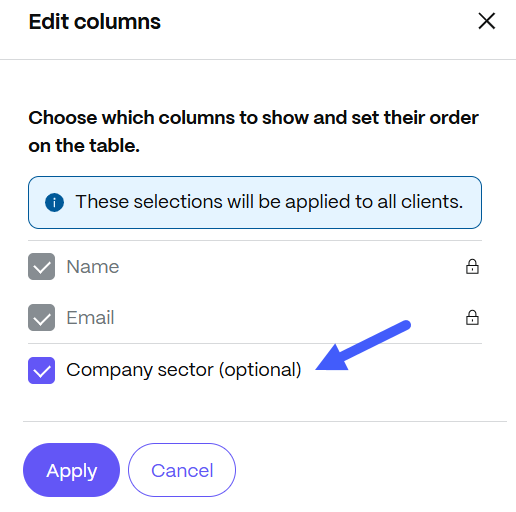
They can easily show or hide fields by checking or unchecking them according to their preferences. Click Apply to implement changes.
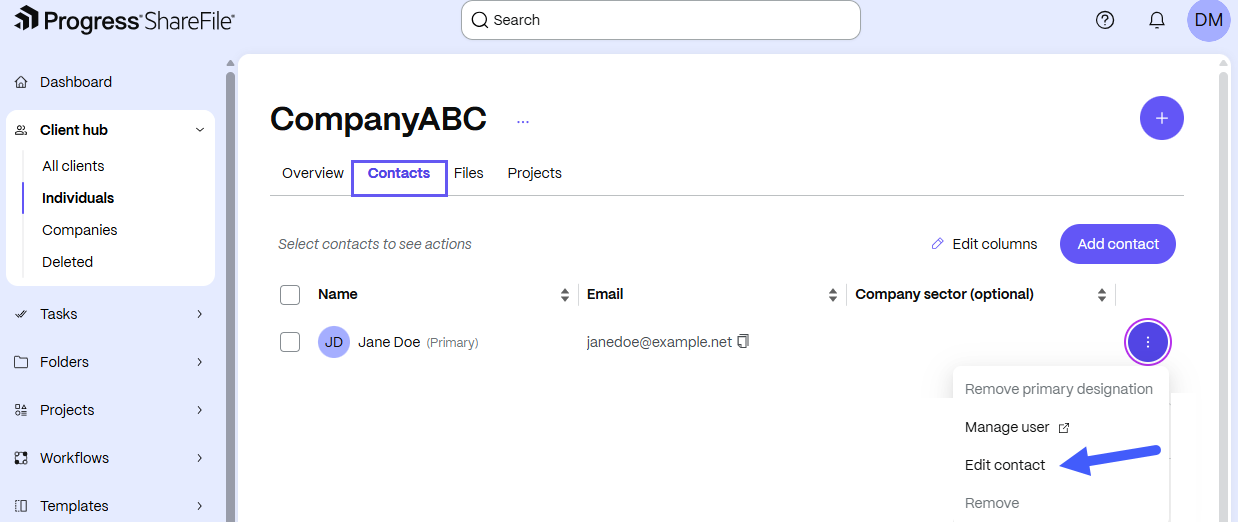
Assigned team members can click the three dot menu beside a contact for additional options and choose Edit contact to open up personal information about a specific contact.
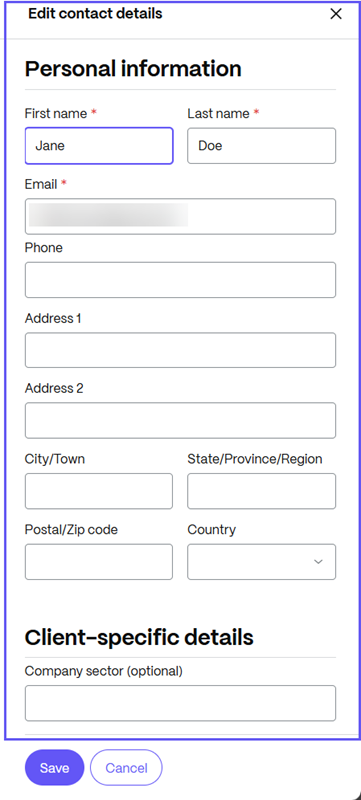
When the Personal information drawer opens, the assigned team members can edit personal information about the user and edit any of the client-specific details that have been enabled on their account by administrators. Click Save to implement the changes.