View Client custom fields as an employee user
Article applies to:
- ShareFile Employee users
Assigned team members can click on Edit in the Client Details section to open up a drawer to update custom fields for their client.
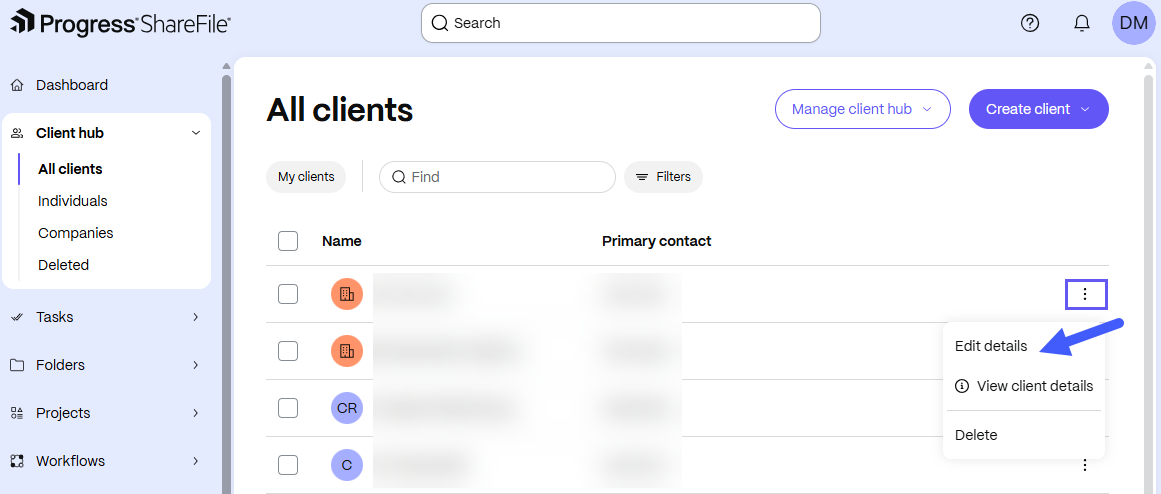
Custom details will appear after the default details on an account.
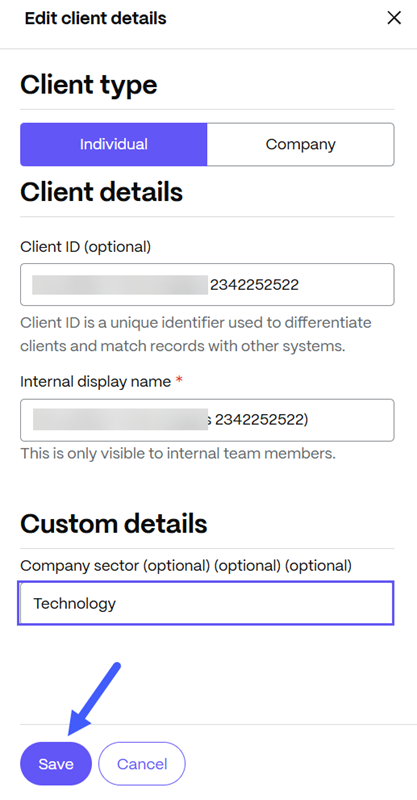
Any custom details that have been filled in with a value will appear in the Client details section on the client overview page for that client.