Schedule, monitor, and validate migrations
Schedule migrations at convenient times, monitor their progress, and confirm the transferred data is complete.
Schedule and monitor migrations
Set a migration schedule when you create a transfer to run it during off-peak hours or repeat it to transfer newly added files.
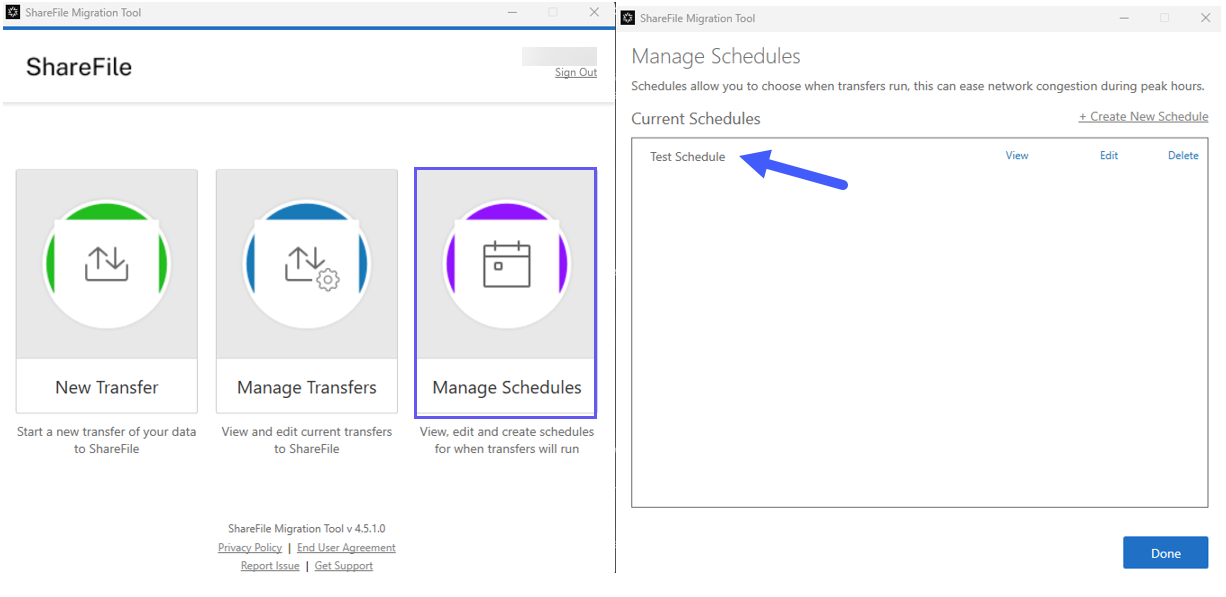
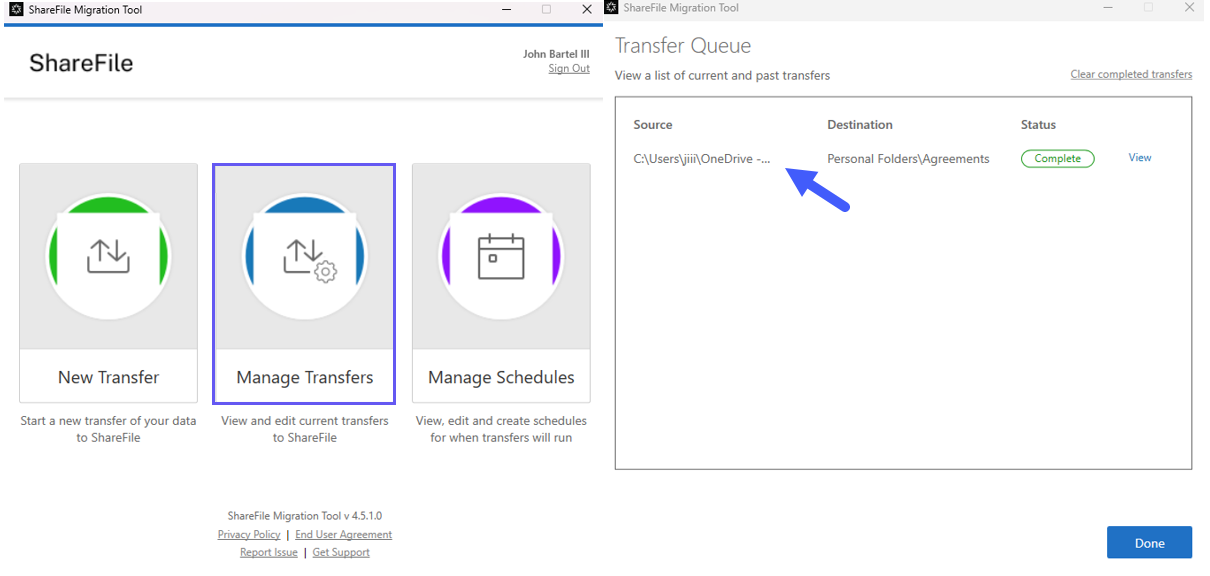
The tool displays the progress of each migration and sends completion notifications. You can stop a Recurring Job sync and review completed job statistics from the transfer view.
Validate a migration
After a migration completes:
- Confirm that all expected data was transferred.
- Confirm that shared folders and permissions were mapped to the correct ShareFile accounts.
- Run a Storage Detail report to compare data size and file counts.
- Preview individual files in ShareFile to verify that they open correctly.