Delete folders
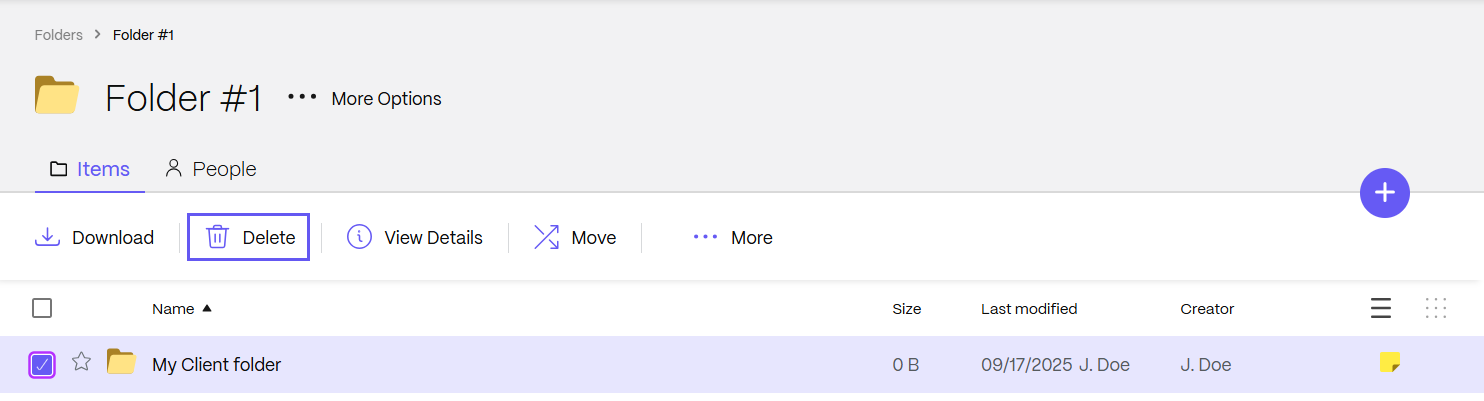
To delete a ShareFile folder from your account:
Note:
To delete a folder, you must have Admin permission on the folder. Only the folder creator can delete a root-level folder. For more information, see Folder permissions and subfolders.
-
Select the checkbox next to the folder you want to delete.
-
Select Delete from the menu.
The Confirm Deletion screen displays.
-
Select Continue to delete the folder
The folder is deleted.