Delete email addresses
To delete email addresses:
-
From your ShareFile dashboard, click the user icon located in the upper right corner of the screen.
-
Select Personal settings from the dropdown options.
-
Go to Profile > Email addresses.
-
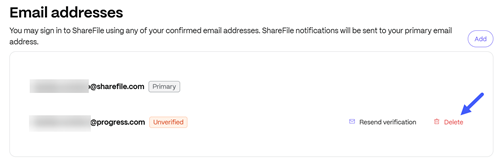
Select Delete next to the email address that you want to delete:
-
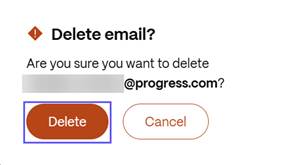
In the Delete email? window, click Delete:
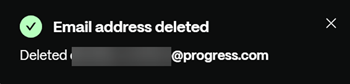
A confirmation message displays once the email address is deleted: