Set a security question
The security question is used by Support to verify your identity.
To set up a security question:
-
From your ShareFile dashboard, click the user icon located in the upper right corner of the screen.
-
Select Personal settings from the dropdown options.
-
Go to Profile.
-
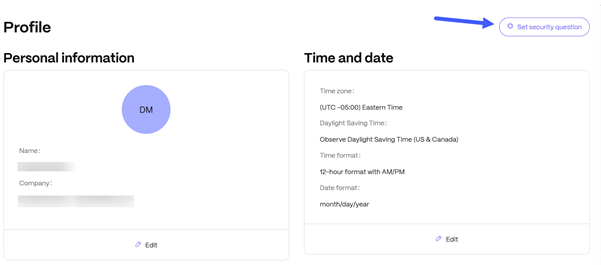
Click the Set a security question icon:
-
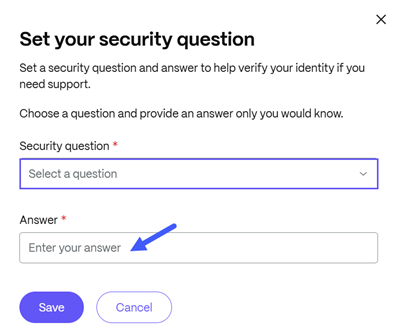
From the Set your security question window, choose a security question from the options in the drop-down list and provide an answer only you would know.
-
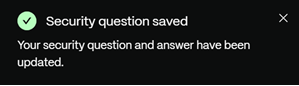
Click Save. A confirmation message displays: