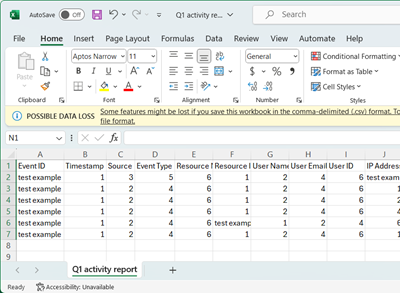
Create an activity report for a project
Projects allow you to create an activity report during the entire process of the completion of the project.
To create a project activity report:
-
Select the project you want to create an activity report for.
-
Select ... next to the project name then select Create activity report from the drop-down menu. The Create activity report pop-up displays.
-
Enter the Report name.
-
Enter the Date range for the report.
-
Select Create.
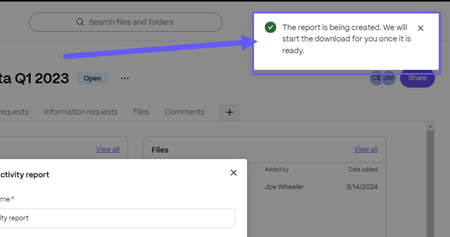
A message displays stating "The report is being created. We will start the download for you once it is ready."
-
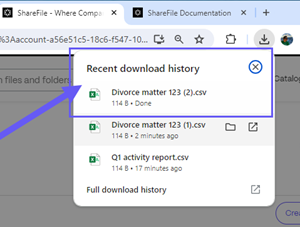
Use your browser download icon to access the download folder for the report.
-
Select the application you want to open the report with from the Select an app to open this .csv file pop-up.
-
The .csv file opens in the application you selected.