Access independent task files in ShareFile for Mac
The Independent Task File Access feature makes files associated with independent Request lists and Forms available in ShareFile for Mac.
The Tasks section in ShareFile includes Request lists and Forms. Tasks can be:
- Independent tasks: created and managed outside a project.
- Project-linked tasks: associated with a specific project.
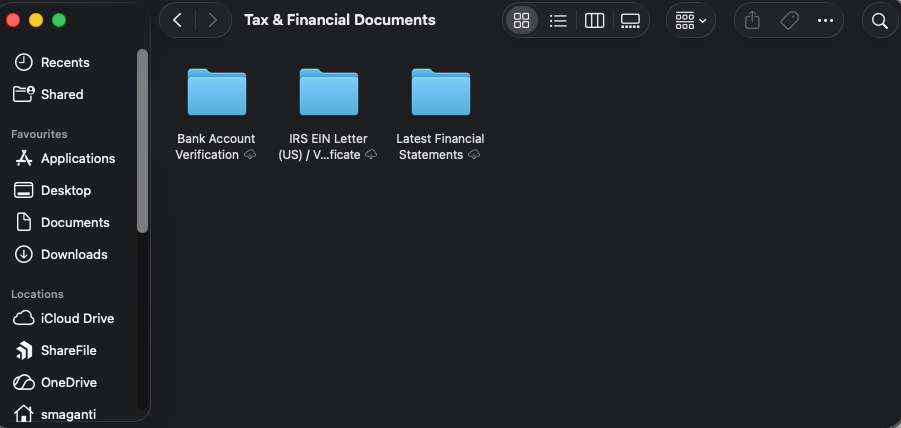
ShareFile for Mac enables access to independent Request lists and Forms through a virtual folder structure that mirrors the Tasks content available in the ShareFile web application. This feature allows you to access task-related content directly from your desktop without switching to the ShareFile web application.
Create or manage independent tasks in ShareFile web
Use the following instructions to create and manage independent tasks using the ShareFile web application.
-
Sign in to ShareFile web.
-
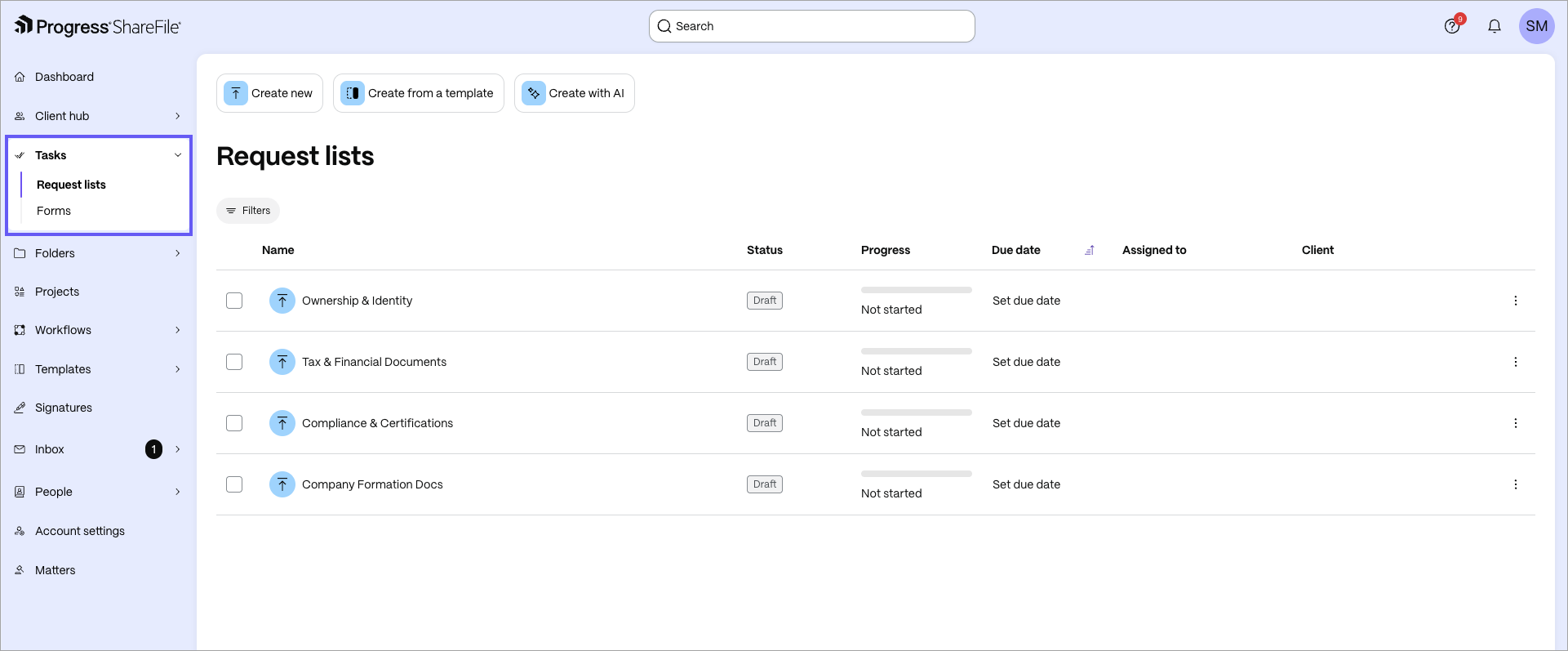
From the left navigation menu, select Tasks.
-
Select Request lists or Forms, and you can create standalone Request lists or Forms directly without associating them with a project.
-
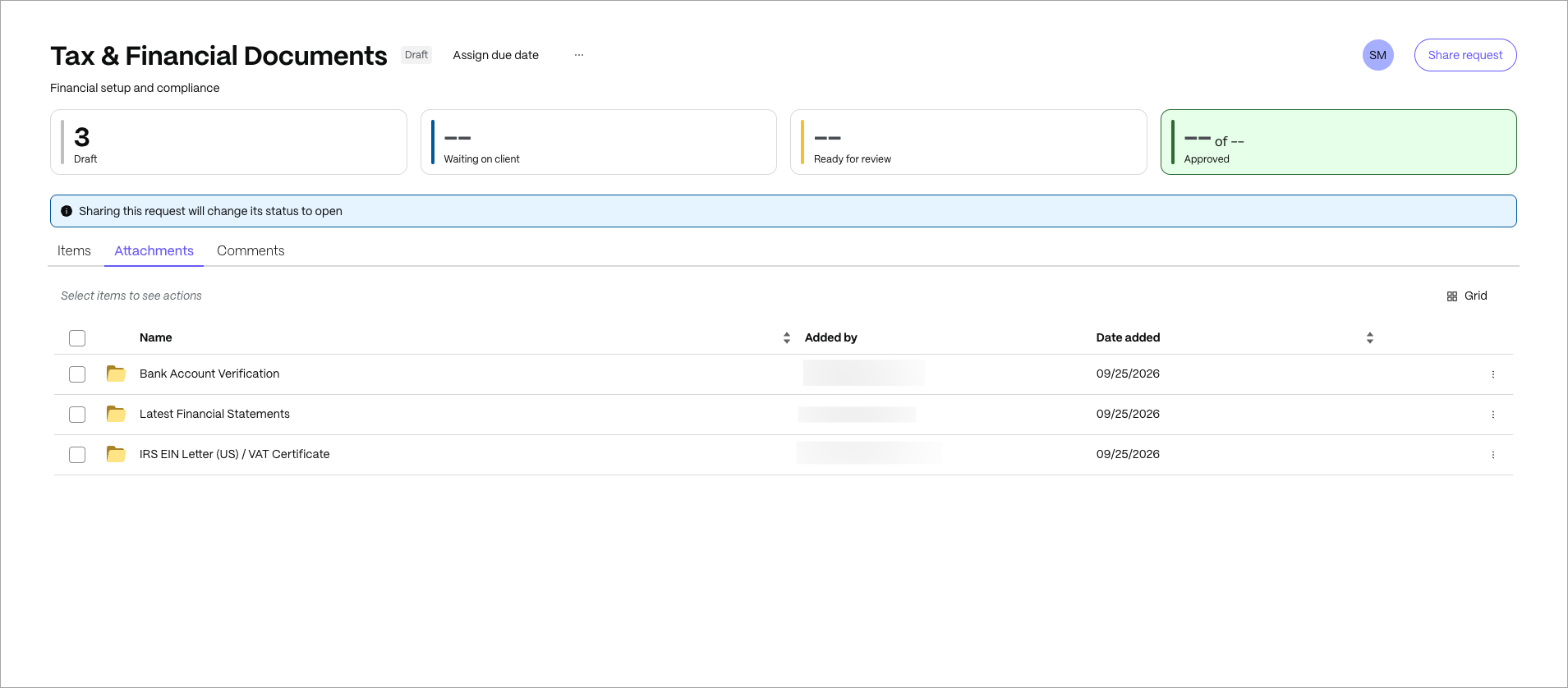
To manage an existing task, open a Request list or Form and select the Attachments tab.
Browse independent task files in ShareFile for Mac
After you create an independent Request list or Form in the ShareFile web application, it appears in ShareFile for Mac. Use the following instructions to access the associated files and folders.
-
Open ShareFile for Mac.
-
In the sidebar, navigate to ShareFile drive > Tasks.
-
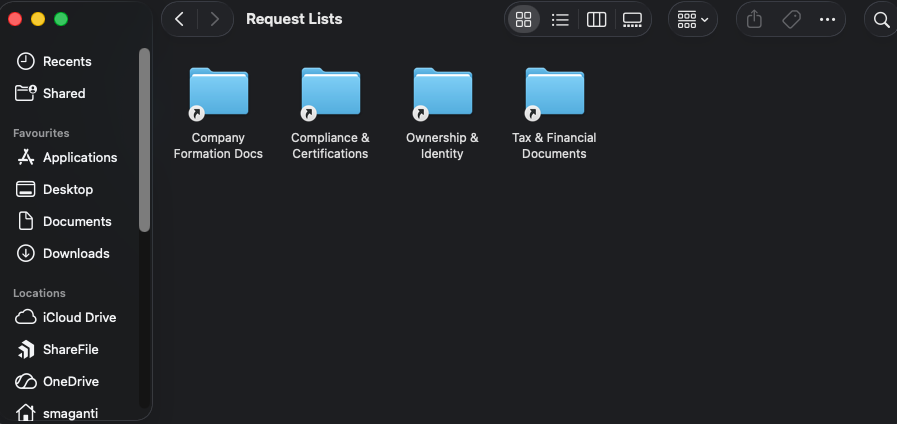
Select Request lists or Forms to view the files or folders that are mirrored from the ShareFile web application.
-
Under Request Lists or Forms, open the specific Request list or Form that you want to access. For example, open Tax and Financial Documents.
-
Browse and access the files and folders associated with the Request list or Form.