Create Standalone Forms
To create standalone Forms from the Tasks workspace:
-
From the ShareFile left navigation menu, select Tasks.
-
Select Forms.
-
Select how you want to create a standalone Form. Choose from:
- Create new to start from scratch
- Create from a template to use a pre-populated template.
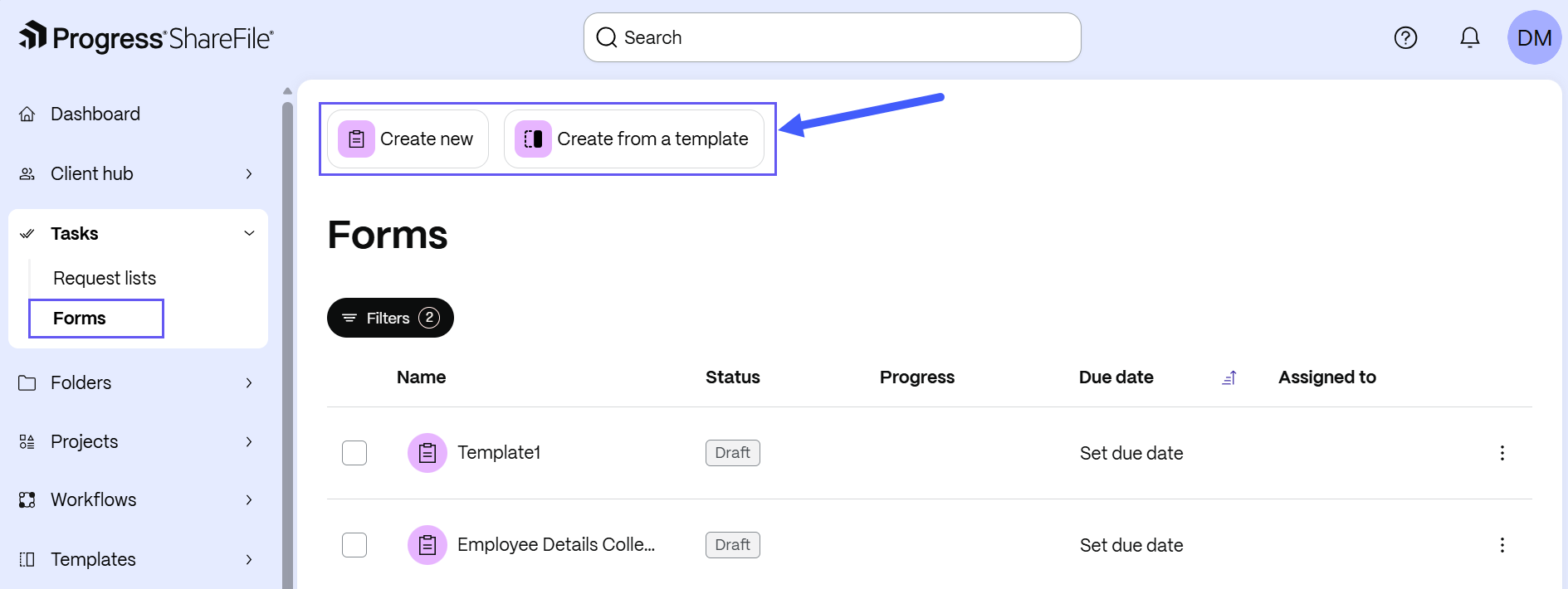
Once generated, the Form appears in the Tasks workspace.
NOTE:
Standalone tasks cannot be moved into an existing project. If a task is meant to be within a project, please choose a project during task creation.