Sign your own document
This article outlines the basic steps to send yourself a document for signature. Electronic signature supports PDF, Microsoft Word, RTF, and TXT file types for upload.
-
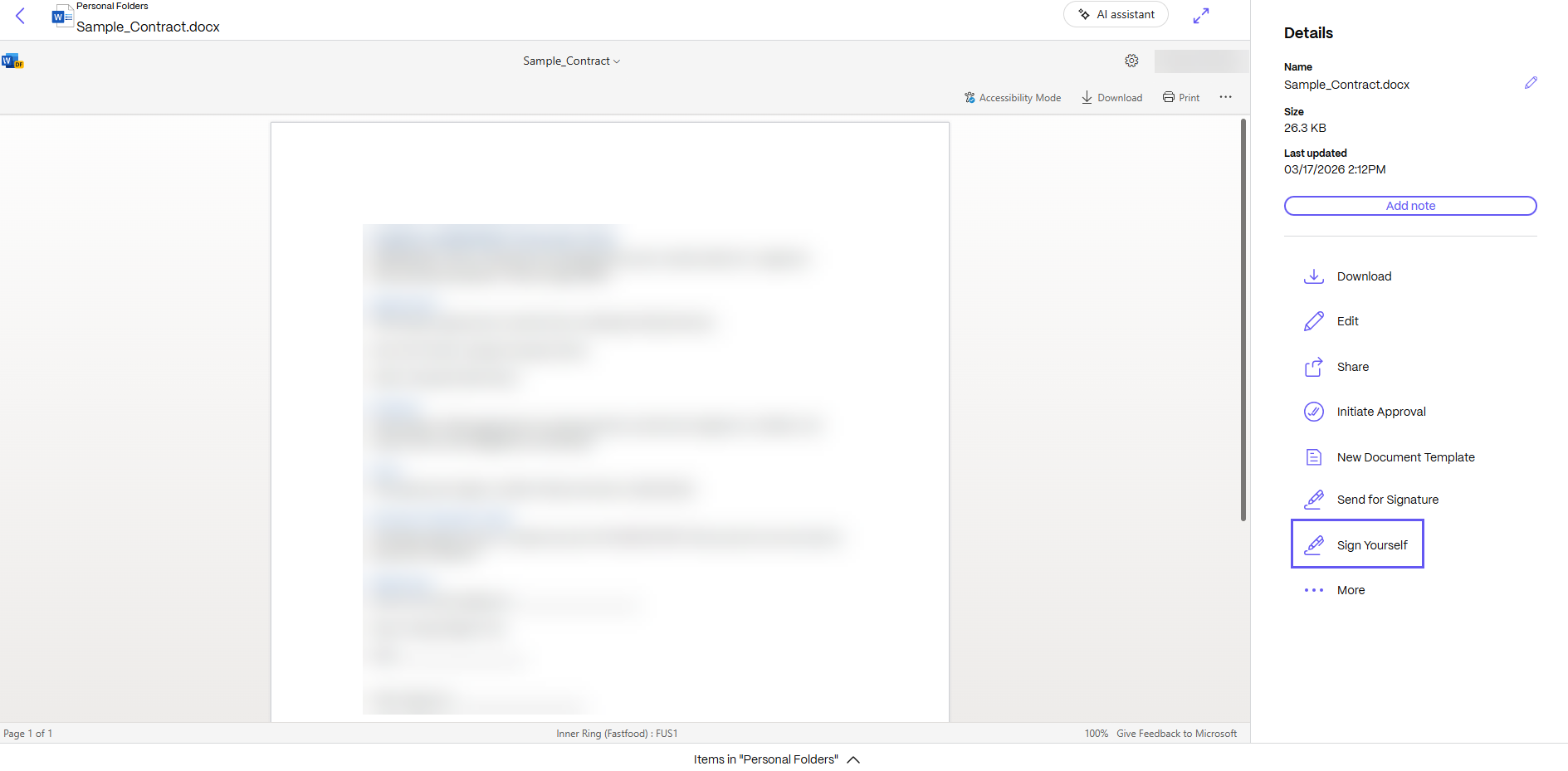
From your ShareFile account, select the document you want to send to yourself for signature. The preview window opens.
-
Select Sign Yourself to open RightSignature.
-
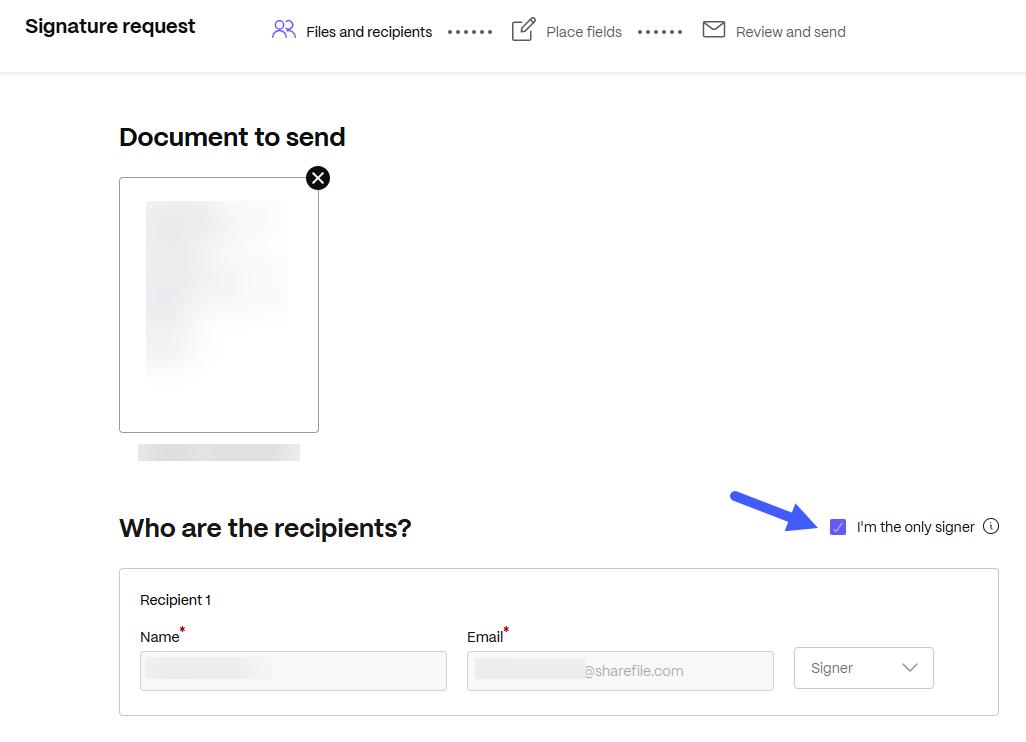
Under the Who are the recipients? section, select the I'm the only signer checkbox.
-
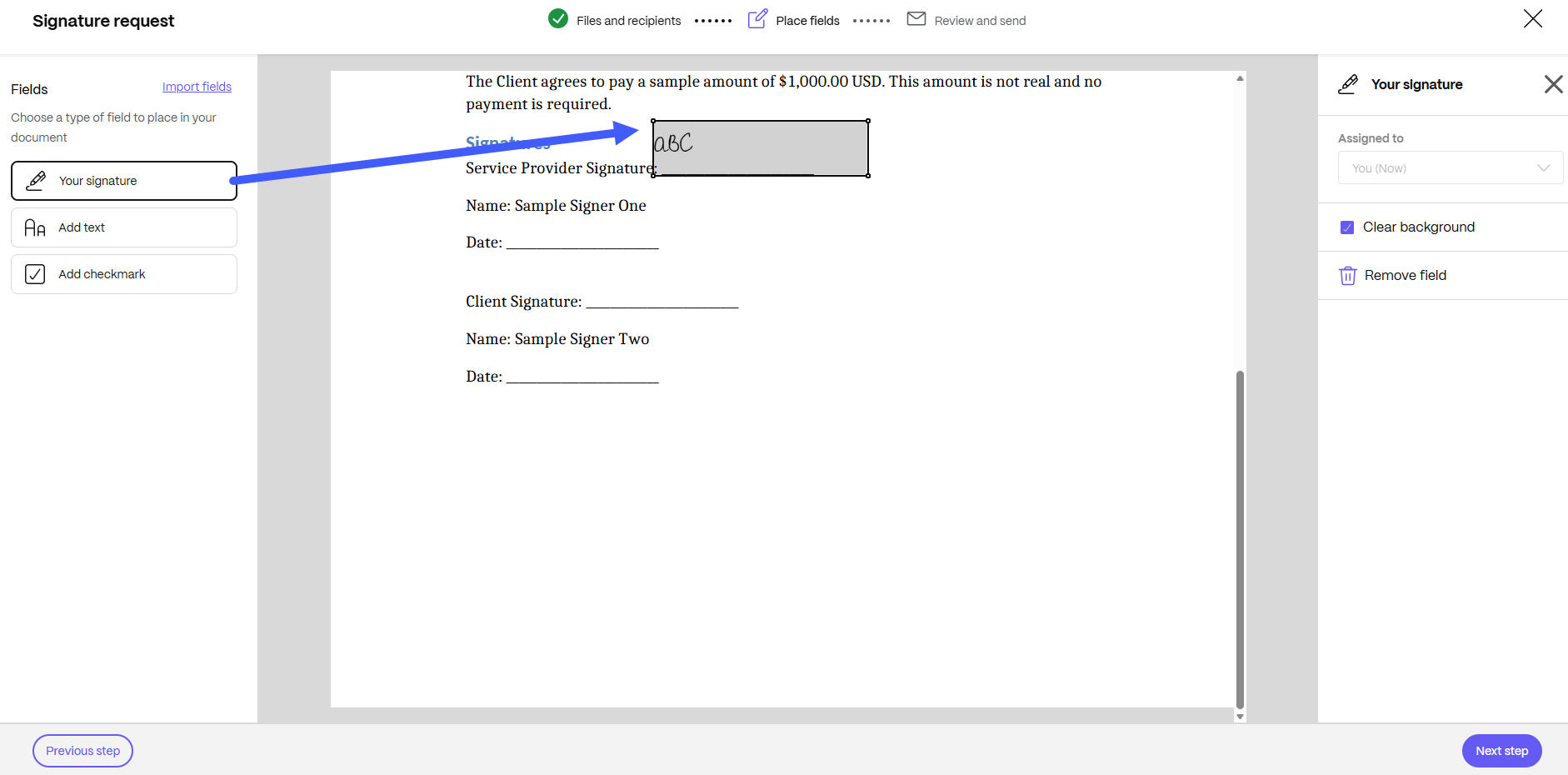
Place the Your signature field in the document. Drag and drop it to the desired location, then select Next step.
-
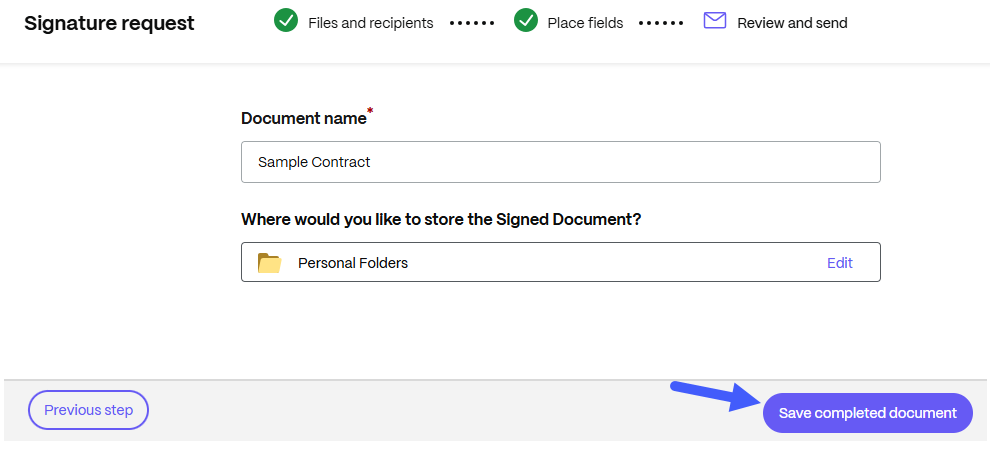
Review the Document name and location o tn where you would like to store the signed document. Edit the location if needed, then select Save completed document.
-
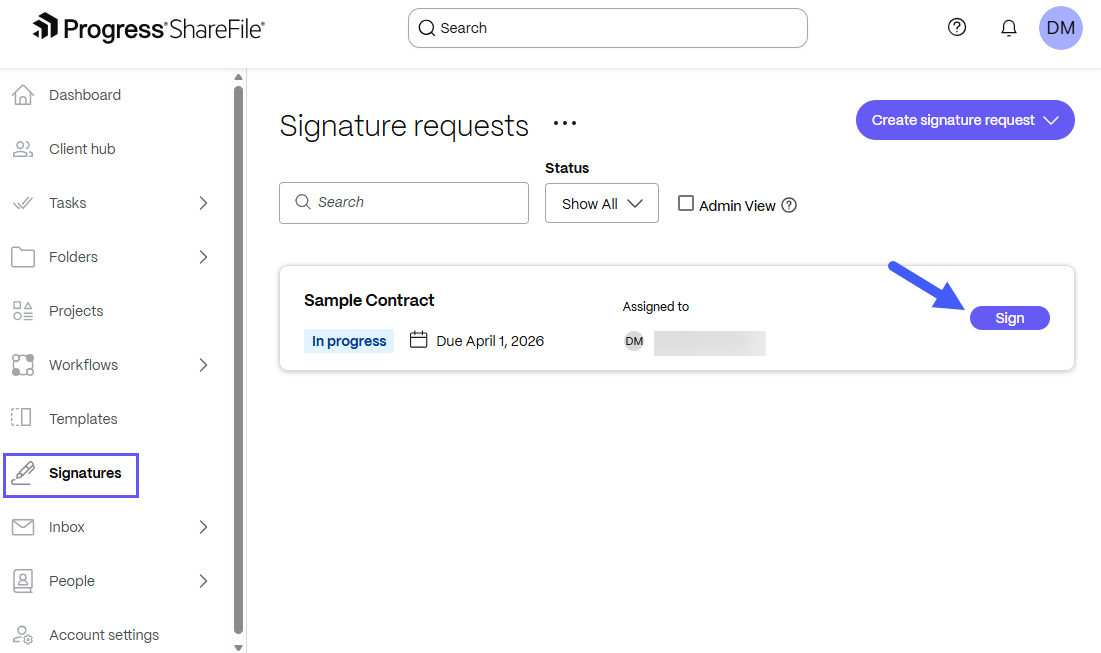
From the main ShareFile menu, navigate to Signatures to view signature requests, select Sign.
-
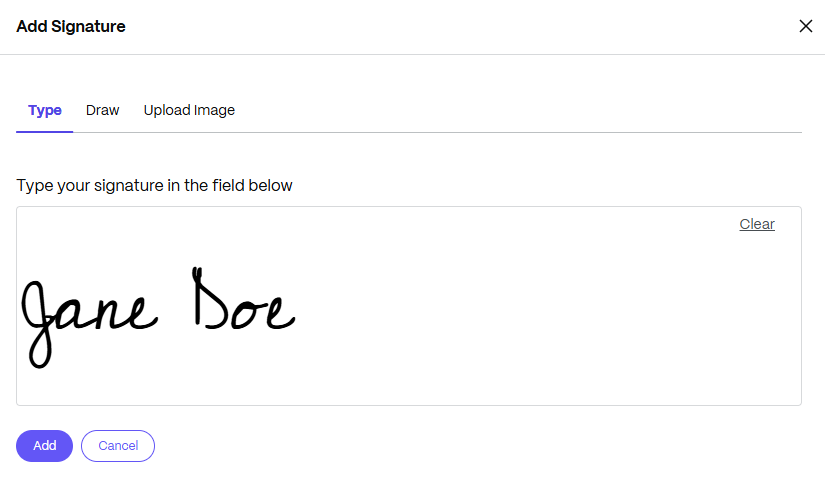
In the signature box, select Edit signature. You can use your mouse to draw a handwritten signature, use a saved signature, or use the type-to-sign feature. Click Add when finished.
-
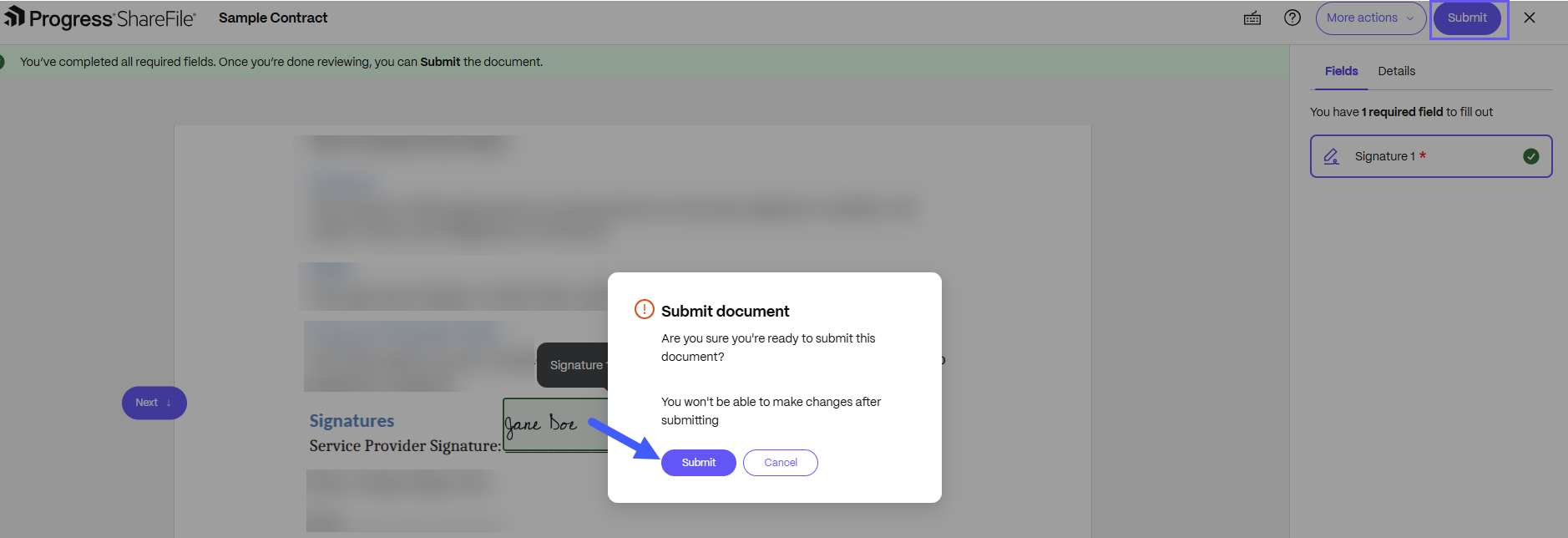
Select Submit and confirm document submission.